20
■ For Windows XP
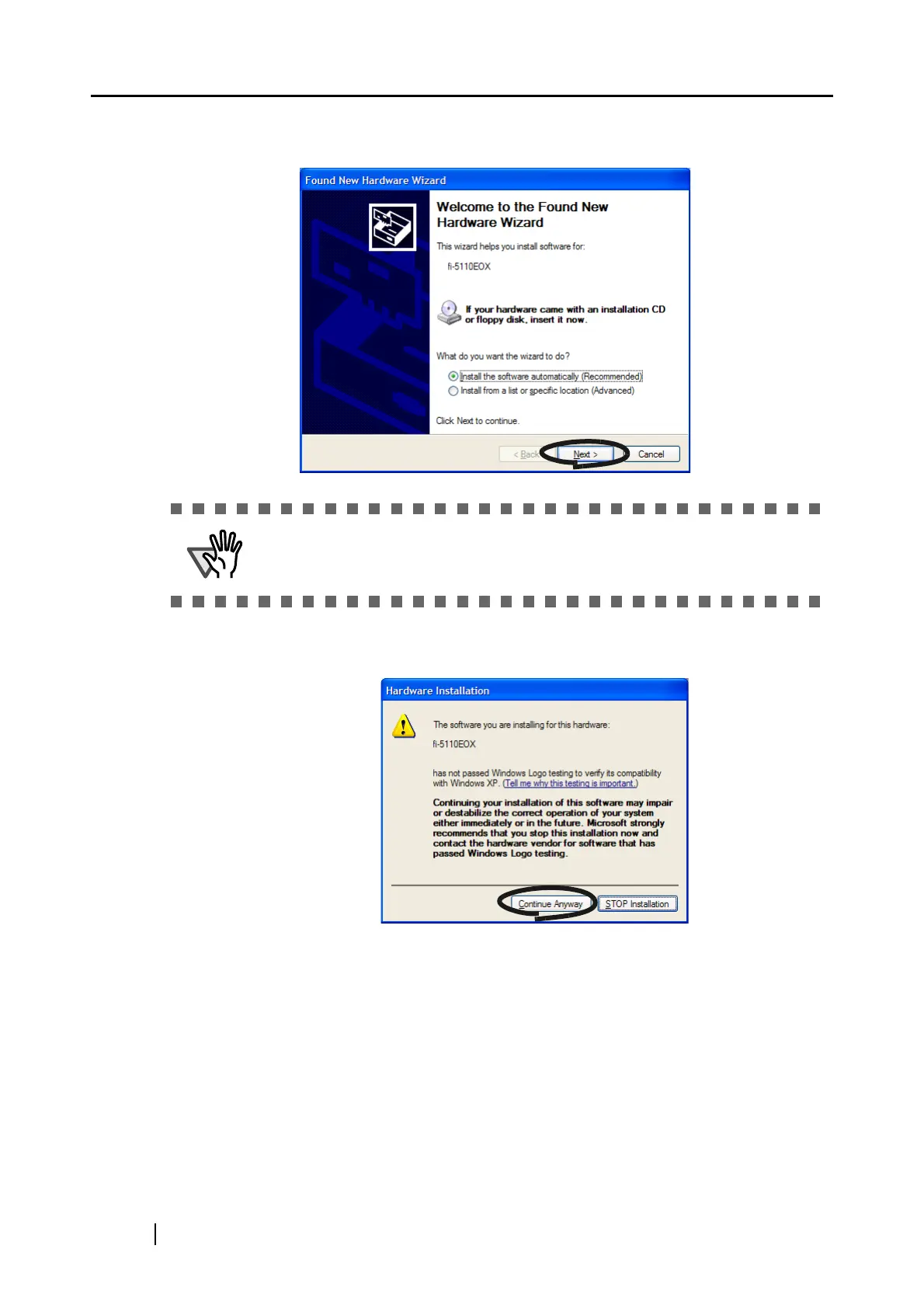
The "Found New Hardware Wizard" dialog box is displayed. Click the [Next] button.
The "Hardware Installation" dialog box is displayed. Click the [Continue Anyway]
button.
The "Found New Hardware Wizard" dialog box informing you that the Wizard will end
is displayed. Click the [Finish] button.
⇒ ScanSnap is added to your PC as new hardware.
Althought the message "If your hardware came with an installation CD or floppy
disk, insert it now." is displayed, you do not need to insert the CD into the CD-
ROM drive.



 To Next Page
 Loading...











