40
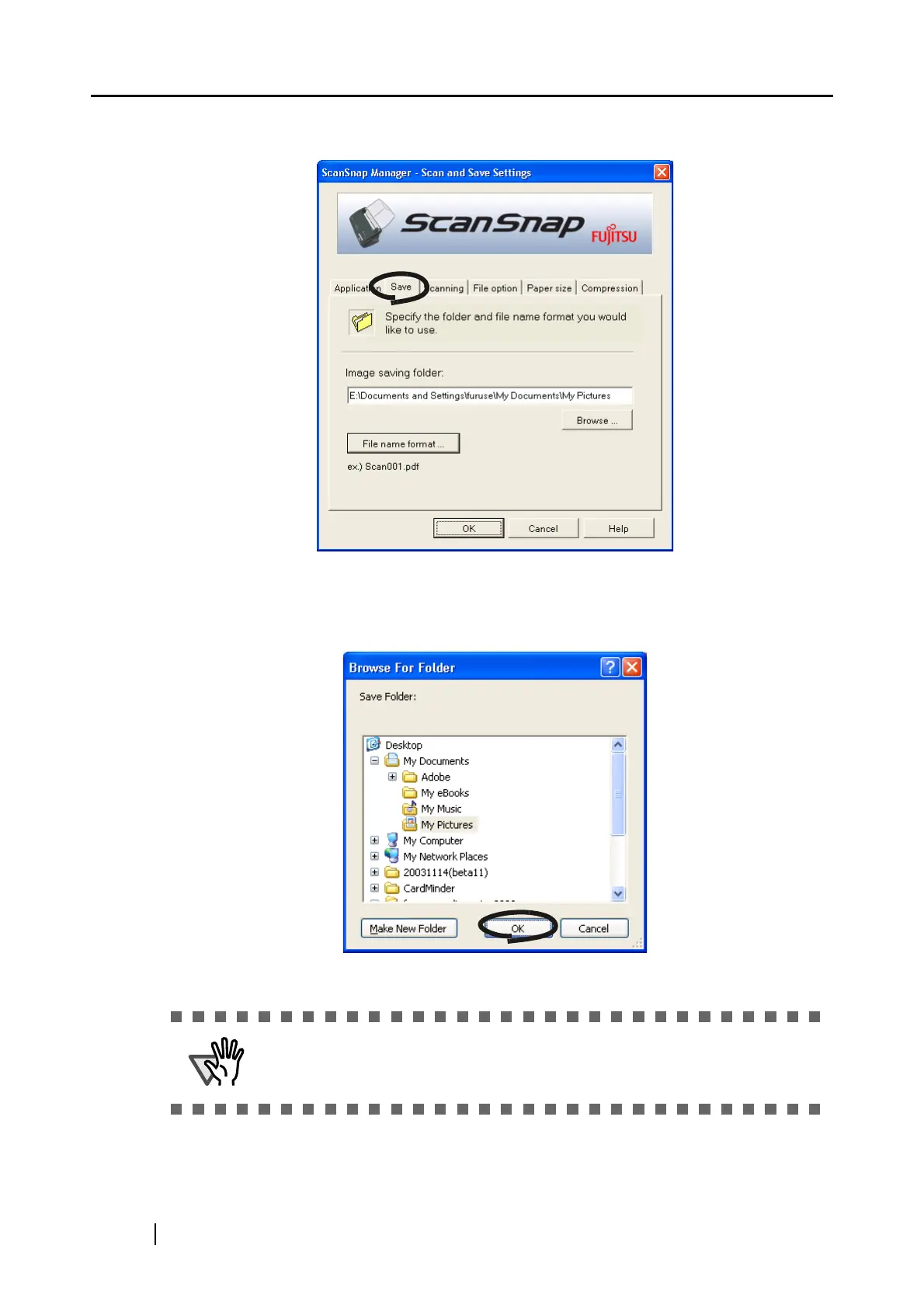
[Save] tab
■ Folder path to save an image:
Specify the folder to save the scanned image to.
When you click the [Browse...] button, the "Browse for Folder" screen is displayed.
Select the folder to save the scanned image to and click the [OK] button.
The function "Make New Folder" is not provided for Windows 98.



 To Next Page
 Loading...











