3.4 Changing Scan Settings
ScanSnap fi-5110EOX Operator's Guide 47
Basic Scanner Operations
3
• "Generate one PDF file per xx pages"
Creates a new PDF file at each set page.
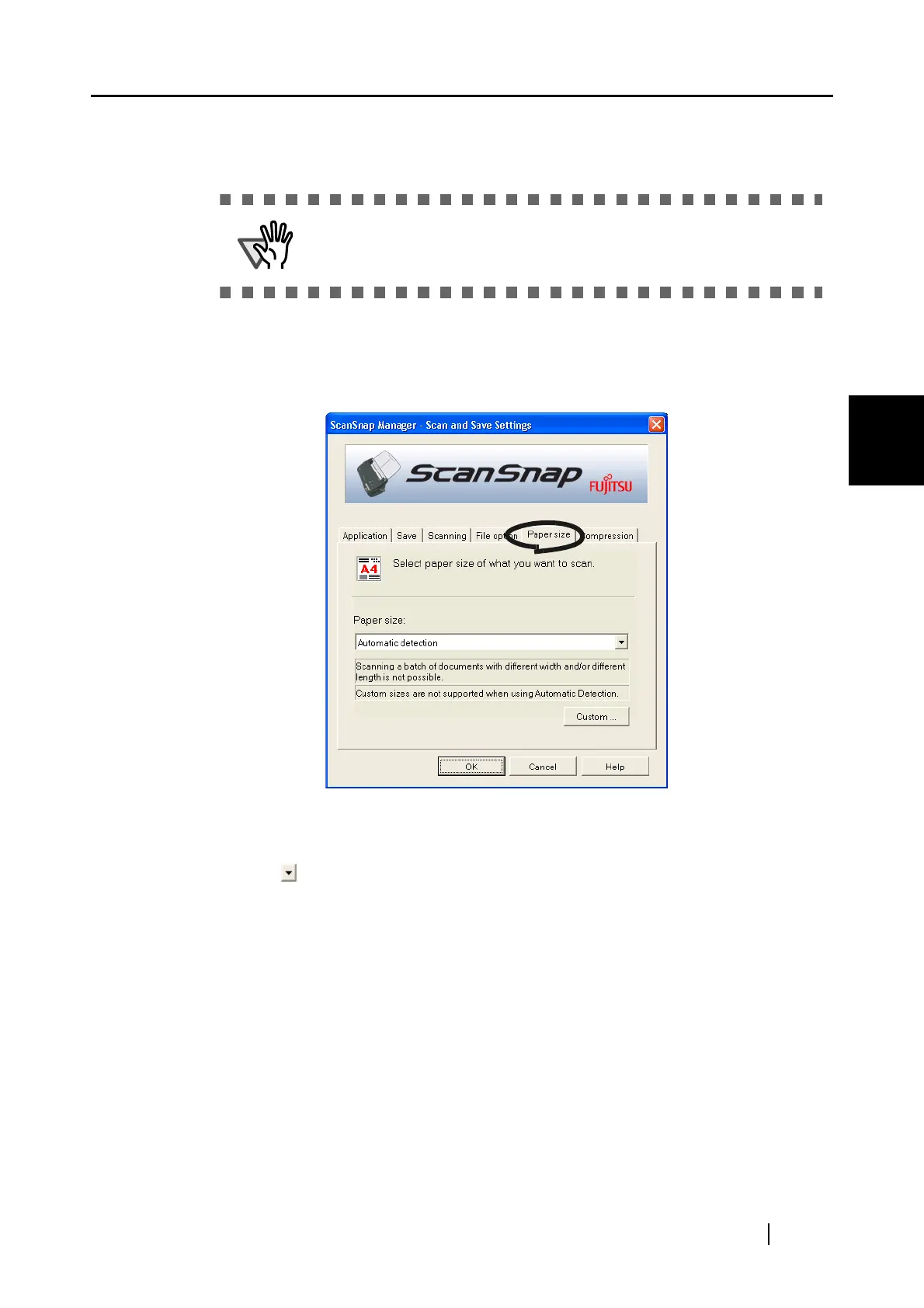
[Paper size] tab
■ Paper size:
Specify the size of the document to be loaded on the scanner.
Click to select the size. The following paper sizes (W x L) can be selected.
• Automatic detection
• Letter (8.5 in. x 11 in.)
• Legal (8.5 in. x 14 in.)
• A4 (210 mm x 297 mm)
• A5 (148 mm x 210 mm)
• A6 (105 mm x 148 mm)
• B5 (182 mm x 257 mm)
• B6 (128 mm x 182 mm)
• Business card (90 mm x 55 mm, 55 mm x 90 mm)
• Post card (100mm x 148mm)
• Custom (up to 5 settings can be registered)
When two or more files are created by one scanning, only the first file is
displayed on the screen.



 To Next Page
 Loading...











