3.5 Various settings according to your needs
ScanSnap fi-5110EOX Operator's Guide 63
Basic Scanner Operations
3
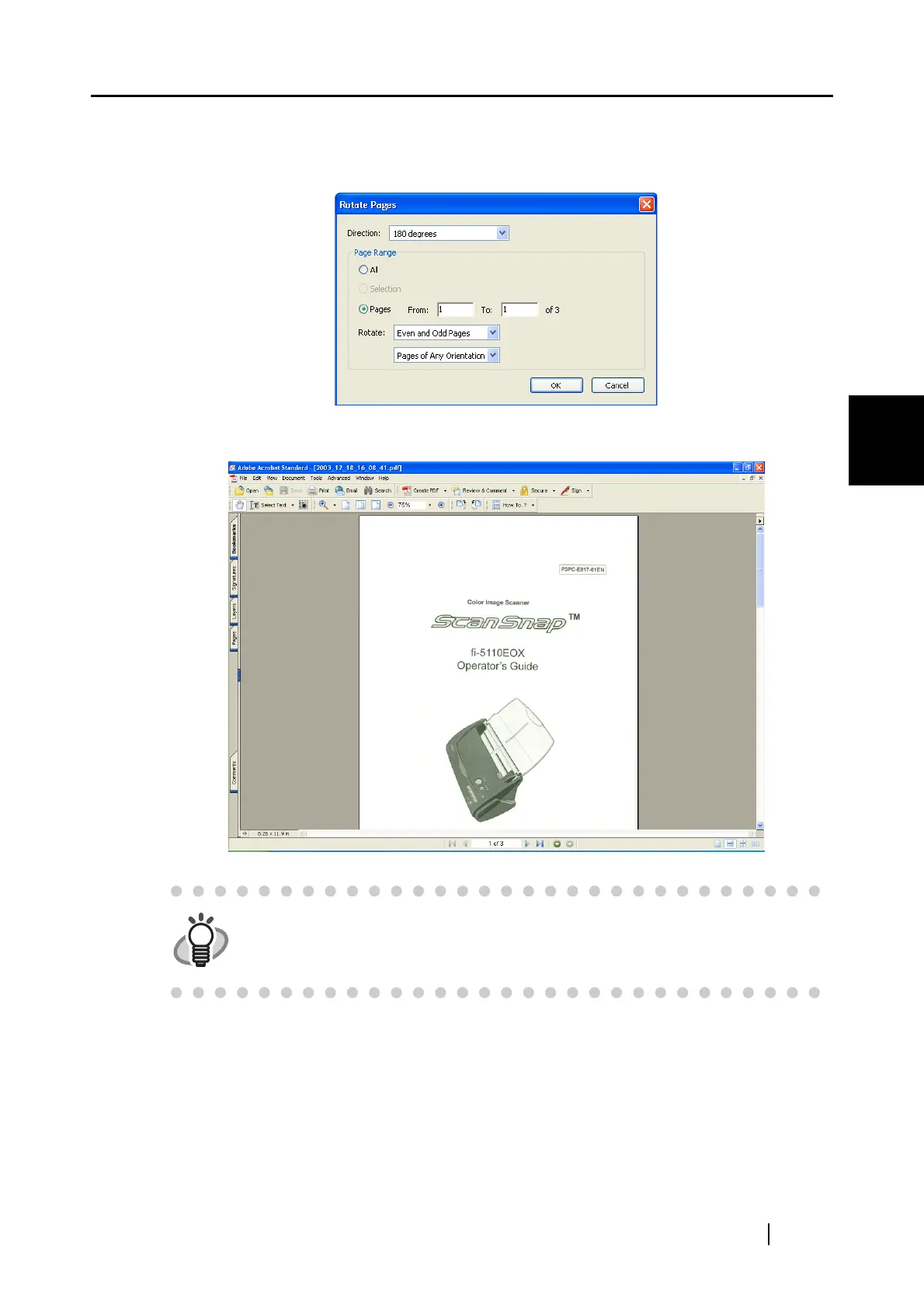
3. Specify the page in which you want to change the orientation and clic the [OK] button.
Direction: Specifies the angle and the direction of the rotation.
Page range: Specifies the page number of the pages you want to rotate.
⇒ The orientation of the specified page(s) is (are) changed.
For details of this function, please refer to "Adobe Acrobat Help".



 To Next Page
 Loading...











