3.5 Various settings according to your needs
ScanSnap fi-5110EOX Operator's Guide 65
Basic Scanner Operations
3
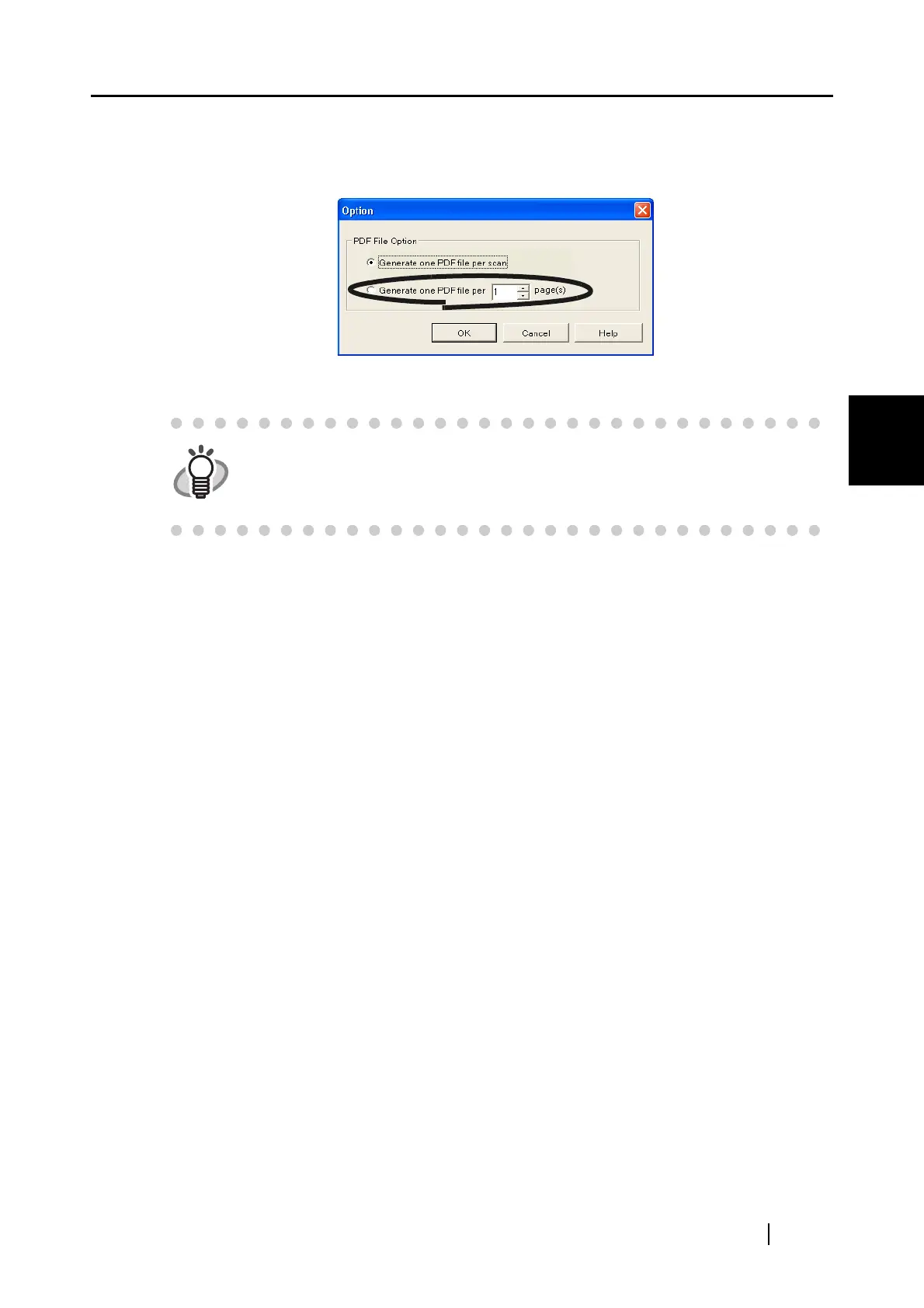
3. At "PDF File Option, select "Generate one PDF file per x page(s)" and enter a num-
ber.
One PDF file is created at each set page number.
4. Click the [OK] button to close the window.
⇒ The setting is enabled from next scanning.
HINT
In "Duplex" mode, two pages (front/back) are required per one sheet of a docu-
ment. It is recommended that you select the [Scanning] tab - [Option] button to
unmark [Allow automatic blank page removal]. If this function is enabled, there
may be gaps between the page numbers when the document has blank pages.


 To Next Page
 Loading...












