22
|
23
7. 2 C o n t r ol s
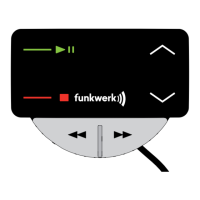
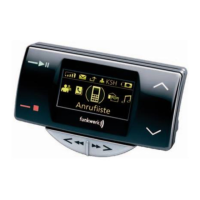
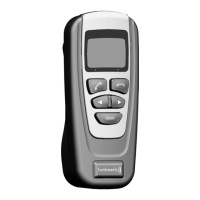
The EGO LOOK controller has three buttons.
The picture to the right gives a brief overview of
the device’s buttons. This section explains the
functions of the individual buttons.
Button functions
You use the rotary knob to navigate through the menus and to select the active menu. Another
function is the Voice control, which is activated by holding down the rotary knob. Numbers and
letters can be selected using the rotary knob in the “Speller”. You will find more information on
the “Speller” and “Voice control” in the corresponding chapters.
Brief description: Menu navigation, starting Voice control, entering numbers and letters,
selecting the active menu, stopping the screen saver
The green button is used for accepting an incoming call. Additional functions of the green button:
→ In the main screen: Selecting the active menu.
→ In the menus: Selecting the active menu.
→ In the contact list and the contact history: Starting a call to the currently selected number.
Brief description: Accepting, selecting a menu, starting a call to the currently selected number,
stopping the screen saver


 To Next Page
 Loading...