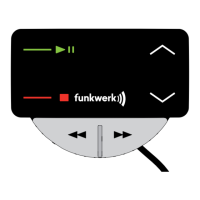
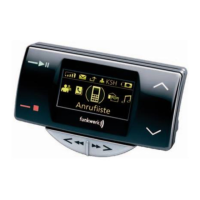
EGO LOOK
→ “Abort / Cancel“ Ends the dialogue without carrying out a function
→ “Help” Calls up Help and an explanation of possible commands
Some mobile phones may not support a call list via Bluetooth
®
. If this is the case, the EGO LOOK cannot show any entries
with this command.
“Show received calls”
This requires that numbers / names are included in the call list. If there is no entry, the EGO LOOK informs the user.
The announcement can be stopped at any time by pressing the button. Afterwards, the following commands are
available to you:
→ “Call / dial <name>” To dial the name in the call list
→ “Call / dial entry
number <1-20>” To dial a numbered entry in the call list
→ “Yes / Call / Dial” To confi rm the selection of the number/name
→ “No / Back” To not dial the number/name in the call list
→ “Abort / Cancel“ Ends the dialogue without carrying out a function
→ “Help” Calls up Help and an explanation of possible commands
Some mobile phones may not support a call list via Bluetooth
®
. If this is the case, the EGO LOOK cannot show any entries
with this command.


 To Next Page
 Loading...