1. RADAR OPERATION
1-87
1.45 Cursor Data
Cursor data can be shown in range and bearing from own ship, latitude and
longitude position or cursor’s X-Y coordinates.
1. Roll the trackball to choose the CURSOR DATA box at the right side of the
display.
+
34
°
40.849 N
135
°
18.303 E
CURSOR DATA box (L/L position)
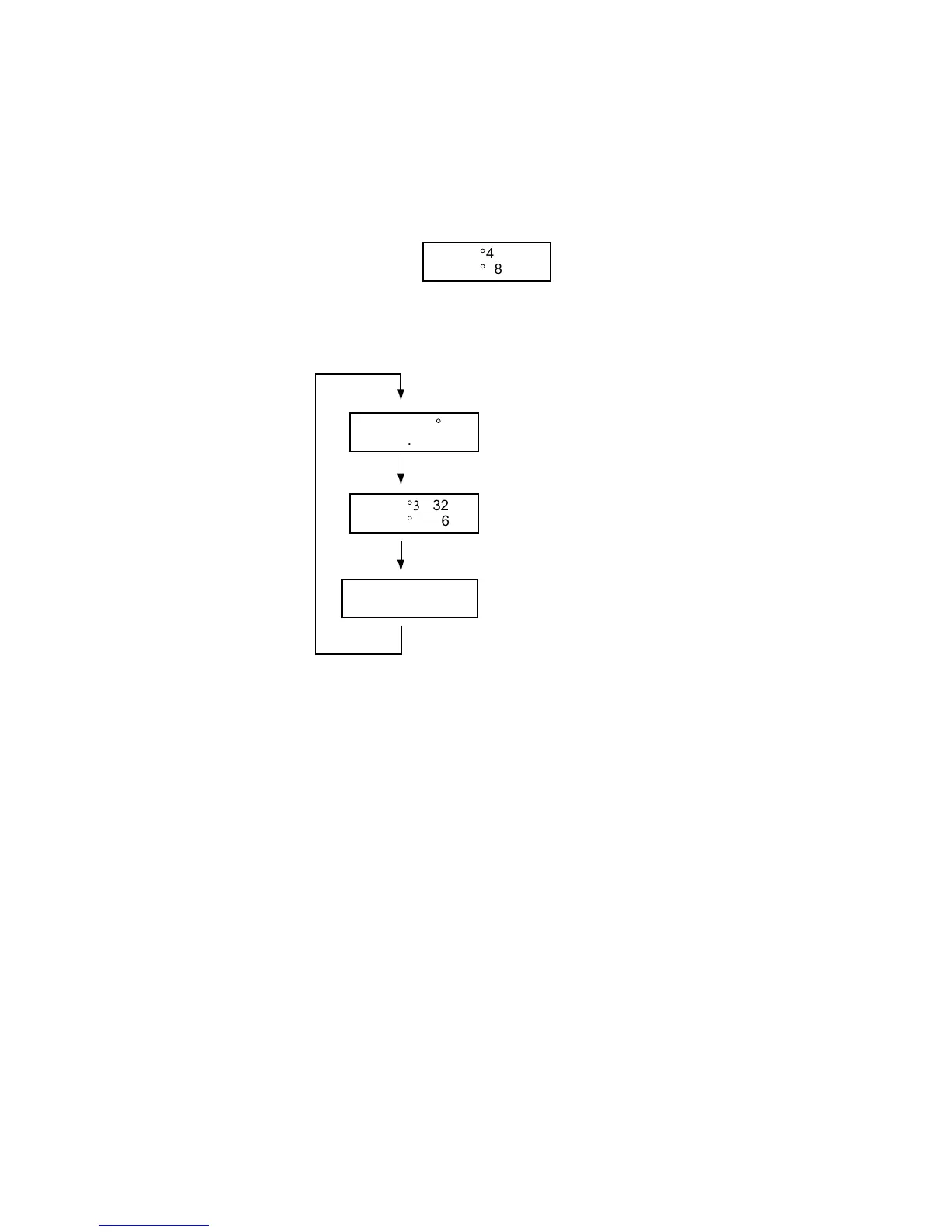
2. Push the left button to choose the cursor data to show. The cursor data
changes in the sequence shown below.
+
34
°3
0.323 N
135
°
08.263 E
+
9.649NM
9.683NM
+
1351.2
°
T
13.67NM
Range and bearing from
own ship to cursor position
Latitude and longitude
position of cursor
Cursor X-Y position
Cursor data options
Note 1: For the X-Y coordinates display, the Y-axis is the heading line, right/top
is “plus” and left/lower is “minus.”
Note 2: When displaying latitude and longitude position and the cursor has been
aligned (on the PLOTTER menu), the indication “ALIGN” appears at the
right side of the screen (in red).
Note 3: Cursor data reads “- - -.-” when the cursor is placed outside the effective
display area.



 To Next Page