1. RADAR OPERATION
1-49
[TRAIL MENU]
1 TRAIL MODE
REL/TRUE/
2 TRAIL GRAD
SINGLE/MULTI
3 NARROW TRAIL*
OFF/ON
4 TRAIL LEVEL
1/2/3/4
5 TRAIL RESTART
OFF/ON
6 TRAIL COPY
OFF/ON
7 OS TRAIL
OFF/ON
1.28 Target Trails
The trails of the radar echoes of targets may be displayed in the form of
synthetic afterglow. Target trails are chosen either relative or true and may be
sea or ground stabilized. True motion trails require a compass signal and own
ship speed input.
1.28.1 True or relative trails
You may display echo trails in true or relative motion (only true trail on TM).
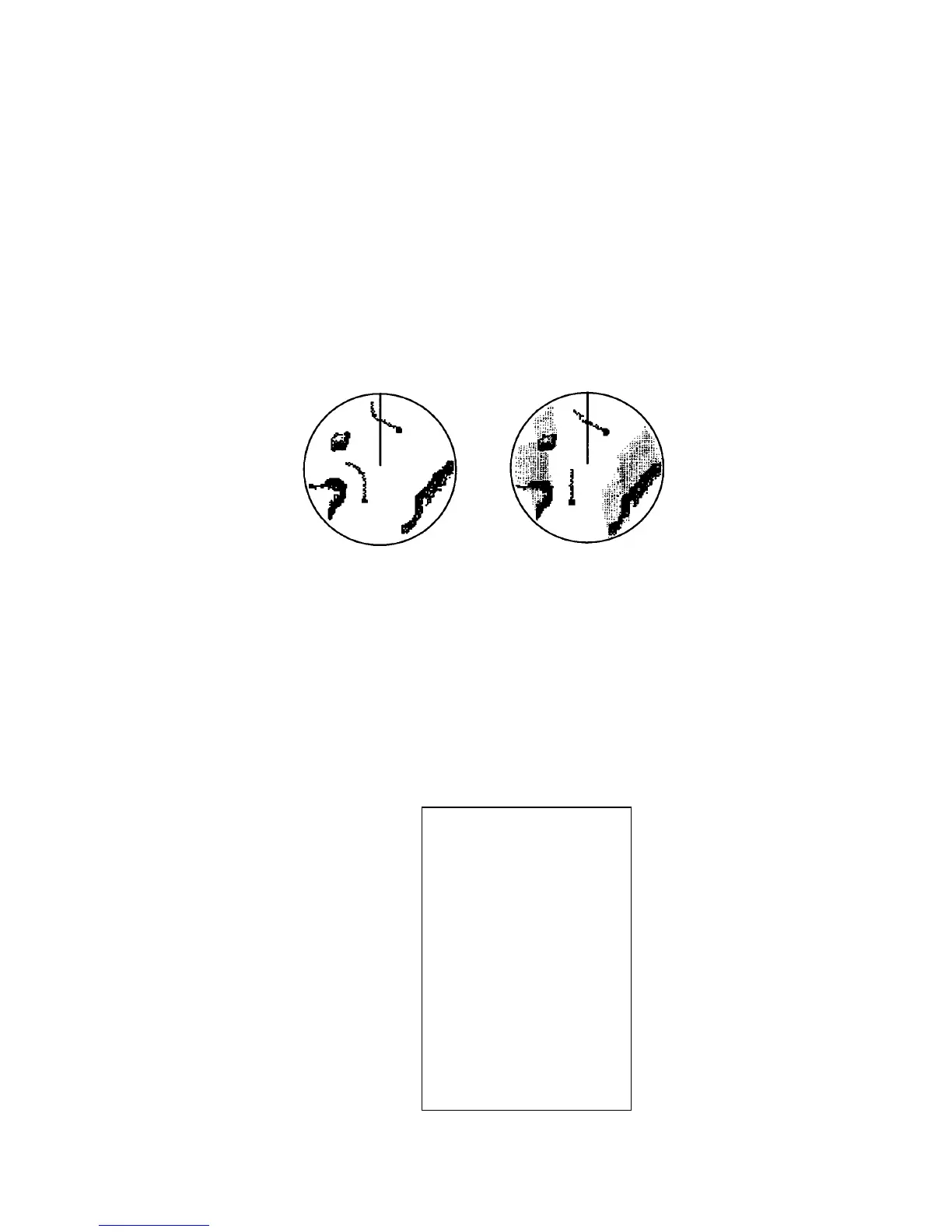
Relative trails show relative movements between targets and own ship. True
motion trails require a gyrocompass signal and own ship speed input to cancel
out own ship's movement and present true target movements in accordance with
their over-the-ground speeds and courses.
(a) True target trails
(No smearing of
stationary targets)
(b) Relative target trails
Targets moving relative
to own ship
Target trails
Note: When true trail is selected on the RM mode, the TRAIL MODE box is
shown in red. No true-relative selection on TM; it is only True trails on TM
mode.
1. Roll the trackball to place the arrow on the TRAIL MODE box at the bottom
right corner of the screen and then push the right button to open the TRAIL
menu.
TRAIL menu
*: Non-IMO radar only



 To Next Page