1. RADAR OPERATION
1-6
[MARK]
1 BACK
2 OWN SHIP MARK
OFF/ON
3 STERN MARK
OFF/ON
4 INDEX LINE BEARING
REL/TRUE
5 INDEX LINE
1/2/3/6
6 INDEX LINE MODE
VERTICAL/HORIZONTAL
8 EBL OFFSET BASE
STAB GND/STAB HDG/
STAB NORTH
9 EBL CURSOR BEARING
REL/TRUE
0 RING
OFF/ON
Main menu operation by trackball
1. Roll the trackball to choose the MENU box at the right side of the screen. The
guidance box at the bottom right corner (see the illustration at the bottom of
the next page for location) now reads “DISP MAIN MENU.”
MENU
Menu box
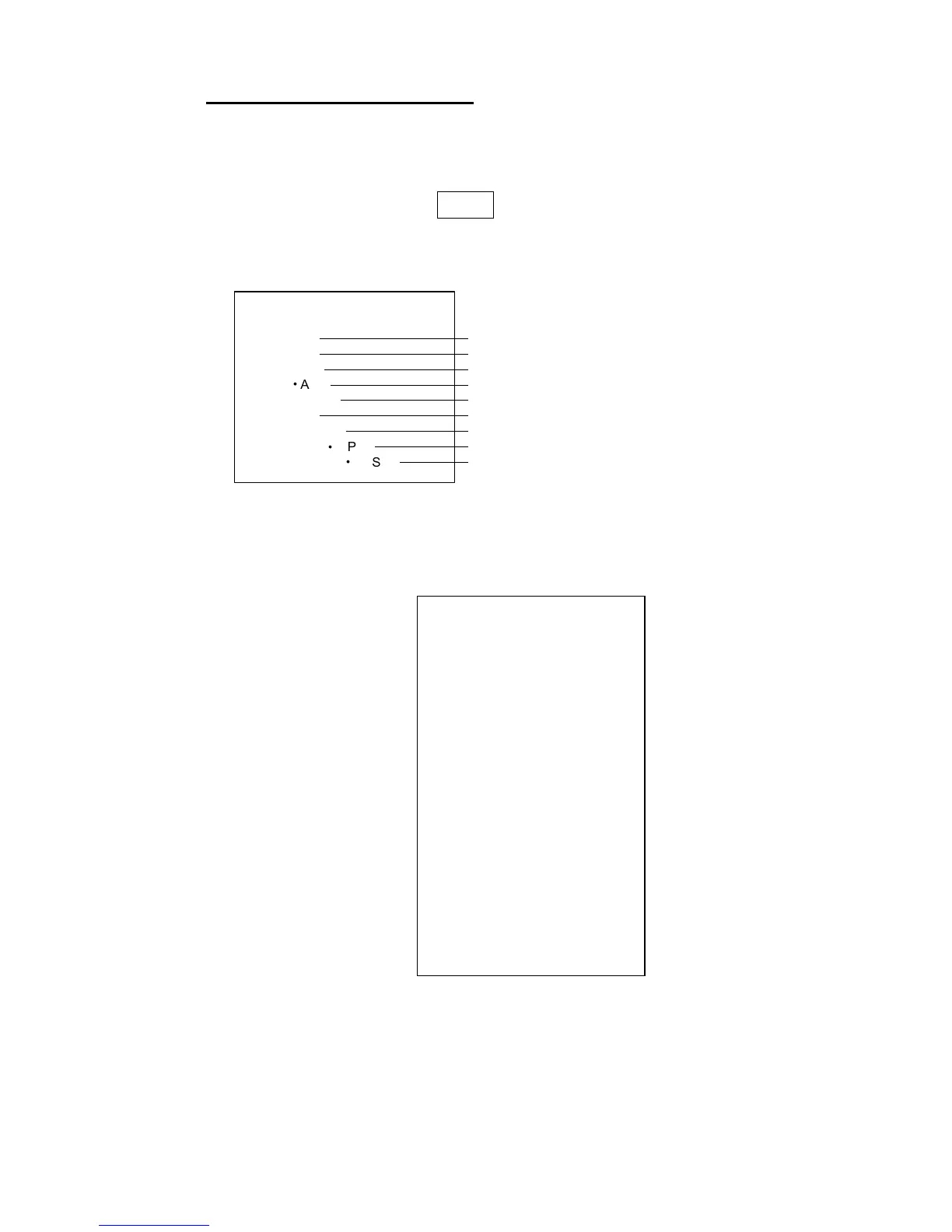
2. Push the left button to display the MAIN menu.
[MAIN MENU]
1 [ECHO]
2 [MARK]
3 [ALARM]
4 [ARP
l
AIS]
5 [PLOTTER]
6 [CARD]
7 [NAV DATA]
8 [NAV LINE
l
WPT]
9 [CUSTOMIZE
l
TEST]
Echo processing functions
Mainly turns markers on/off.
Sets guard alarm functions; outputs alarm signal.
Sets ARP
and AIS functions.
Chart and track functions
Memory card functions
Turns nav data on/off.
Processes nav lines and waypoints.
Customizes operation; executes diagnostics.
MAIN menu
3. Roll the wheel to choose the menu you wish to open and then push the
wheel or the left button. For example, choose the 2 [MARK] menu and then
push the wheel or the left button.
MARK menu
4. Roll the wheel to choose item desired and then push the wheel or the left
button.
5. Roll the wheel to choose option desired and then push the wheel or the left
button to register your selection.
6. Push the right button to close the menu. (Several pushes may be necessary
depending on the menu used.)



 To Next Page