89
11.10.2 Installation
Install the 3 M5 screws that hold the extruder onto the standoffs.
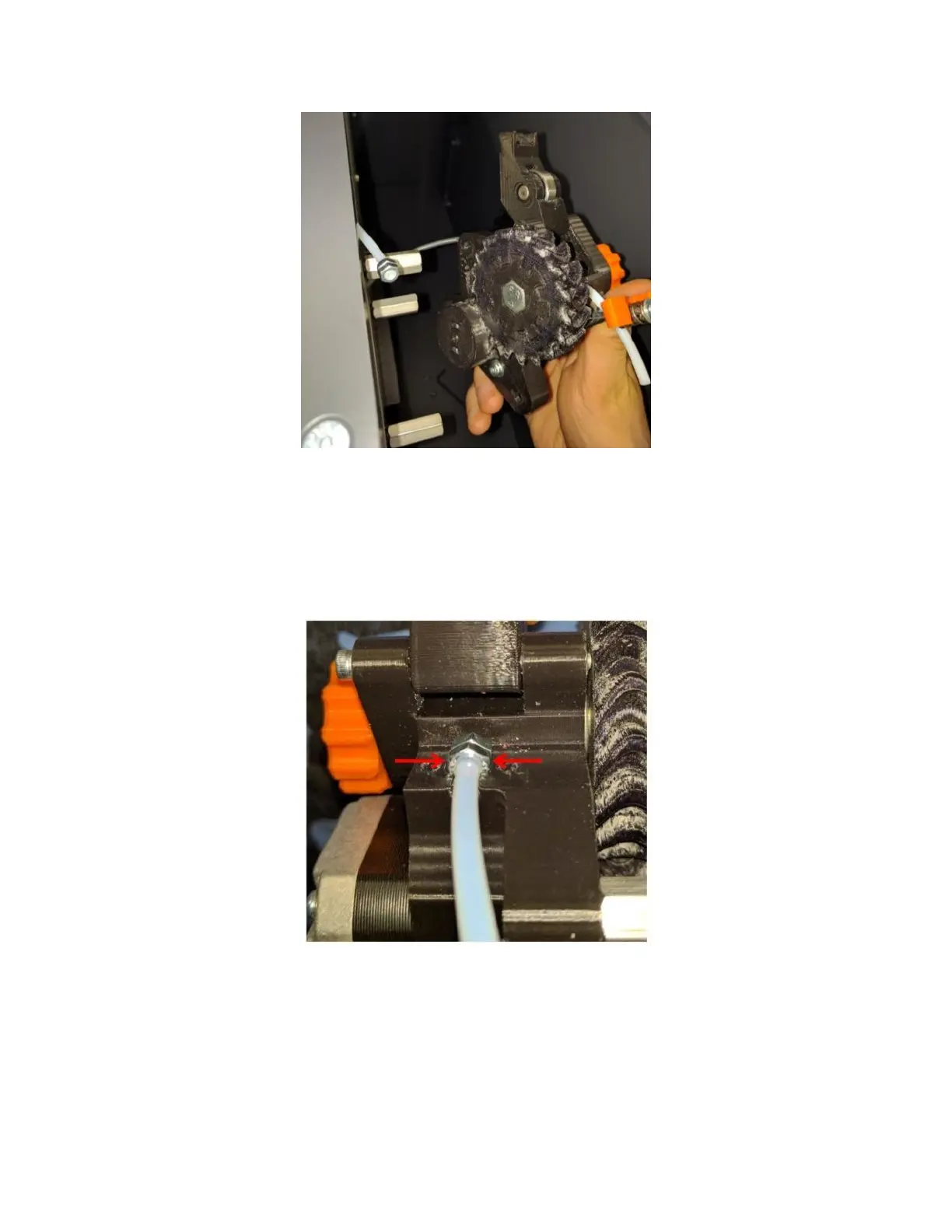
Place the feed tube into the tube clamp. It’s very important that the flats on the nuts are UP and DOWN. If the
nuts are not oriented correctly the feed tube won’t line up with the filament path and the printer will not operate
correctly.
Install the clamp block and tighten the 2 M3 screws.
Install the electrical connector. Make sure you install it in the orientation shown in the picture below.



 To Next Page