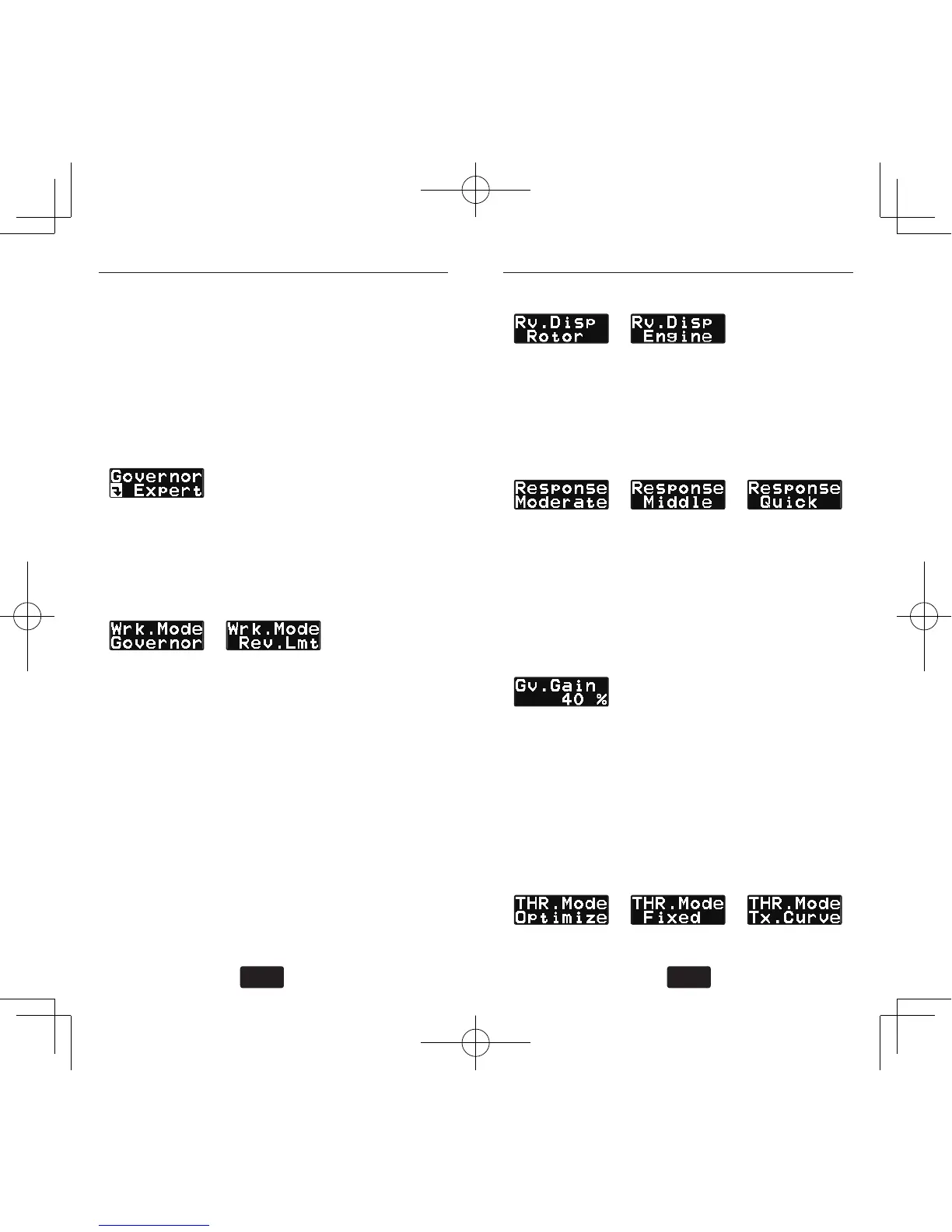
It sets the detail of the governor function for ex-
pert modeler. Push the mode + or – key for more
than one second on the Governor Basic menu
display, the editing is got into the Governor expert
menu. Push mode + or – key for more than one
second again on the Governor expert menu to be
returned to the Governor basic menu.
(1) Start display
Push mode + or – key, the editing menu is scrolled
every time. Pushing mode + or – key for more
than one second, back to governor basic menu.
(2) Governor working mode
default: Governor
It selects the governor working mode either gover-
nor or revolution limit mode. The Governor mode
works as the engine revolution is constant as set-
ting revolution. The revolution limit (Rev. Lmt)
mode only works at the engine revolution exceeds
the setting revolution and engine revolution is to
be lower at that condition. Pushing data+ or – key
the mode is changed. When the Rev.Lmt mode is
selected, the menu (6) Throttle data mode should
be set to Tx.Curve mode.
(3) Revolution display mode
default: Rotor
It selects the revolution display mode either main
rotor or engine revolution. Pushing data+ or – key,
the mode is changed.
(4) Operation response
default: Middle
It selects the governor operation response. Select
the best match of the engine type. Pushing data+
or – key, the mode is changed. Recommended
selection are, Middle-> glow engine, Moderate->
gasoline engine, Quick ->Blushless motor-.
(5) Governor gain
default: Moderate=30%,Middle=40%,Quick=60%
ranges: 10~100%
It sets the governor working gain. When the op-
eration response is changed, the governor gain is
automatically changed as default. The best gain
is the before the revolution wagging taken place.
Pushing data+ or – key, the value is changed.
(6) Throttle data mode
default: Optimize


 To Next Page