FXO H.323 Gateway User Manual Document Ver.: 118a
Release Sep, 2004
11
2.3 Network configurations in your gateway
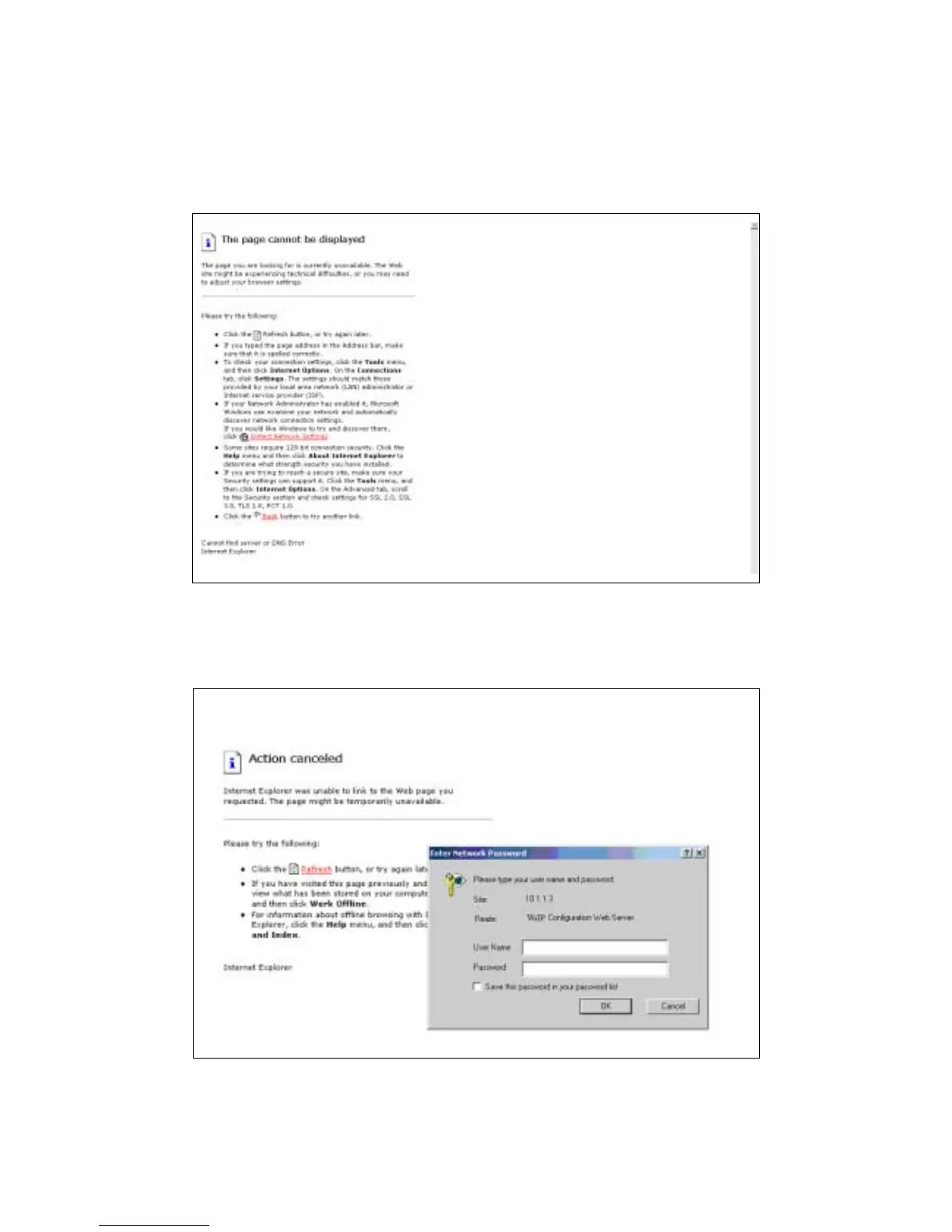
1 Key in the ip address of the gateway (http://10.1.1.3) with the browser
Figure 2.3: WEB Browser
2 After key in the ip address, you have to enter the user name and password
to enter the WEB configuration. (Username: root ; No password)
Figure 2.3: Login the username and password



 To Next Page