FXO H.323 Gateway User Manual Document Ver.: 118a
Release Sep, 2004
28
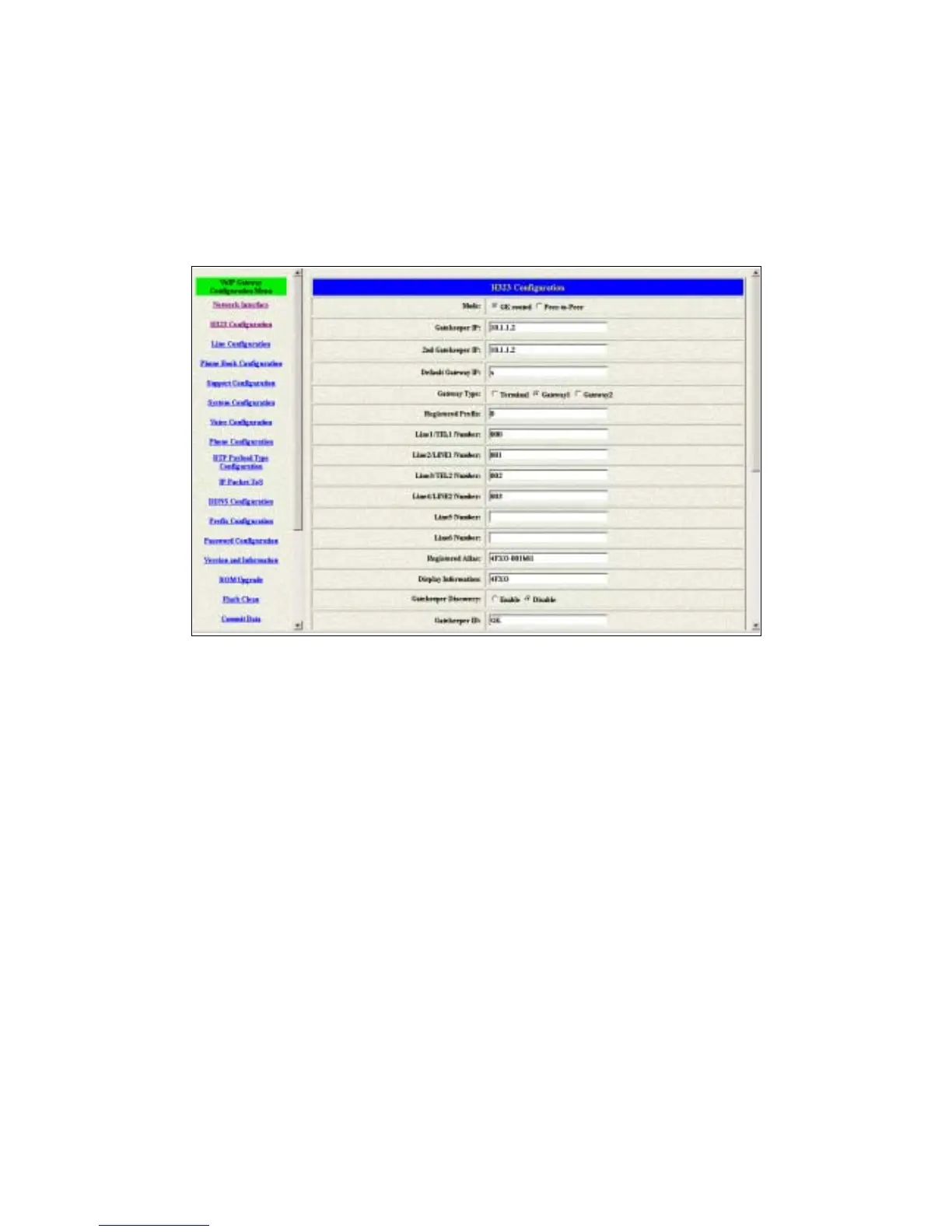
3.3 H323 Information
This WEB page will help user to configure the information about the dial mode,
GK information and some TCP/IP port for the communication. Please get more
info about this configuration from the below detail descriptions. (see figure 3.5)
Figure 3.5: H323 Information
Mode – Pick up the calling mode for this gateway.
GK routed : Users have to registered on the GK if users picked up this
option.
Direct : It only supports the peer-to-peer mode and users have to
define the phone book for this mode.
Gatekeeper IP Address – Enter the GK ip if users pick up the GK routed
mode. Support the GK mode only.
2
nd
Gatekeeper IP – Support the secondary GK function. Support the GK
mode only.
Gateway Type – Pick up the type for gateway. Support the GK mode only.
Terminal : Couldn’t support one-stage-dialing function.
Gateway1 : Could support one-stage-dialing function and the prefix
number is necessary for this type.
Gateway2 : Following the Cisco GK registration function.
Registered Prefix – The phone number for the GK registering. Support the
GK mode only.



 To Next Page