FXO H.323 Gateway User Manual Document Ver.: 118a
Release Sep, 2004
13
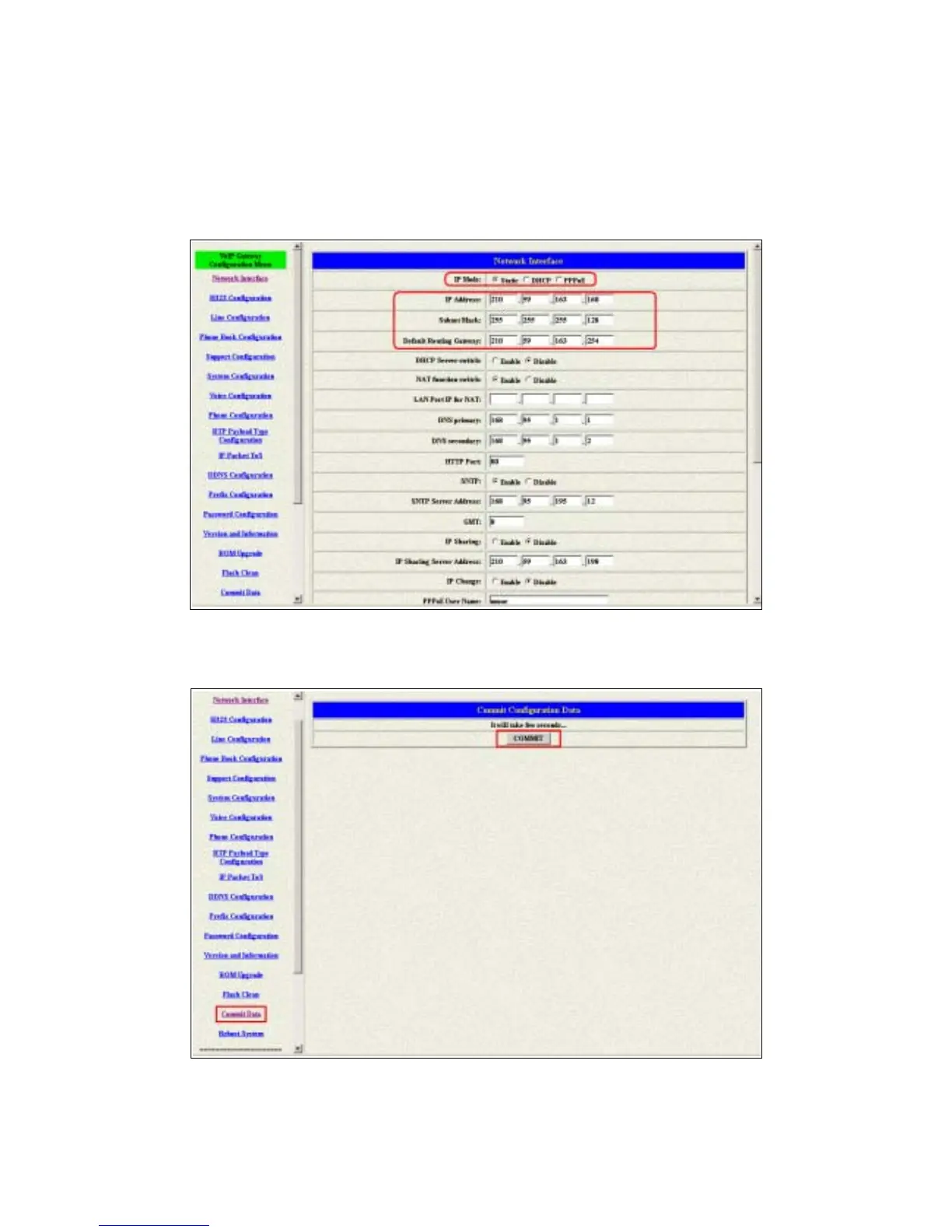
2.3.1 Static ip address
1 Please get the correct ip address, netmask and default gateway address
from your ISP first. Press the OK button if you finished.
Figure 2.5: Configure the static ip address
2 Press the commit if you finish the configuration.
Figure 2.6: Commit the data



 To Next Page