FXO H.323 Gateway User Manual Document Ver.: 118a
Release Sep, 2004
17
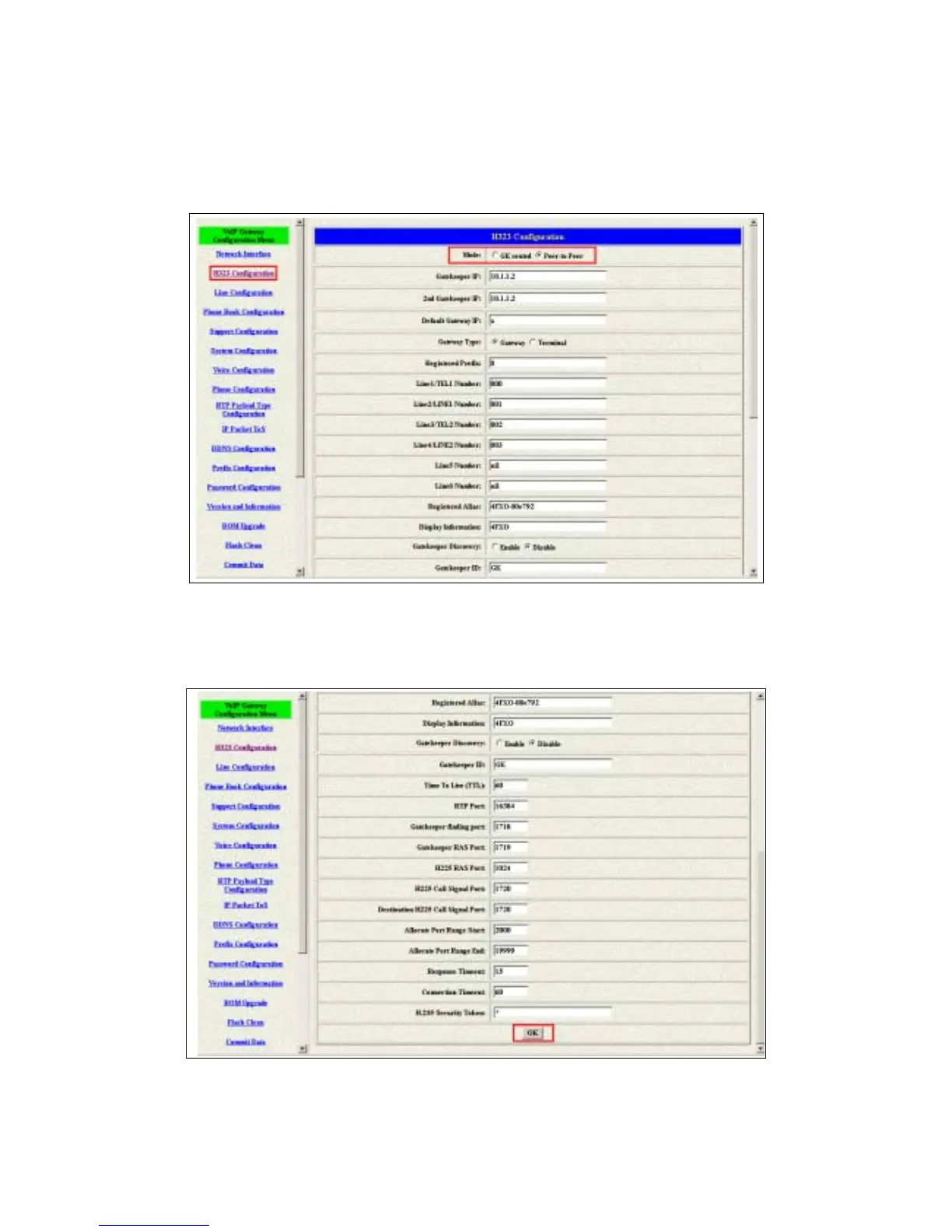
2.4.1 Configure the gateway into the Peer-to-Peer mode
1 Enter the H323 Configuration table and change the mode to Peer-to-Peer.
Figure 2.11: Configure the Peer-to-Peer mode
2 Press the OK button that is on the bottom of this page to save the
configuration.
Figure 2.12: The OK button



 To Next Page