FXO H.323 Gateway User Manual Document Ver.: 118a
Release Sep, 2004
47
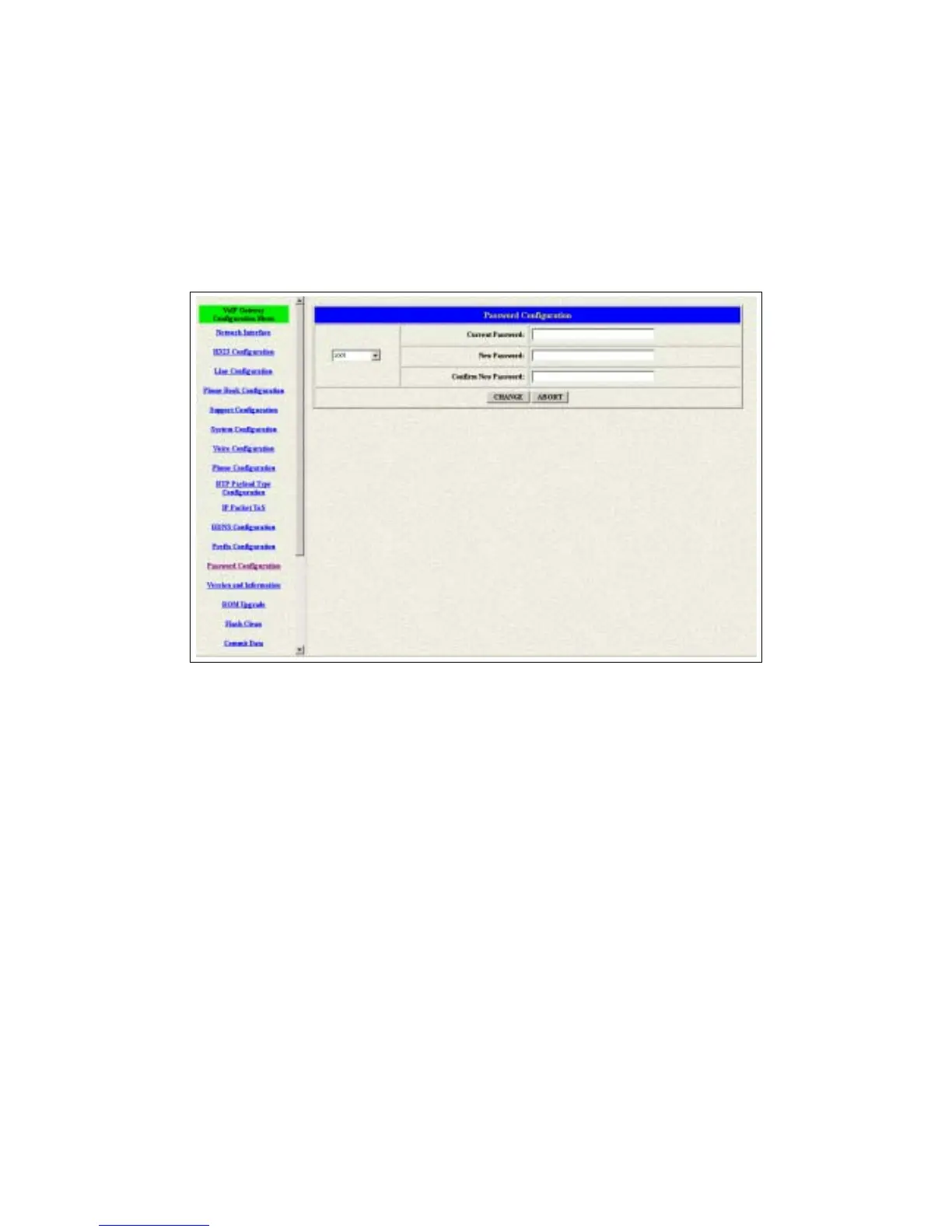
3.14 Password Configuration
There are two-login accounts in this unit. One is the account root another is
administrator. The default setting for these two accounts are empty. Users
could define the passwords for these two accounts. Please get more info from
the following description. (see figure 3.18)
Figure 3.18 Password Configuration
root – The password for the root account.
administrator – The password for the administrator account. This account
couldn’t upgrade the 2M and boot rom file.
Current Password – Enter the original password for the account.
New Password – Enter the new password for the account.
Confirm New Password – Enter the new password again.
Change – This button will make the configurations saved and next time
login will need the new password.
Abort – Abort the configuration of the password changing.



 To Next Page