FXO H.323 Gateway User Manual Document Ver.: 118a
Release Sep, 2004
60
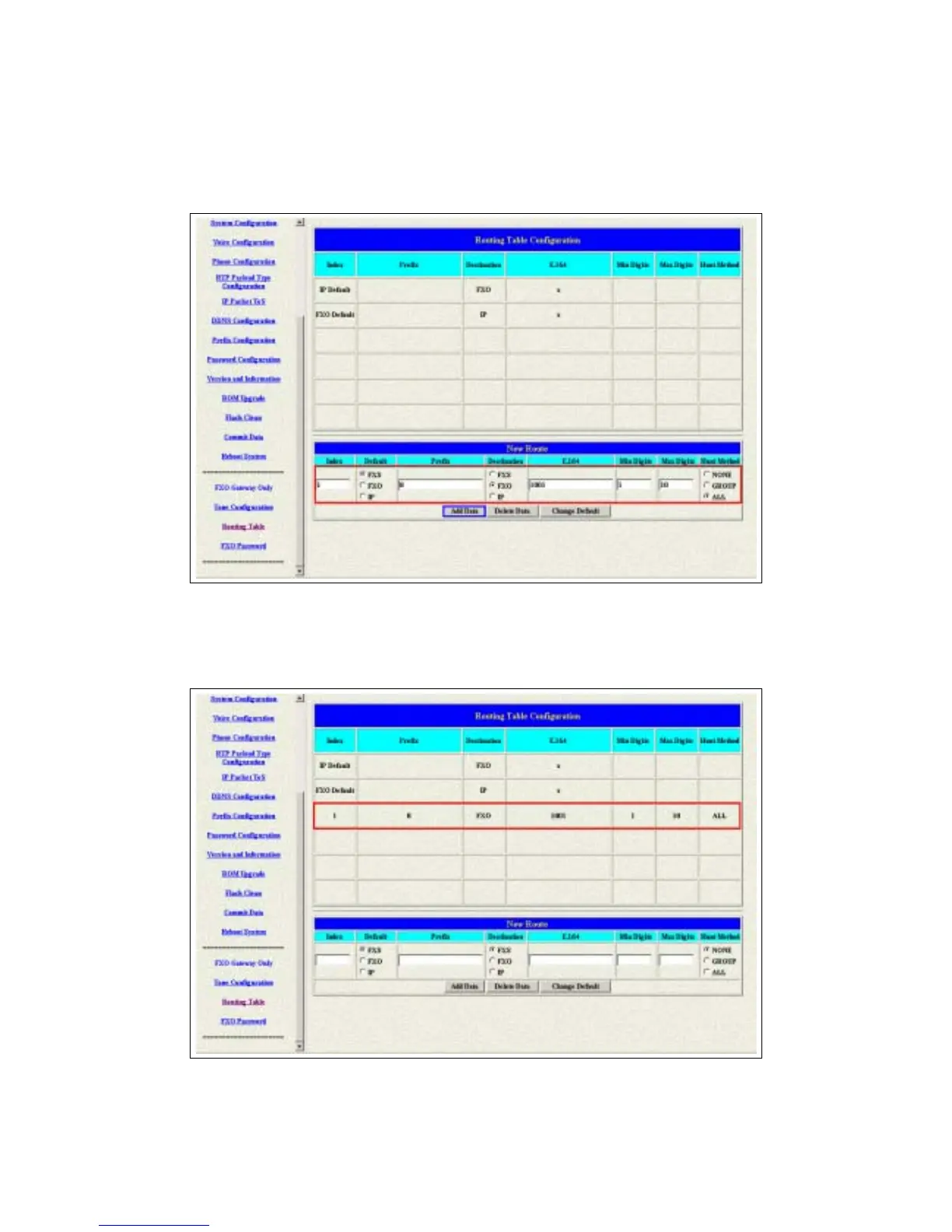
3.21.2 Add a new Routing Table
1 The default setting is changed after you press the Change Default button.
Please press the Routing Table button again to show the new setting.
Figure 3.32: Add a new routing table
2 Press Add Data button to save the configuration and press the Routing
Table button again to reload the configuration.
Figure 3.33: New Special Routing



 To Next Page