FXO H.323 Gateway User Manual Document Ver.: 118a
Release Sep, 2004
59
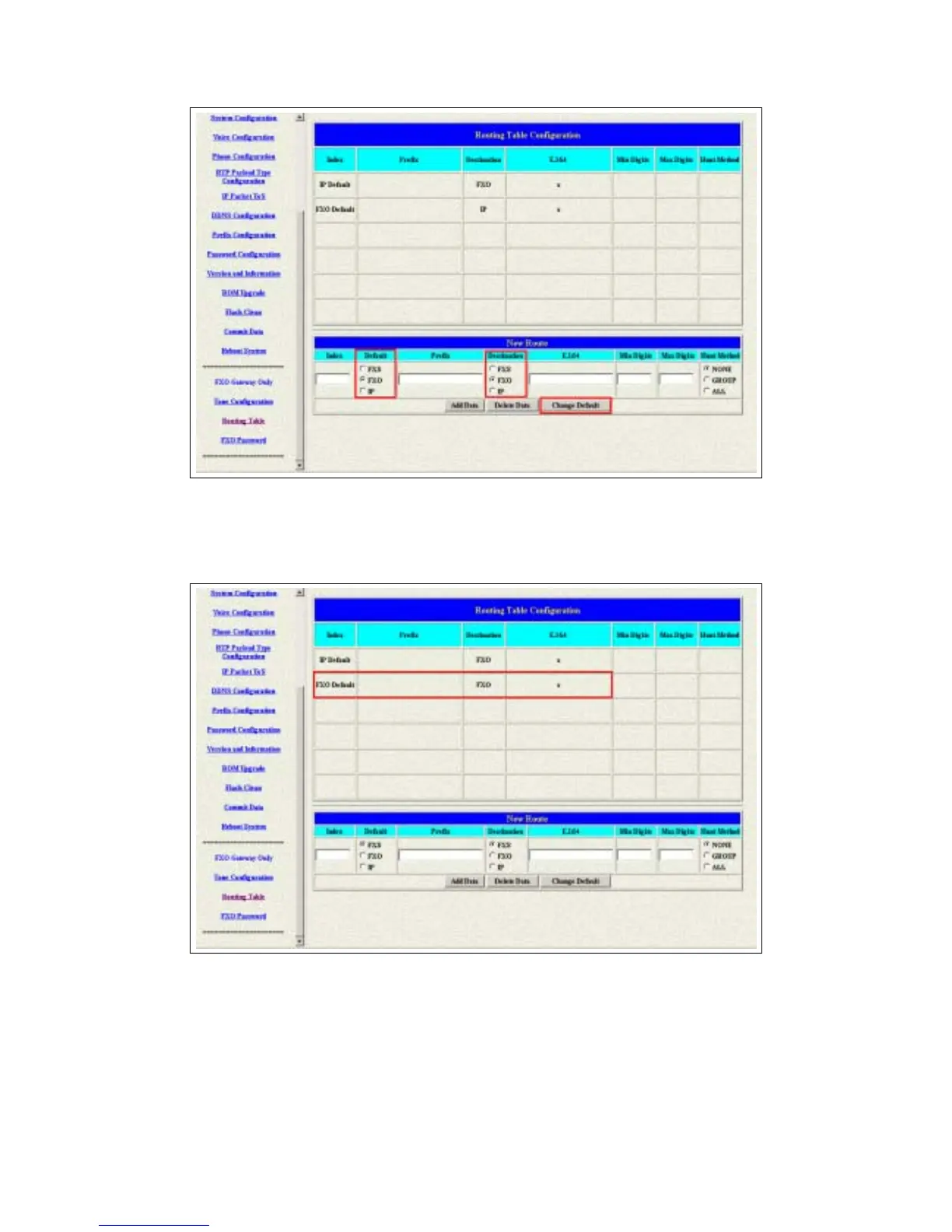
Figure 3.30: Change The Default Setting
2 The default setting is changed after you press the Change Default button.
Please press the Routing Table button again to show the new setting.
Figure 3.31: The Default Setting Changed
3 Please Commit it and Reboot the system if the configuration is finished.



 To Next Page