FXO H.323 Gateway User Manual Document Ver.: 118a
Release Sep, 2004
32
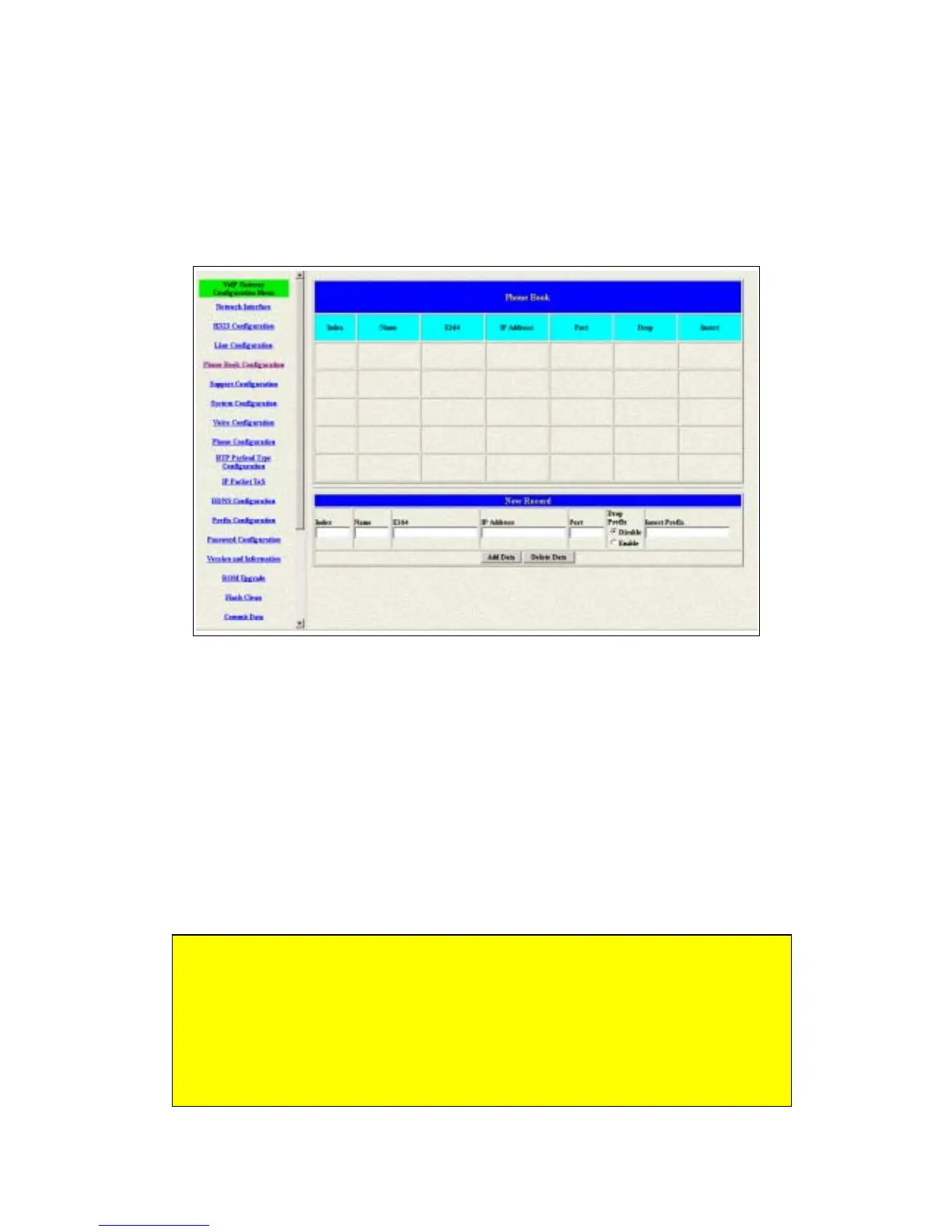
3.5 Phone Book Configuration
The Phone Book configuration is only support the gateway in Peer-to-Peer
mode. Please refer the chapter 2 about the Peer-to-Peer mode. (see figure
3.7)
Figure 3.7: Phone Book Configuration
Index – The list number of the Phone Book.
Name – The name for this contact number.
E164 – The dialing number for the calling side.
IP Address – The destination IP address for this phone number.
Port – The call signal port of the destination.
Drop Prefix – Support the drop function. Enable is for enable this drop
function; Disable is for disable this drop function. The Drop Prefix will drop
the E164 number, which you had configured in the E164 table.
Insert Prefix – Support the insert digits function.
1. It will be the drop function if user enable the Drop Prefix function and
put nothing into the Insert Prefix table.
2. It will be the insert function if user disable the Drop Prefix function and
put the digits into the Insert Prefix table.
3. It will be the replace function if user enable the Drop Prefix function
and put the digits into the Insert Prefix table.



 To Next Page