FXO H.323 Gateway User Manual Document Ver.: 118a
Release Sep, 2004
43
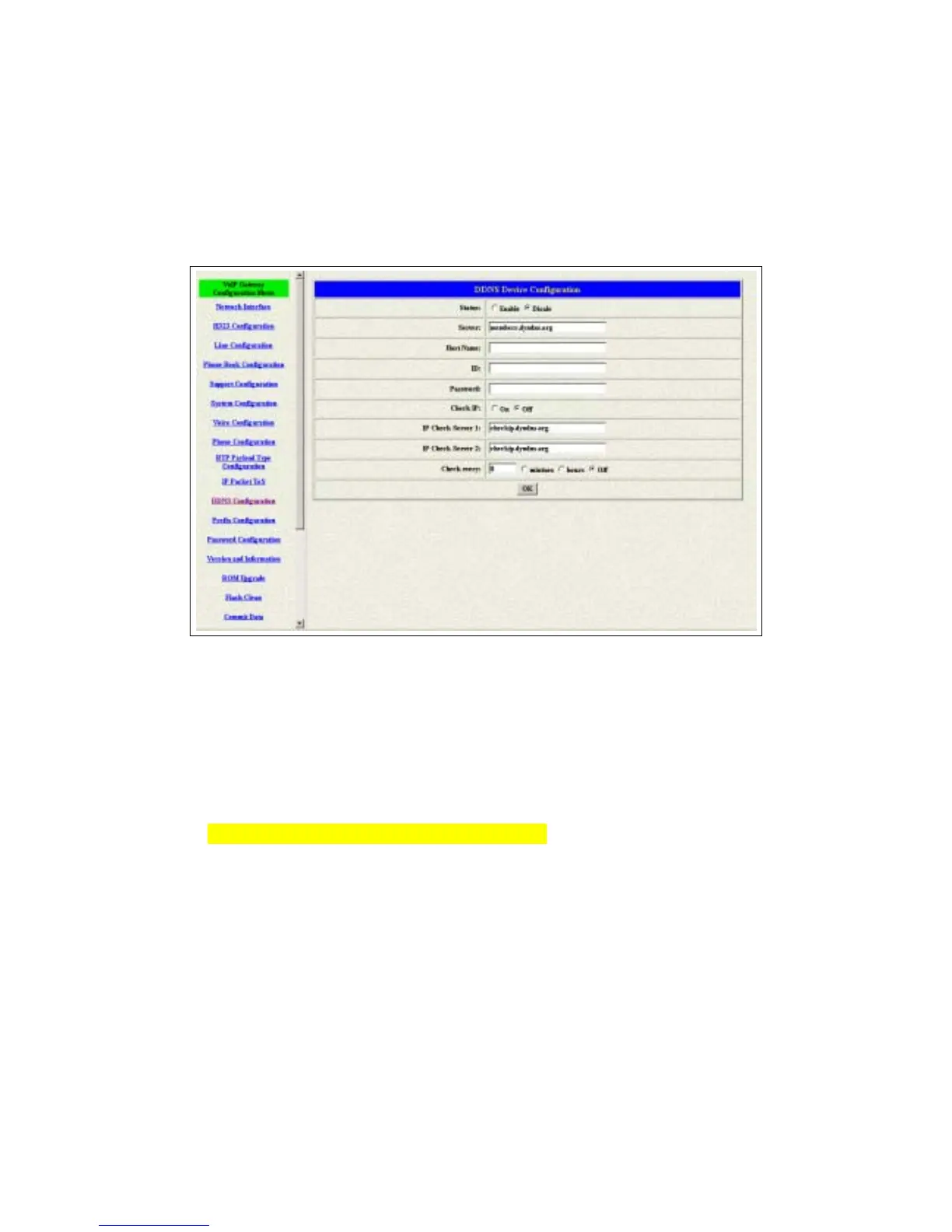
3.12 DDNS Configuration
This version of firmware supports DDNS function. Before using this function,
please have a DDNS account and some info from your DDNS server. Press
the DDNS Configuration button to configure it. (see figure 3.14)
Figure 3.14: Phone Book
Status – To enable or disable this function.
Server – Enter the server address of your DDNS server.
Host Name – Your DDNS address.
ID – Your account.
Password – Your password.
Please get this info from your DDNS server.
Check IP – Enable or Disable the IP Check function.
IP Check Server – Will check the endpoints ip address.
Check Every – The endpoint will check the server after a period.



 To Next Page