FXO H.323 Gateway User Manual Document Ver.: 118a
Release Sep, 2004
63
4. Command List
4.1 Hyper Terminal Setting
A terminal emulator is needed when using RS-232 port to configure Gateway.
There are kinds of terminal emulator software. Here, we use Microsoft
HyperTerminal to depict how to set up terminal emulator:
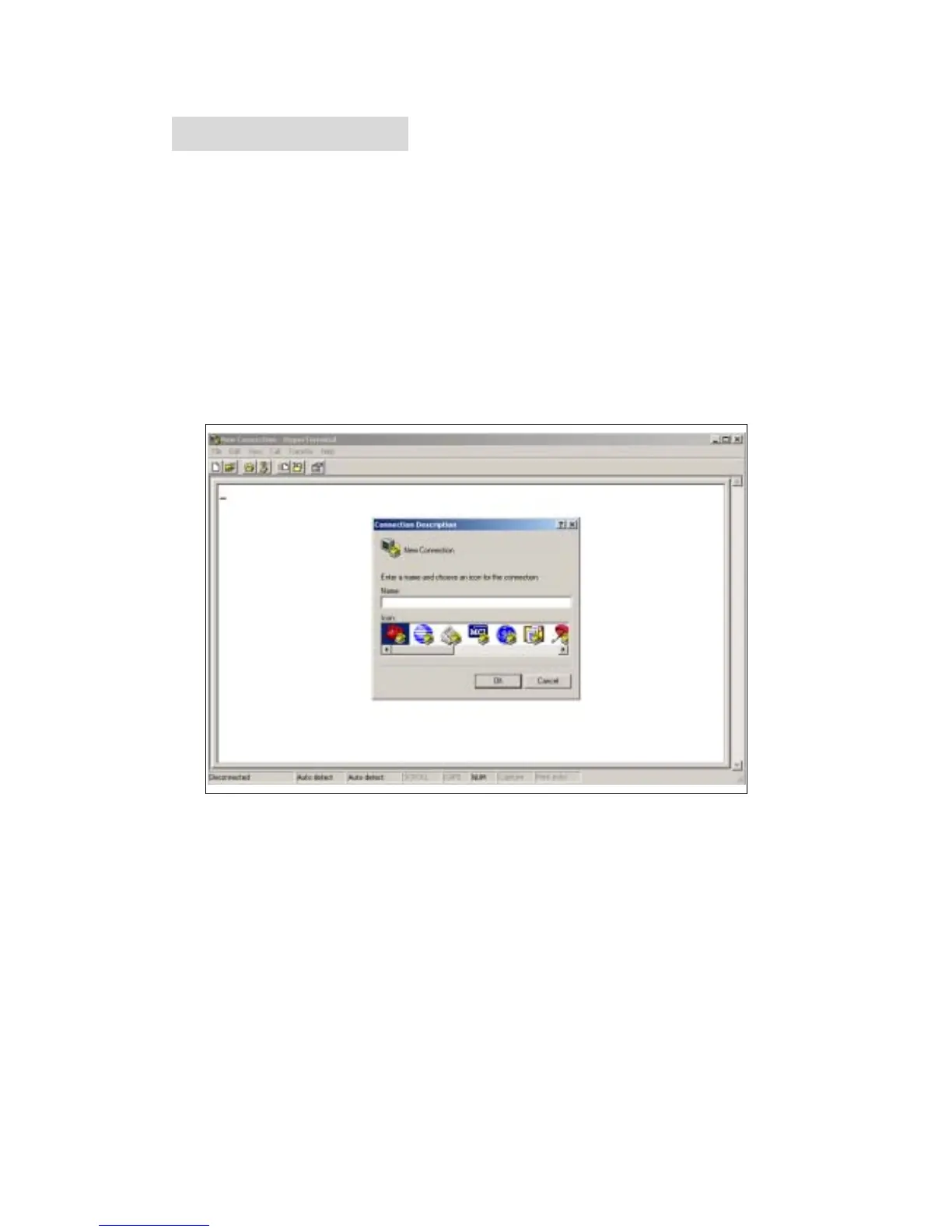
1. Execute the Hyper Terminal program, and then the following windows will
pop-up on the screen. (START – Program files – Accessories –
Communication – Hyper Terminal)
Figure 4.1: Hyper Terminal
2. Define a name such as ‘voip’ for this new connection.



 To Next Page