FXO H.323 Gateway User Manual Document Ver.: 118a
Release Sep, 2004
64
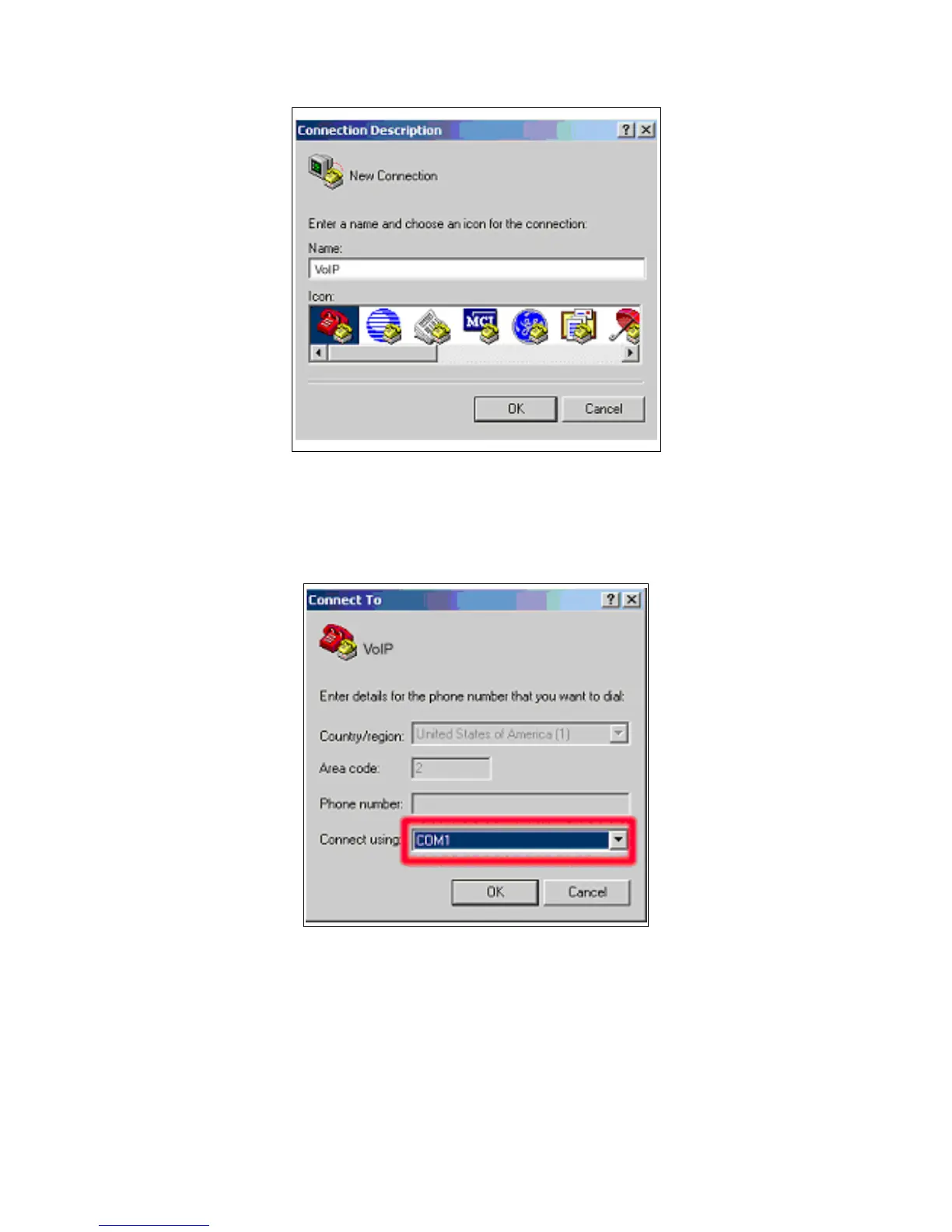
Figure 4.2: Edit the name for the connection
3. After pressing OK button, the next window appear, and then choose
COM1/2 Port, which you are going to use.
Figure 4.3: Pick up the right interface to use
4. Configure the COM Port Properties as following:
Bits per second: 9600
Flow control: None



 To Next Page