FXO H.323 Gateway User Manual Document Ver.: 118a
Release Sep, 2004
19
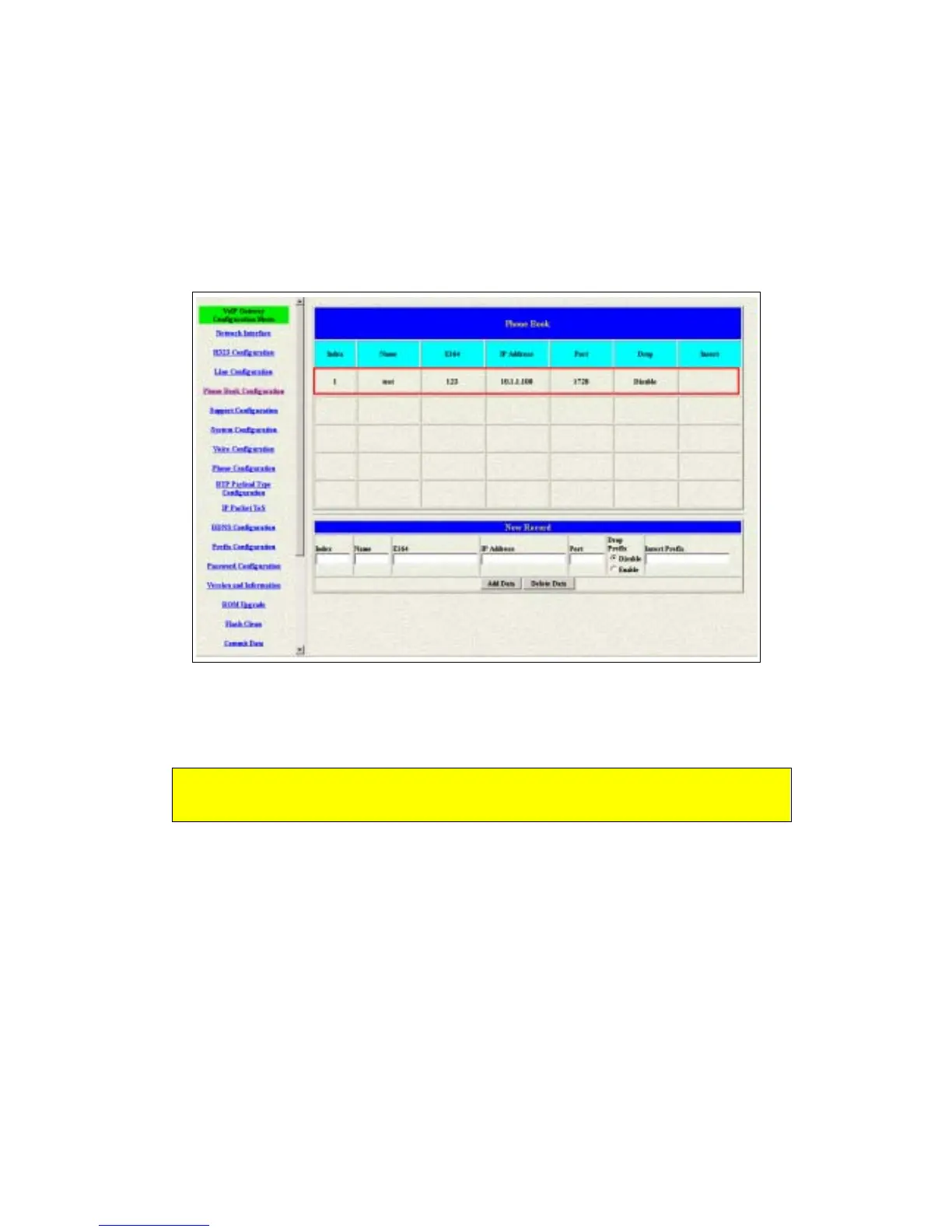
The name of the destination: test
The E164 number (phone number) of the destination: 123
The ip address of the destination: 10.1.1.100
4 Press the “Add Data” button when you finished, and the new table will
display on the first index if you press the Phone Book configuration button.
Figure 2.13: To show the Phone Book record
5 Please Commit it and Reboot the system if the configuration is finished.
Please make sure about that the FXO port was connected with the PSTN
line or the extension line of the PABX before you start to make a voip call.
2.4.2 Configure the gateway into the GK routed mode
1 Enter the H323 Configuration table and change the mode from Peer-to-Peer
to GK routed. To change the GK information from your service provider (Ex:
The Gatekeeper IP, Registered Prefix and Registered Alias).



 To Next Page