FXO H.323 Gateway User Manual Document Ver.: 118a
Release Sep, 2004
24
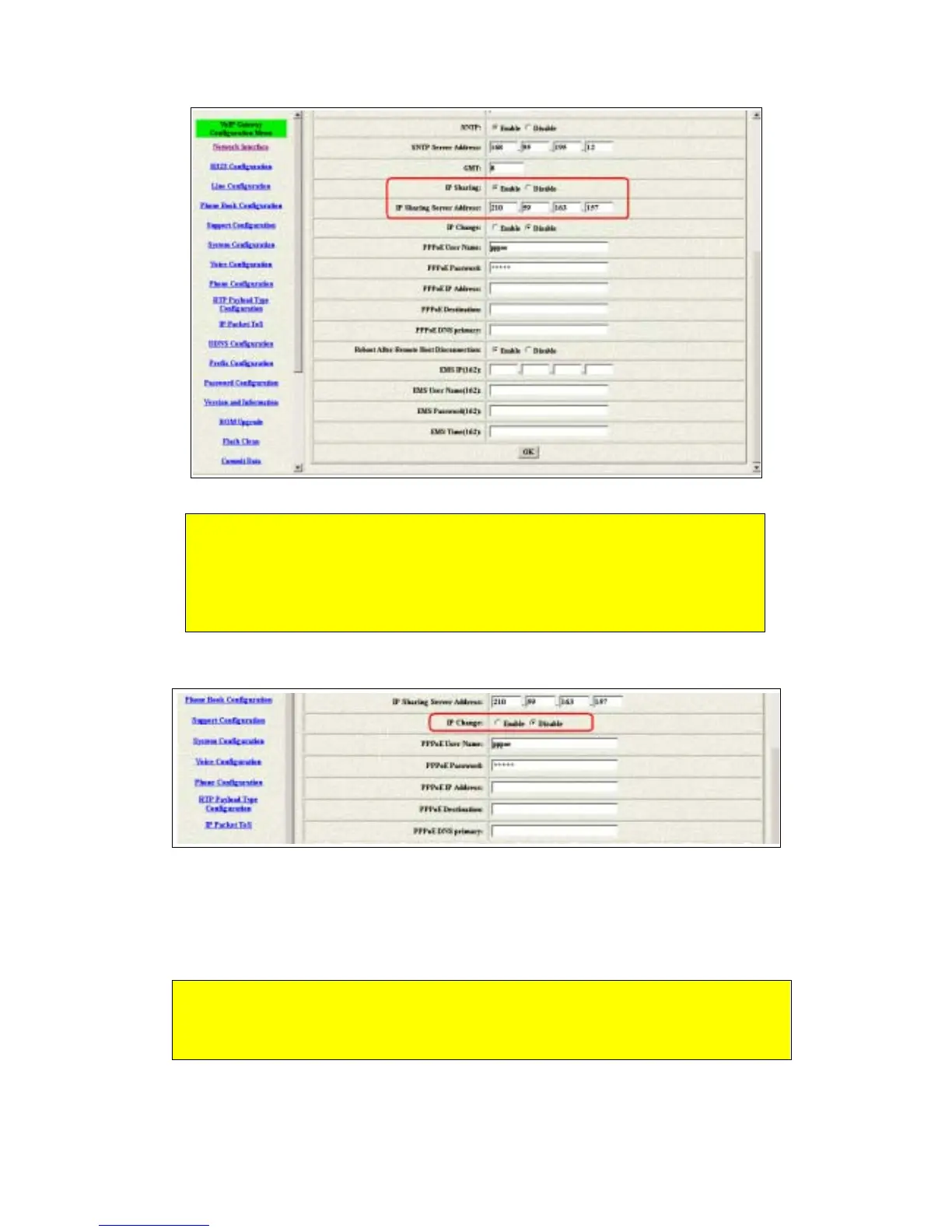
Figure 3.2: Enable the ip sharing function
3 The IP change function is only for the special usage
Figure 3.3: IP Change
IP Change Function: The ip address of the IP Sharing Server Address will
use what you configured in that table if you disable the IP Change function.
It supports the static ip address. If user is using the dynamic ip address,
this function has to be enabled.
If the wan port of the ip sharing device is using the dynamic ip address,
the gateway couldn’t get the ip address if the GK isn’t from us. So the ip
change is only support the GK from us.
1. Fixed IP – Please put the ip address of the ip sharing device in
the IP Sharing Server Address table.
2. Dynamic IP – Please enable the ip change function and leave
the ip sharing server address.



 To Next Page