FXO H.323 Gateway User Manual Document Ver.: 118a
Release Sep, 2004
45
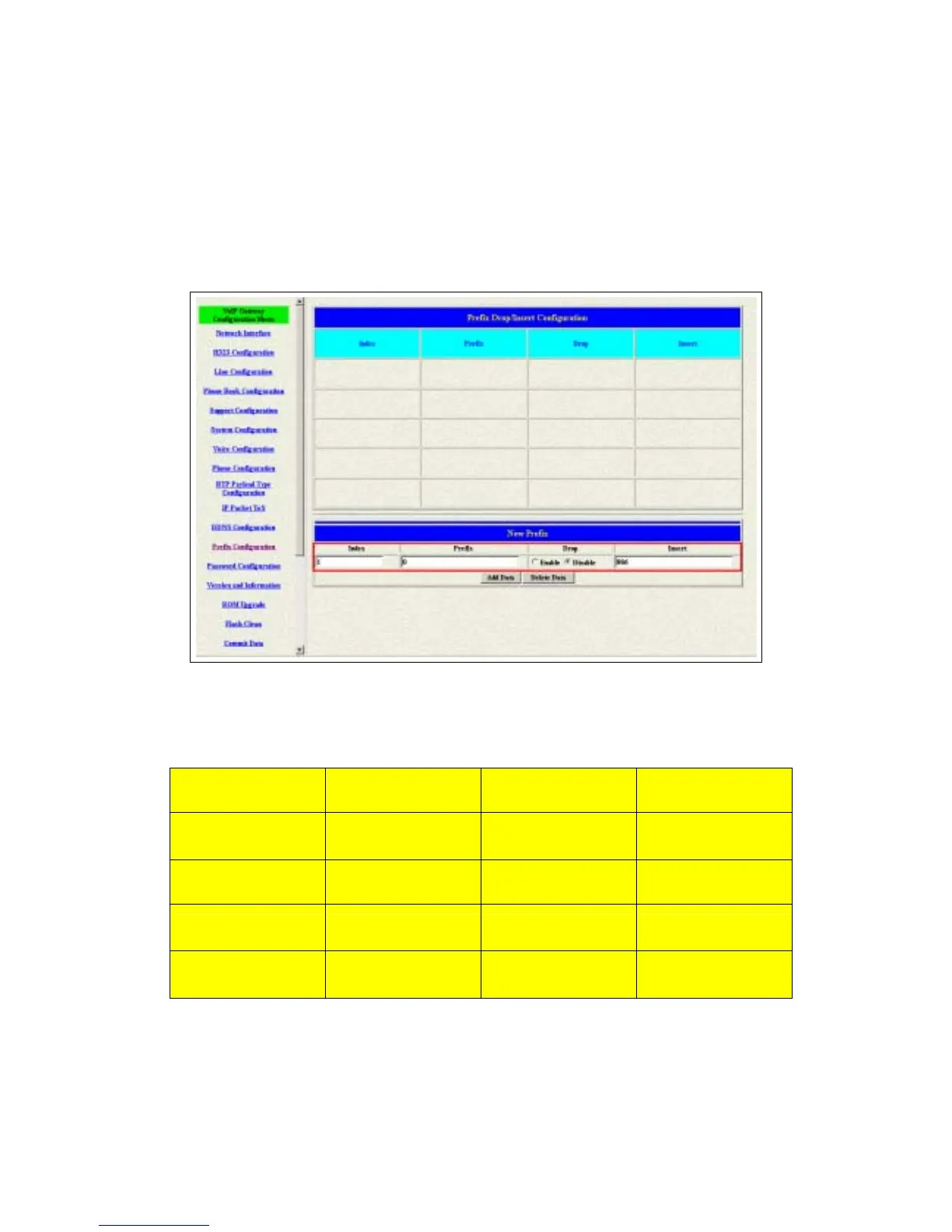
1 Press the Prefix Configuration button to enter the configuration table (see
figure 3.15)
2 Enter the index number. Put the prefix numbers you will dial in the prefix
table, enable (disable) the drop function and enter the numbers you want
to insert (see figure 3.16)
Figure 3.16: Configure the Prefix Table
The usage is as same as the drop, insert function of the Phone Book.
Input (Prefix) Drop Insert Output
100 Disable X 100
200 Disable 0 0200
300 Enable X X
400 Enable 500 500



 To Next Page