FXO H.323 Gateway User Manual Document Ver.: 118a
Release Sep, 2004
6
Ready:
1. Light on and slow flash means Gateway is in normal mode.
2. Light on and fast flash means Gateway is in downloading mode.
WAN/LAN
10/100: Network Rate to be 10 Base-T or 100 Base-T.
Link: Light on means the Gateway was connected with the network connector.
Act: LED should be light on and in flash display when data is transmitting.
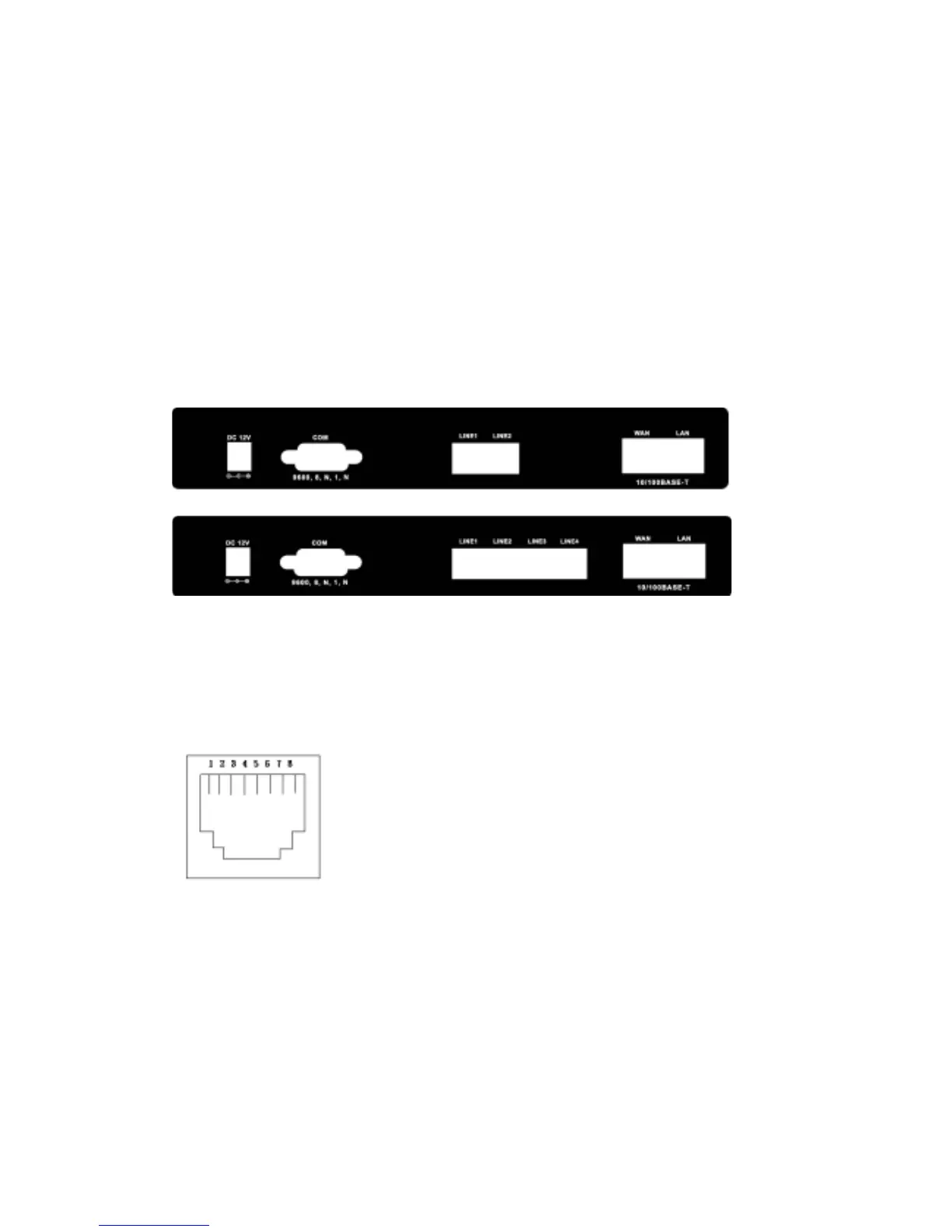
Back panel:
1. Ethernet Port
LAN/WAN: 10/100 Base-T; RJ-45 socket, complied with ETHERNET
10/100base-T.
The pin-out is as following:
PIN 1, 2: Transmit
PIN 3, 6: Receive
2. LINE:
RJ-11 connector, FXO interface is for connecting the extension line of
PABX or PSTN Line.



 To Next Page