7.1 Establishing communication
7.1.1 Pairing
At start-up, the status LED of SECUREconnect will be flashing alternately
red and green as soon as the operating voltage has been applied. The
status LED on SECUREconnect F flashes green as soon as the door has
been closed once for a short time and supplied with voltage. This indicates
normal functioning. At this stage every SECUREconnect R component
could communicate openly and function perfectly with any SECUREconnect
F component. Data transmission between the two components are AES-
encrypted.
SECUREconnect R and SECUREconnect F – after having been
connected with each other for minutes – enter into an inseparable
„partnership“ (pairing) by generating a random code which will
be exchanged between the two components later on. Afterwards
SECUREconnect R and SECUREconnect F will no longer accept any
other frame or leaf parts.
A pairing process between SECUREconnect F and the connected access
control module is also eected. Once the access control module has been
connected to a SECUREconnect F it is impossible to exchange it.
7.1 .2 Re-pairing
In order to exchange a component of the door system (SECUREconnect
R, SECUREconnect F or access control module) you have to start a
re-pairing procedure.
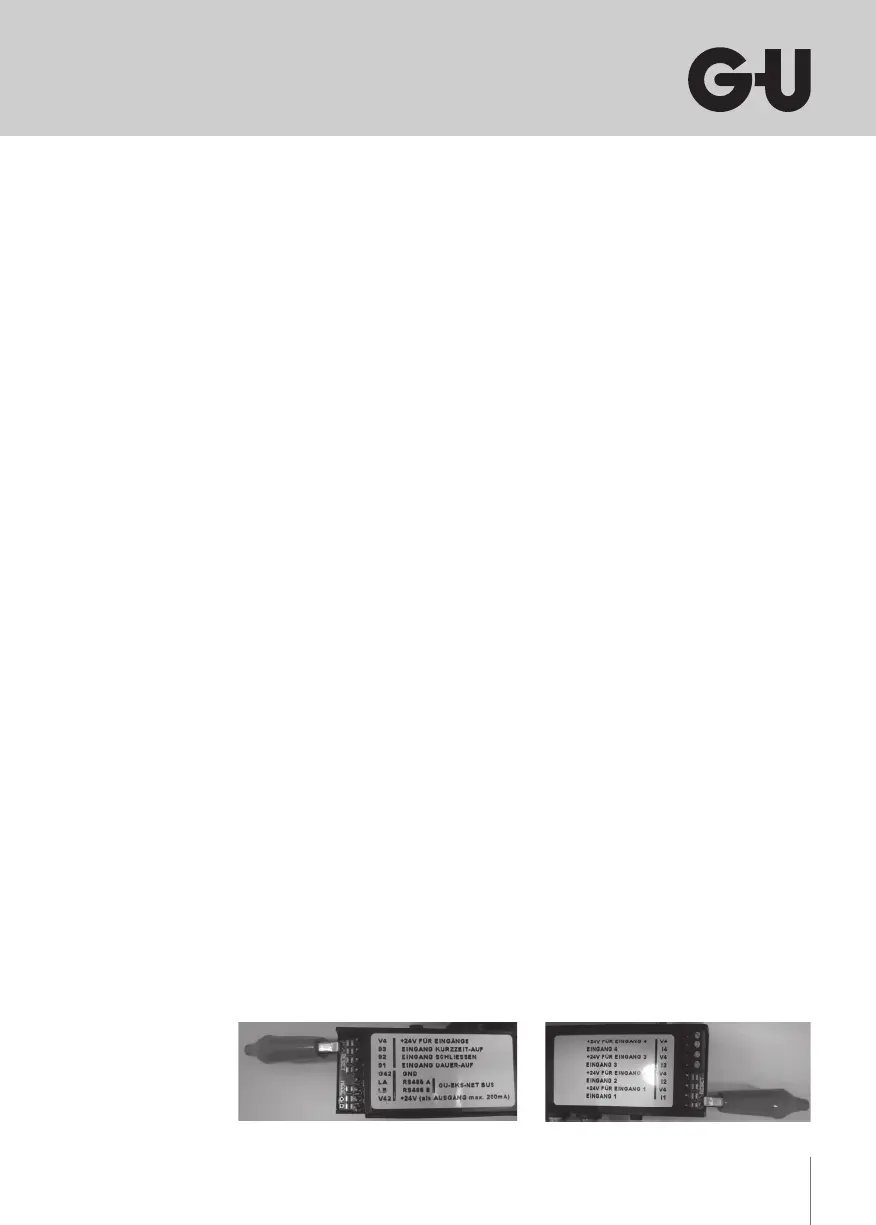
For doing so, close the reset contact on the board of the SECUREconnect
F or the SECUREconnect R for s. We recommend to use an alliga-
tor clip while doing. Afterwards remove the clip. The pairing process for
SECUREconnect R, SECUREconnect F and the access control module
restart.


 To Next Page