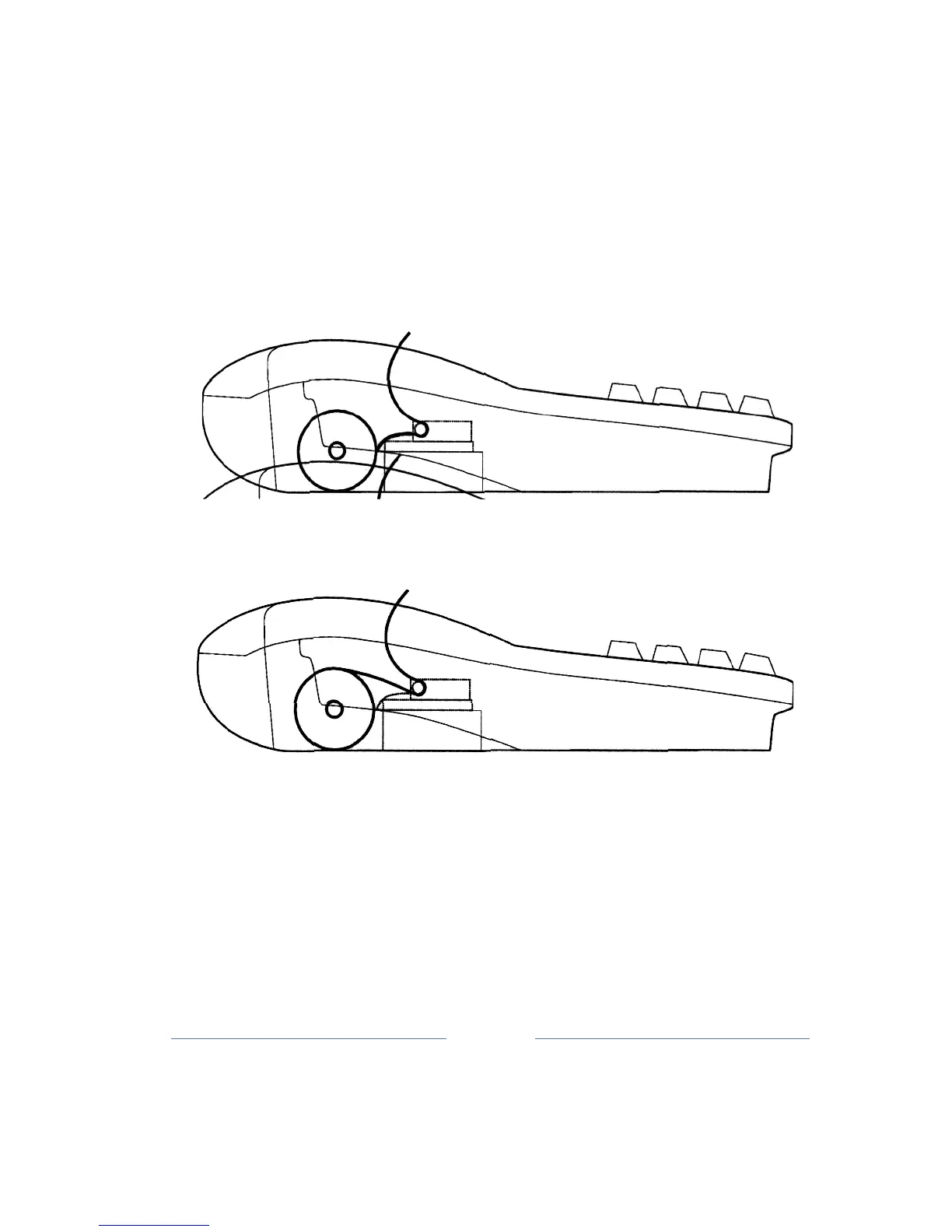
6. Loading paper
a) Remove the paper
cover;
b) Place the rolls of paper, lift the roller lever, and without great
effort, pull the paper
as
shown in the sketch;
c) After pulling through lower lever of paper, and pressing the ▲
ROLL out the paper
about
25-30mm g) Paper retract control bar
to roll winding, and then place the roll into
place,
d) Replace the cap space for the paper in
place
Correctly:
Wrong:
Note: The paper is only on one side thermally sensitive. In fiscal cash
register is an
integrated
thermal SEIKO LTPZ 245U - C384 - E printer
for fiscal receipts and journals. The printer
is
equipped with a sensor at
the end of the paper roll in the event of any tape printer stops
working
by installing paper
rolls.
Possibility of printing in Latin alphabets. Maximum number of characters
printed in
each
row
is
18 tapes, character dimensions are 1 x 3 mm.
Printing is done simultaneously and identically
on
both rolls (Receipts



 To Next Page