finance on sold items. It is necessary to close the account, press
TOTAL, and may continue further work on the fiscal cash reg
ister.
8.3.2 Example of sales with the cancelations (VOID)
- Sale
article
s
-
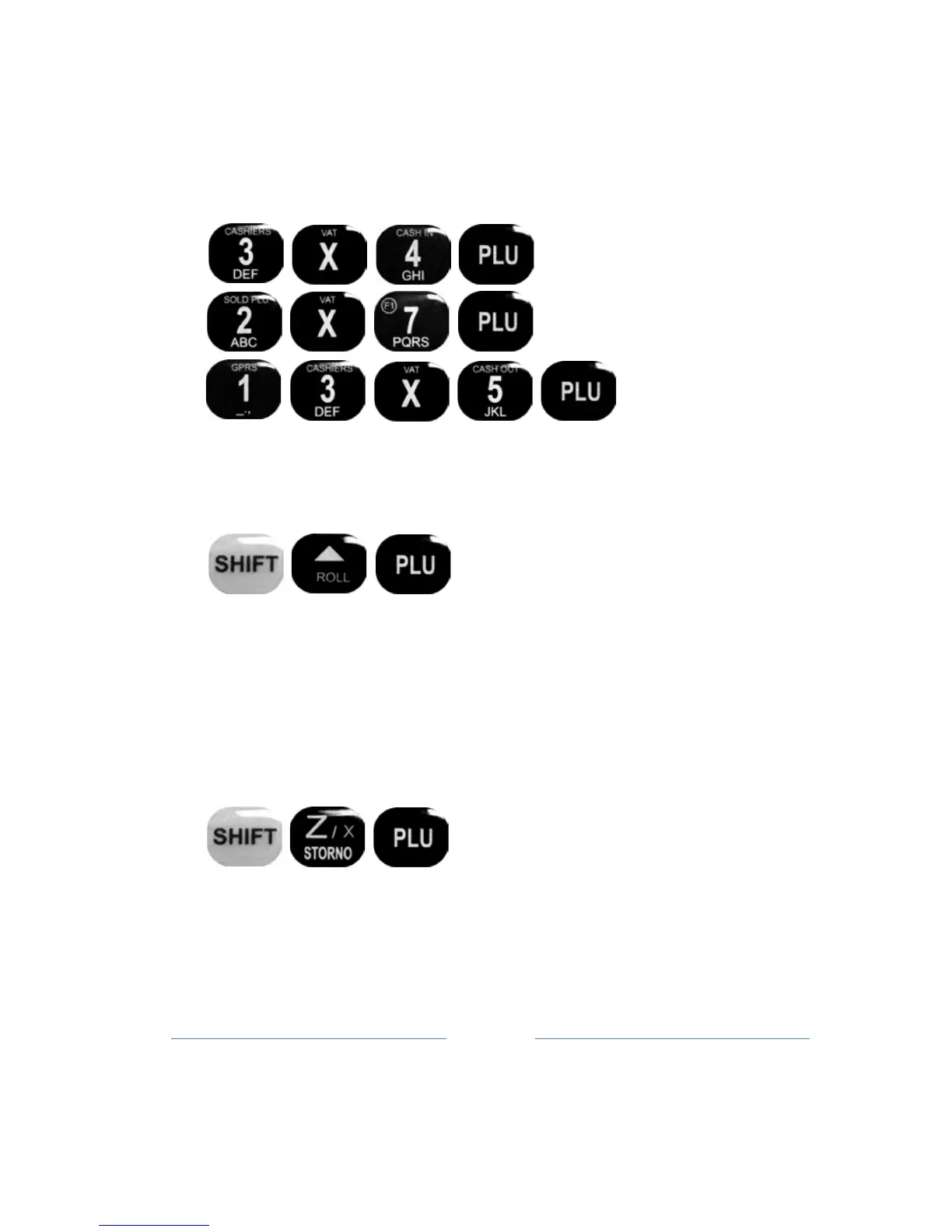
Cancelling (VIOD) sold article (by listing sale items sold. Must
have sold more than 2 items
):
Use the keys, ▲ ROLL and SUB, to choose item that a user wants to
cancel. List
items
for canceling (VOID) appear on the display. Confirm
the cancellation PLU key (in this case
a
scroll
button
ROLL, until the
label e.g. Bread ...). PLU key confirms the cancellation of the same.
The
display will show the amount of cancellation item in the right
corner and you'll see
ST.
-
Cancelling (VOID) the last sold item in your a
ccount:
Note: After pressing TOTAL, will be execute the closing of the fiscal
accounts,
after
that it is impossible to do the reverse of items so
ld.
- Cancelling (VOID) of all articles with the same PLU (bar - code)



 To Next Page