When the number of tax rates changes reaches 10 left changes to the
maximum number, so after 20th change, cash register issues the following
warning: "VAT change count near maximum"
Note: The change in tax rates is only possible by making Daily
Report with cleaning, for
the
previous period
.
Note: If the FM fill in for any reason, the message "Fiscal memory is
full," and then it will
be
permissible on its re
adout.
Note:
If you just want to print the programmed tax value, it is necessary
that the Menu 2.8, press CARD, and it will be printed.
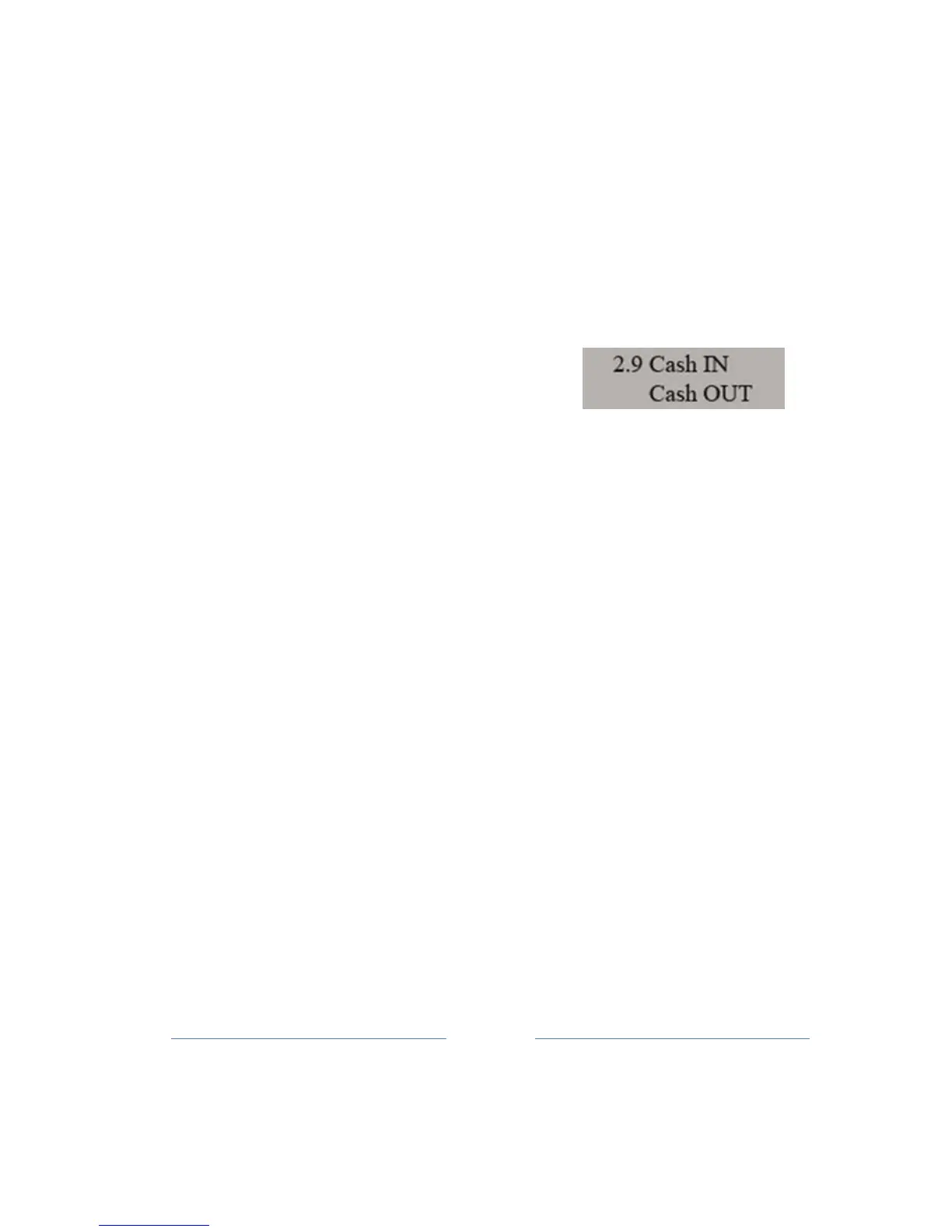
9.9 Cash in / Cash out
The following sub-menu is used to Cash in or Cash out of money from
the cash
register.
By entering in this sub-menu (button 2, then press 9 and confirm
with TOTAL key),
open
the 3 sub- menus:
1. input/output review -
turn
over
2. cash in
E
CR
3. cash
out.
The amount turnover relates to total of bills paid in cash, is the amount
charged for
account
creation.
When opening a sub-menu cash out offered value (the value
printed on the d
isplay)
refers to the maximum amount that can be
taken from the cash register, and register
the
confirmation TOTAL
ke
y.
Cash in, first-offered value is 0.00 and it is necessary to enter the
amount of money that
is
entered in the register.
Confirm entry is pressing TOTAL key
.



 To Next Page