perform any operation on it. It's election time is: 2,
5
or 10 minutes.
Also by choosing OFF, this function is not used and the device remains
always
on.
The default value after reset ECR is 10 m
inutes.
NOTE: Auto power off the device is happening only when the device
is on battery power,
in
order
to save battery power. When the device
is an external power supply, automatic
swit
ch-
off
does not
occur.
Also, this option is quite different from the automatic display backlight
off, which always is happening on the device no matter of whether the
device is in the internal or external power supply. Turn on the display
backlight the tester M
ENU.
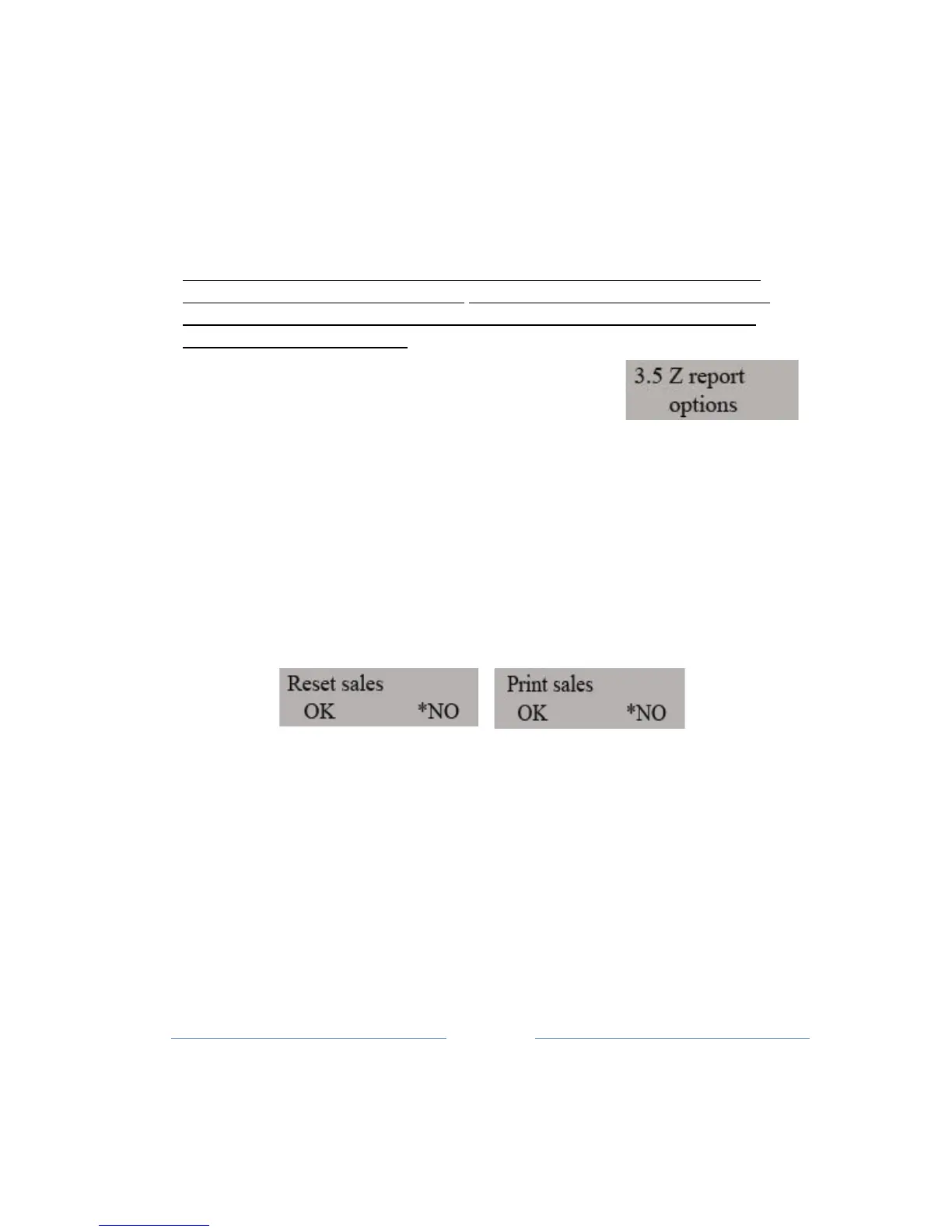
10.5 Additional reports ( Z )
Reset selling items and printing of items sold for the day, the operations
that
are
necessary to the Daily Report before execution. Because of
the easier of use of
thes
e options, Menu 3.5, have been
implemented the eventual user queries, which are to
be
presented
before making daily report, and for the eventual execution of the
operations of
printing
and production operations of reset
items.
Sub-menu in which the request is set to reset the turnover
items.
Button to move the paper you select on (YES) or disable (NO) given
options. TOTAL
key
moves to the next sub-menu where you select the
option to print items so
ld.
If the sub-menu includes options for printing of items sold, before
doing the daily report
will
appear the question.
If the sub-menu includes options to reset the items sold, before doing
the daily report will
also
occur the question.
In both cases, the option Yes, you'll make a print or reset the items
sold.
Automatic execution of Z report (24h-28h)



 To Next Page