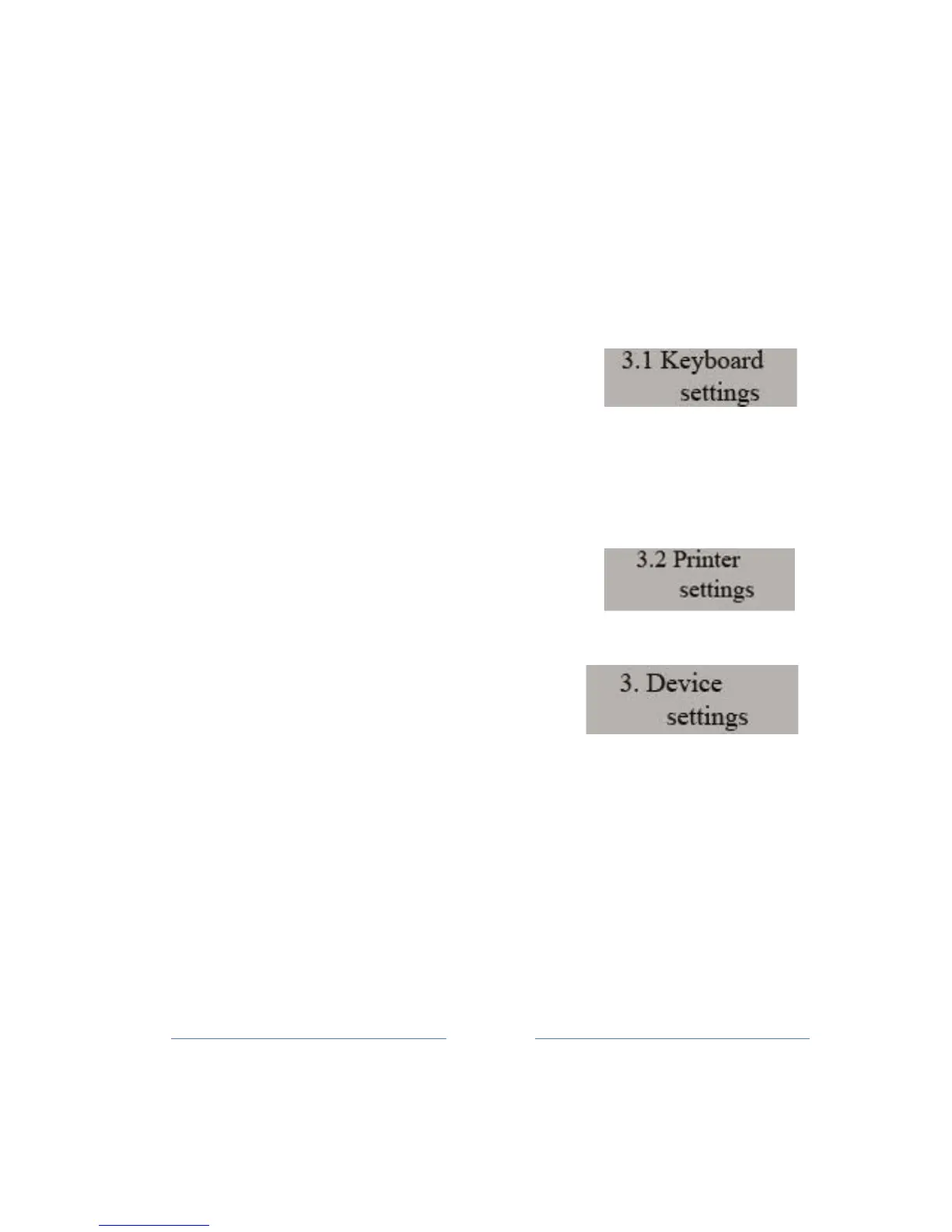
10. Device settings
To set the device peripherals, used Menu 3. In this Menu, you can
configure
the
keyboard key sound, printer speed, measure external
power supply, get the GPRS status and so
on.
Any time when you are in this menu or any sub-menus, you can adjust
print settings
of
the
current situation using CARD
button.
10.1 Keyboard settings
The first sub-menu allows setting the keyboard
sound.
By entering this sub-menu (TOTAL button), you can select the
keyboard sound, i.e. whether
the
use of the key followed by a short
sound or not. By choosing the value YES or NO
(navigation
key) is
performed on / off this
option.
10.2 Printer settings
In this menu can perform all the necessary settings for the thermal
pr
inter
de
vice.
The user is able to adjust the speed of
printing (from 0 to 5), Footer (footer length -
part of
the
paper that comes out at the end
of each printout, from 1 to 8), the strength
of printing
(intensity
of 1 to 5) Roll speed (the speed of rewinder (roll)),
from 0 to 8.
By entering the sub-menu, using TOTAL key, allows you to adjust the
speed of printing.
Print
speed values range from 0 to 5, where a higher
number indicates a higher frame rate.
S
e
l
ec
ti
on by pressing the speed
from 1 to 5 on the keyboard or using roll key. Confirm the selected value
of
the TOTAL
key.
The same procedure is for each sub-menu
.
Checking current settings can do using
CARD
button.



 To Next Page