10.3 GPRS reports
In this menu user has the possibility of printing the current state of the
GPRS
modem.
The menu contains two sub-menu
s.
The sub-menu is used to print GPRS settings to Tax Administration
(TA) server as well
as
readings from the network operator. Printing
setting values confirming using TOTAL key, and the C button using to
exit the sub-menu without printing the docume
nt.
Values obtained in printing, also represent a test of the modem device.
In the case that the
part
of
the
SIM
(ICCID) get marked as ERROR
value, indicates that the device has detected an error w
hile
reading the
SIM card, and modem devices can not send data to perform a GPRS
network.
For
this case, contact an authorized service cen
ter.
If the signal level is less than 10, the device
will not send data
to
the
server TA.
The bad signal problem can be solved using external antenna.
Network operators can have the value NO
NETWORK. In this case
the device cannot log on
to the network operator. (Check PIN and
PUK on the card and contact
the authorized service)
Sub-menu to print the current state of the device sending the server Tax
A
dm
i
n
i
s
t
ra
ti
on
:
It is obtained by double pressing 3, confirmation with TOTAL key, and
the key to pull
the
paper may move up to the required report, which can
be checked, among other things,
the
next time a GPRS connection to
the server unit
PU.
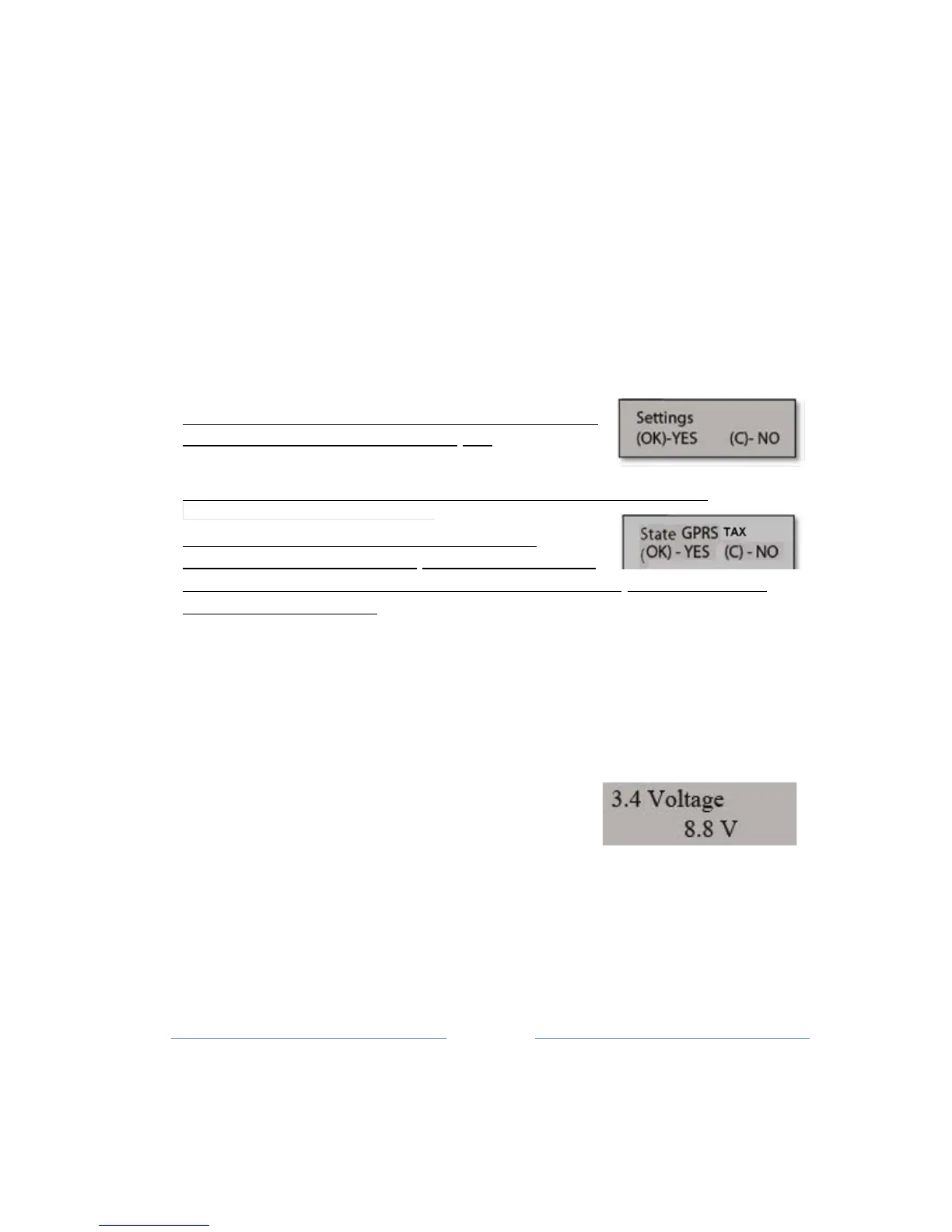
10.4 Shows the current voltage
In the menu 3.4 ECR gives the user information on the value of the
supply voltage
used.
Entering this menu the user can check the stability
of the external power supply to be
used.
Using confirmation button enter in the sub-menu that defines the time
for which the device
is
automatically turned off if the user does not



 To Next Page