9. REPORTS
When you are in main menu and press key 2, you enter the Reports
Menu, such as D
aily
Reports with clearing, Periodical reports, etc.
...
9.1 Z report (Daily report with clearing)
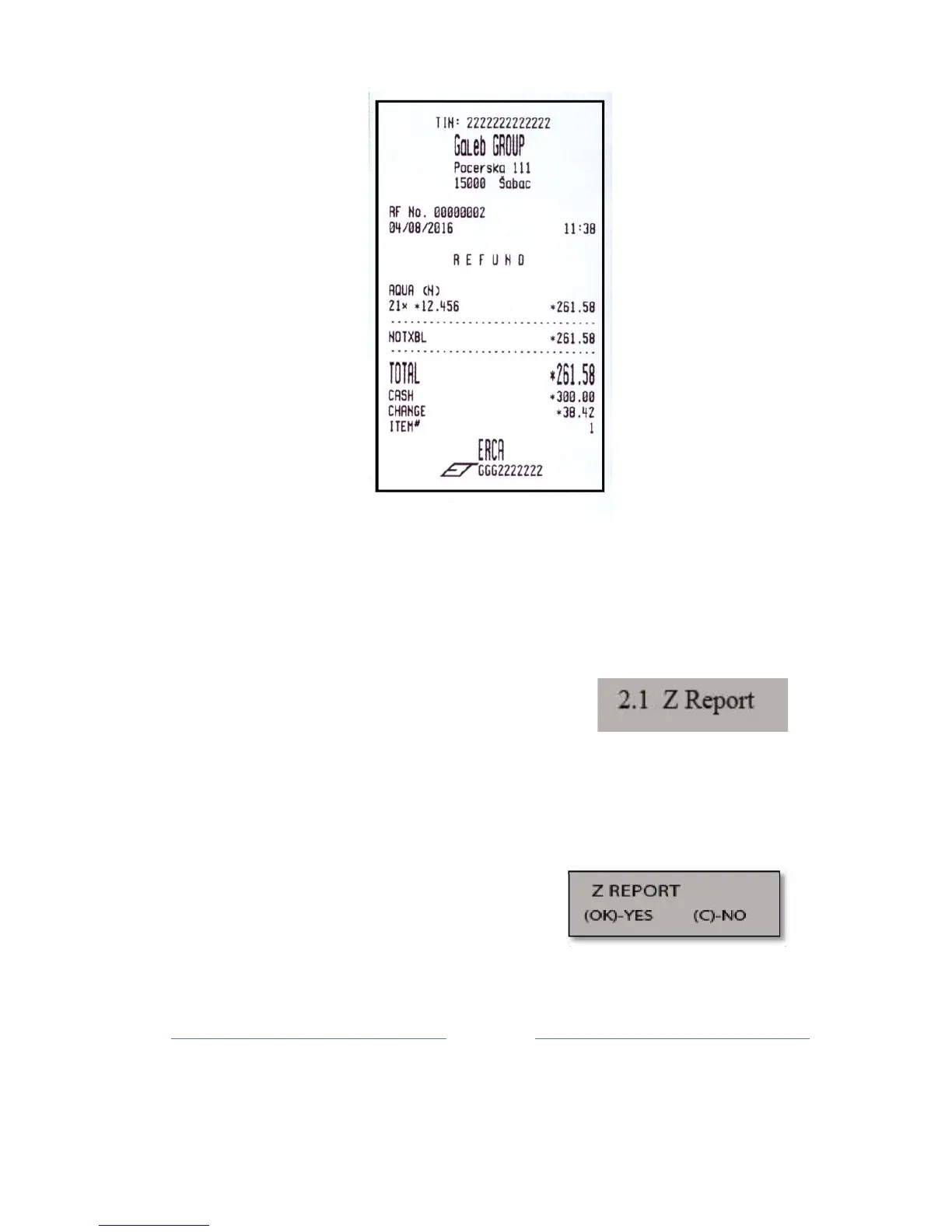
The first sub-menu of Reports Menu ( 2.1 ), enables creating Z
Report
.
There are two ways to create a daily report
:
1. pressing the key 2 and confirm with TOTAL key
,
2. pressing a multifunction Z / x key, and confirm with TOTAL ke
y.
By entering in this sub-menu (TOTAL
button) opens a menu to confirm the
report.
Pressing the TOTAL key is printed Daily
Report, and the C button to cancel printing
this
report.



 To Next Page