8. SALE
The sale mode is entered from the
main menu by pressing 1, then the
display shows the
sale,
and the entry is confirmed by the PLU key, or
by pressing TOTAL, and can be entered
directly
b
y
just pressing the
PLU ke
y, in mine Menu.
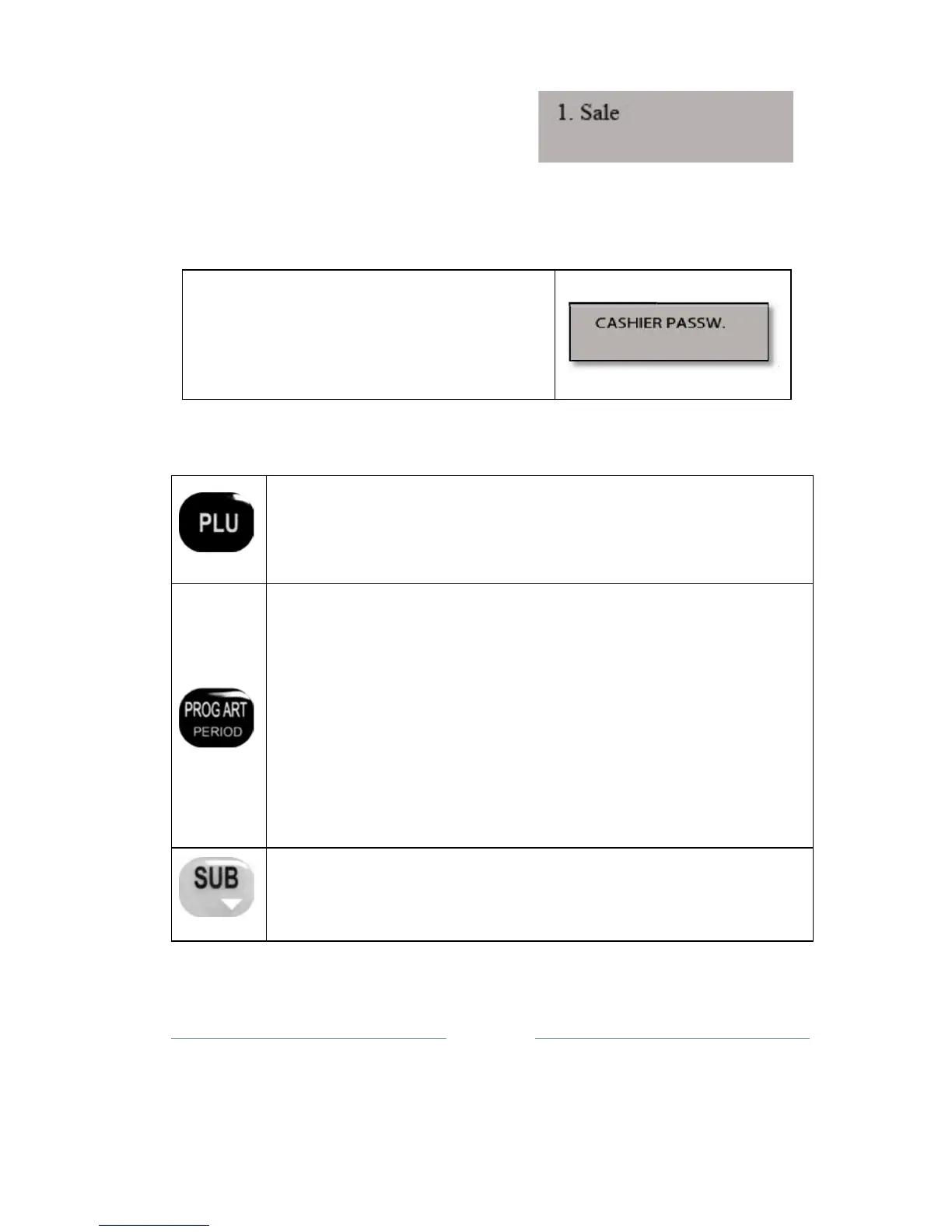
If the cashier option is active, the display
shows 'Cashier Password
'
and space for
entry of below code operator (Fig. right).
Aft
er entering the code press the TOTAL
key
. In ECR is always active
administrator cashier with code 5555.
8.1 FUNCTION KEYS IN MODE SALES
When it is necessary to make a sale item "n PLU" code, you
need to press
PLU
after you enter the article number (e.g.
234), if you want use internal code, you must enter internal
code, and press SHIFT+PLU. Entering a decimal point is
ignored and the value is accepted as an
inte
ger
.
If the fiscal day is started (at least one fiscal receipt of
the last daily
report),
enter the item is only possible
change of the price. After entering the bar code (PLU)
article, the following sub-menu that is available to a price
change.
Other
sub-menus are not available in this ca
se.
Note: If the user is in sale mode, his fiscal receipt is opened,
a s
implified
procedure for entry in the Menu Item price
changes, pressing PROG
ART,
where
he entered the PLU
item that you want to modify, press OK, and
Pric
e arriving to
field in which you can enter the new value, and c
onfirmation
Press this button during the sale, the display will show your
current amount of
the
bill.



 To Next Page