Setup options for performing automatic Daily report (Z Report). If the
setting are set to 24 hours, after that time and finished opened fiscal
receipt (if the receipt was opened at that moment), the cash register itself
automatically executes daily report.
10.6 PLU print settings
When printing of items sold, to define the data appear as the necessary
details, name of the
item
and the financial value of sales of a given
item. However in order to allow the user to choose
t
he information you
need to print, the definition of the Menu items implemented 3.6. In this
M
enu,
the
user selects the value that will appear when printed report
sales items (bar code, item
price,
quantity sold… ) Confirmation is done
with TOTAL button, while changing the sele
ction
(YES or NO) performs
key to
scroll.
If in Menu 3.6 Print quantity OK, in 4.1 (Plu input), there are stock articles
0.000.
10.7. Advertisements settings
Cash register GP-100 supports printing advertisements.
Advertising messages are printed in each receipt, the area of the end
fiscal receipt
. Messages that are printed on, the device are entered
via
a PC application (GP commander). At any time, the device can be
defined up to 4 different messages, each
of
which can have up to 8
lines. The choice of the message that is printed has been
imple
mented
in the sub-menu. By entering this sub-menu key to
navigate selects the message to print or disable this function. To
cancel you need to choose the option NO. Any
other
choice enabling
the function and prints the selected message
to every new fiscal receipt.
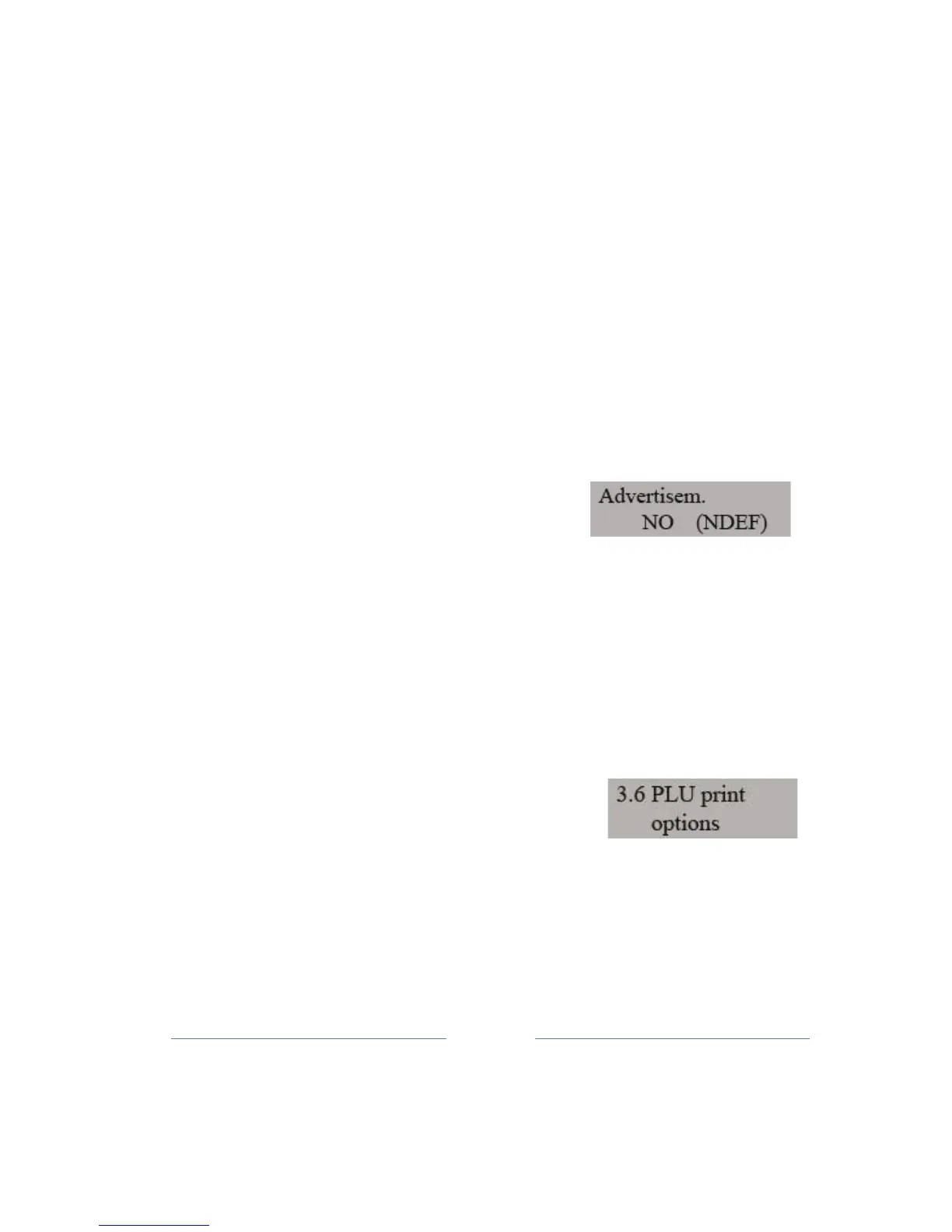
In the selection of messages, number of messages appears from 1
to 4, and
the
additional in (NDEF) i.e. (DEF), which indicates whether
the user has previously
given
messages defined in the ECR. The
choice of messages is done TOTAL key. If the user
trie
s to select a
message that has not been defined (NDEF) will be disabled by a
message appearing on the display
.



 To Next Page