and fiscal control bar). If your printer does not give a signal, or a main
power
failure occurs, the cash register will stop working, and after the
problems are solved, the
cash
register will continue with the operation,
or continue printing initiated fiscal
documents.
7. OPERATIONS MODES
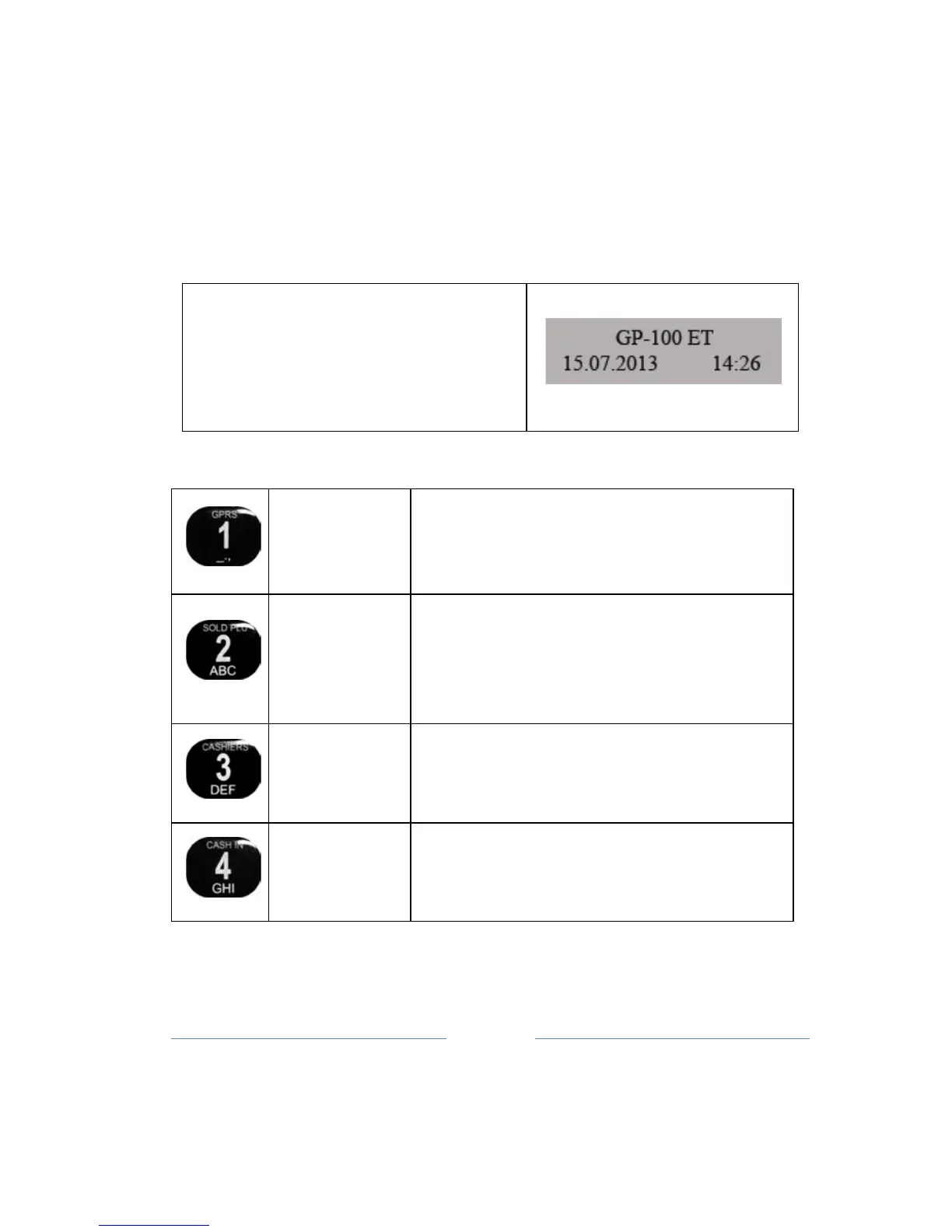
The function of the cash register is
selected when the displey shows
the main menu (device name, date
and time)
By pressing one of the following keys you enter the required mode:
Sale (Fiscal receipt, Refund receipt,
receipt with discount and surcharge )
Printing daily report with clearing (Z),
Report summary of the
fiscal
memory by
the date (Period Report), PLU sales
re
port,
Cashiers settings, Departments
report, Reset PLU sale, VAT settings,
Keyboard settings, Printer settings,
GPRS Reports,
Voltage [V],
Z Reports
options,
PLU print. options, Advertising
message
settings, Display contrast
PLU input, Delete PLU, Format PLU base,
Printing Base, Delete PLU
base, Option
use code for article, Printing art. With
internal code, Printing NON Tax articles



 To Next Page