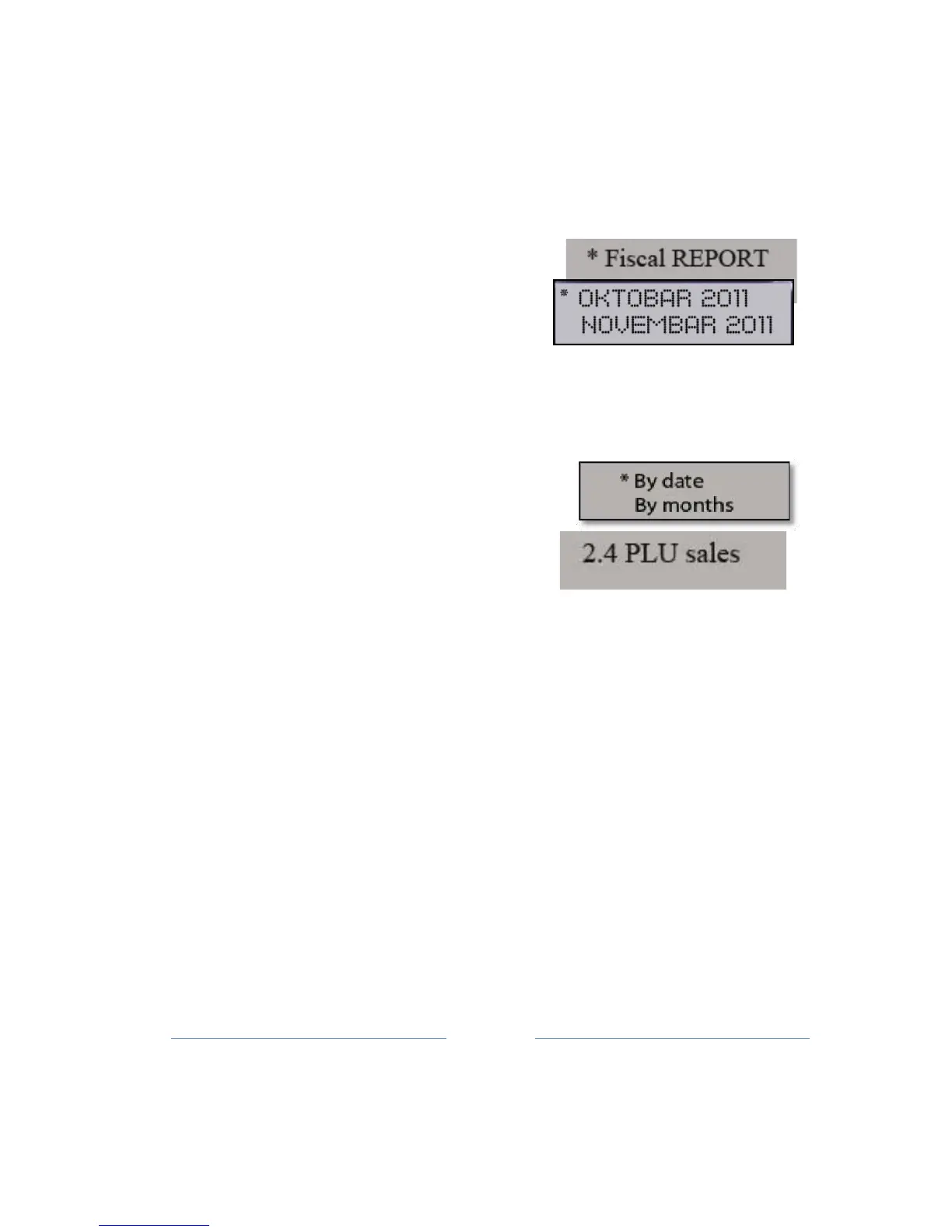
Fiscal or Summary can be obtained: by date, month or by the daily report.
There are two ways to create a Period
report
:
1. pressing the key 2, then 3 key, and confirm with TOTAL key
2. pressing a multifunction SHIFT + PROG ART keys, and
confirm with
TOTAL
key.
By entering in this sub-menu (TOTAL
button) opens the selection menu, if it
requires Fiscal or Summary Report.
Pressing the ▲ ROLL button selects one
of the two options, therefore Fiscal or Summary Report. Now, you must
select by date or month, it opens a menu to entering start and end
dates of the desired period, and printing of report is done after
confirmation with TOTAL
button.
If the option is selected by month, it opens
Menu to entering start and end months of
the
desired
period.
The proposed value of the starting
month is four months ago from the
current month in the cash register, and the proposed value of the
final month is the current month in the cash
register.
Selecting the
month is done by pressing the ▲
ROLL
button. After selecting start
and end date entered, printing of report is done after confirmation with
TOTAL
button.
Before printed Fiscal report by date, ECR warning you the
operation request a lot of printing!!
9.4 PLU sales
The fourth sub-menu of Reports Menu (2.4) enables creating PLU sales
report
.
Printing reports on sold items (Only the PLU for which have sales



 To Next Page