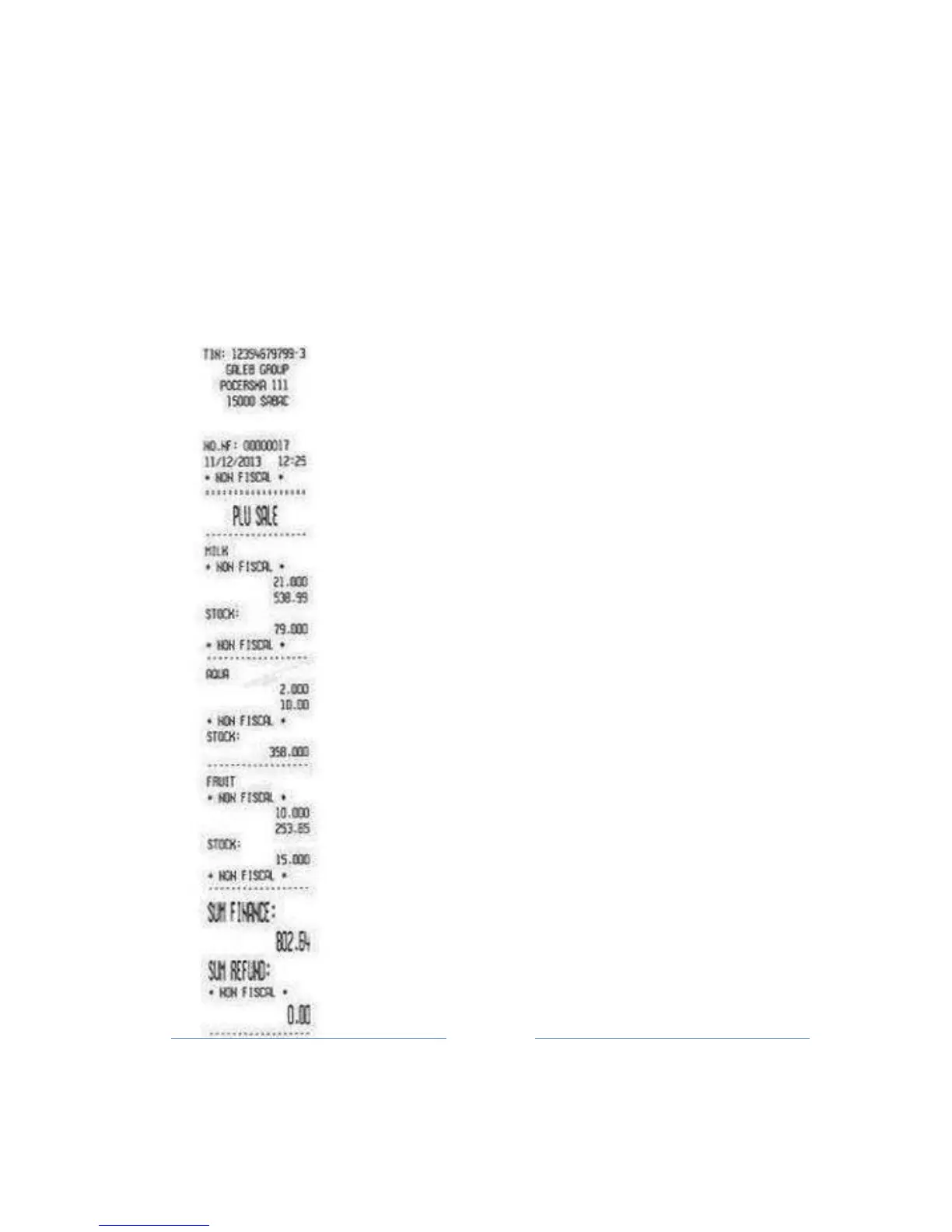
records
for
the
day are printed. For each PLU is printed – PLU
barcode, description,
P
ric
e,
Sold
Quantity and Total turnover for this
PLU)
Execution of these options is confirmed by pressing TOTAL
button, and cancel printing
the
report is allowed by pressing C
bu
tton.
Note: The Report of Sales Items prints only activated parameters, bar
code, price, or qu
antity
(see
Menu
3.6)
1. Article name
2. Total sales of all items
3. The amount of sales for an
item
4. Stock
Note: If the screen is a request for reset turnover,
pressing the TOTAL button is performed
by
annulment turnover items. At the end of the
operation annulment turnover items, printed
t
he
notification of completion of the ope
ration.



 To Next Page