1. Printing turnover in departments
2.
reset turnover in dep
artment
s
.
Pressing the TOTAL shall be selected confirmation
option.
The first option is done by printing sales departments and the second
option also
prints
sales by department, but with the difference that both
erases by sales
departments.
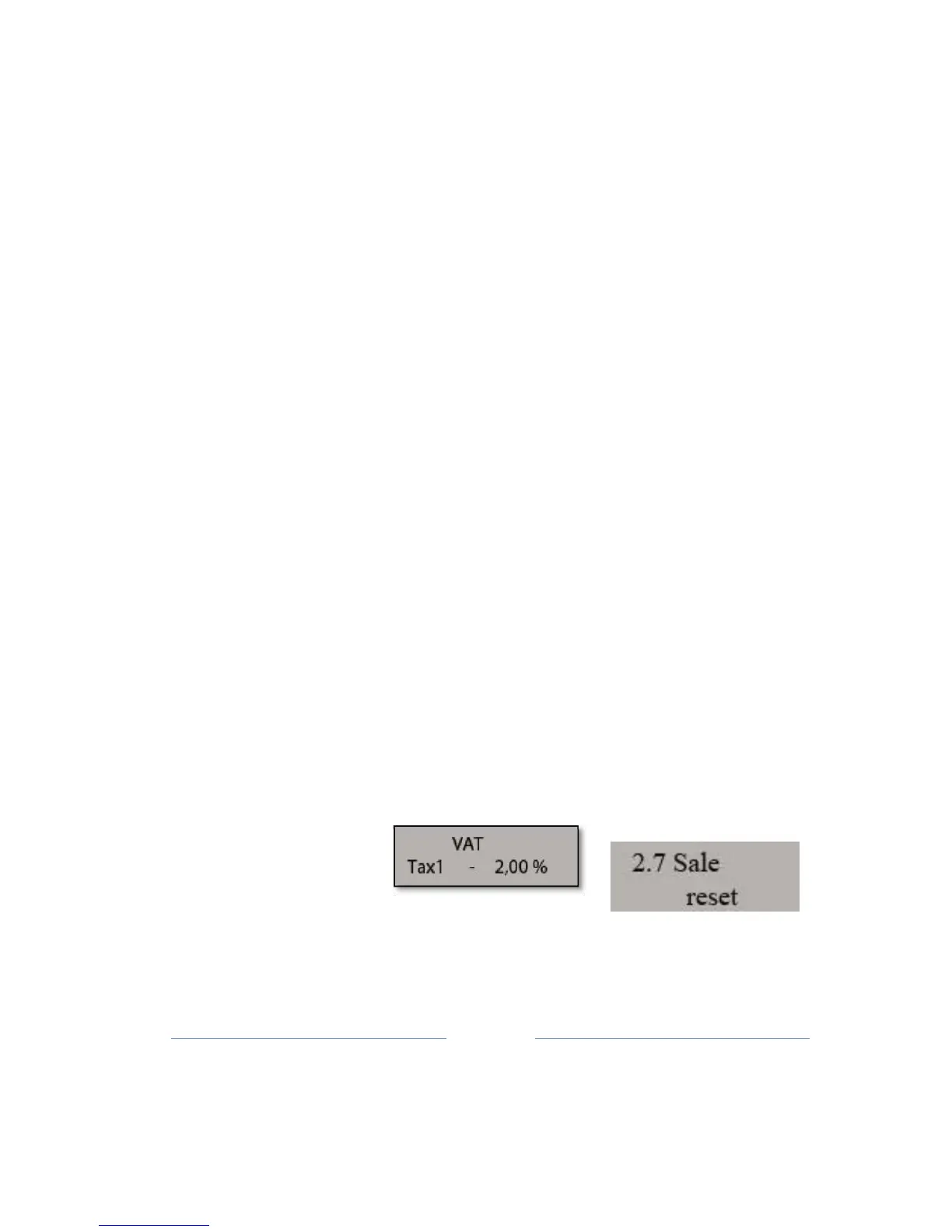
9.7 Sale reset
PLU sale reset operation relates to entire turnover recorded on items for
which the sale
is
finalized.
By entering in this sub-menu (button 2, then
press 7 and confirm with TOTAL key), opens
a
sub-menu to confirm that
you want to do the reset
turnover.
9.8 VAT settings
This sub-menu is used to set
tax
r
ates.
By entering in this sub-menu (button 2, then press 8 and confirm with
TOTAL key), open
the
sub-menus for each of the 3 setting tax rates.
According to the Law on the ET
cash
registers, cash registers allow
up to 30 changes in tax rates. After 30th changes in tax rates is
prohibited by further sales, and each registration in fiscal memory, but
at any moment can read data from it (Daily report without cleaning,
Periodical R
eport).
TAX1;TAX2; TAX3;
After entering the 4 digits required value, including two decimal places,
pressing TOTAL
key
move on to the next tax rates, and so on all 3
tax rates. After entering the last tax rates,
we
come
to
the
menu
to
confirm
changes
in
tax
rat
e
s.
Pressing the C key to cancel the a complete
operation, while pressing TOTAL con
firmed
and printed
changes in tax
rates, which can be seen with the label defined tax rates, and the
total
number of remaining
changes.



 To Next Page