For each cashier kept the evidence of sales that can be printed CARD
button.
By entering in the sub-menu to define the functions of the cashier
(Menu 2.5), reset
turnover
cashier or cashier printing status is done
with TOTAL ke
y.
Choosing one of three different operations on the cashier is allowed with
Navigation keys
▲
ROLL,
SUB.
Printing cashier’s valid name, total financial value generated by
the cashier of
the
last reset turnover, the level of access to the
Cashier and password, if the curren
tly
logged cashier who performs
printing documents with the highest priority
(
HIGHEST).
2. Reset turnover by cashier:
By checking this option and confirming with TOTAL, starts printing in
Cashiers as in
the
previous menu and i resetting cashier’s sa
l
es
.
3. On / off Cashiers
function:
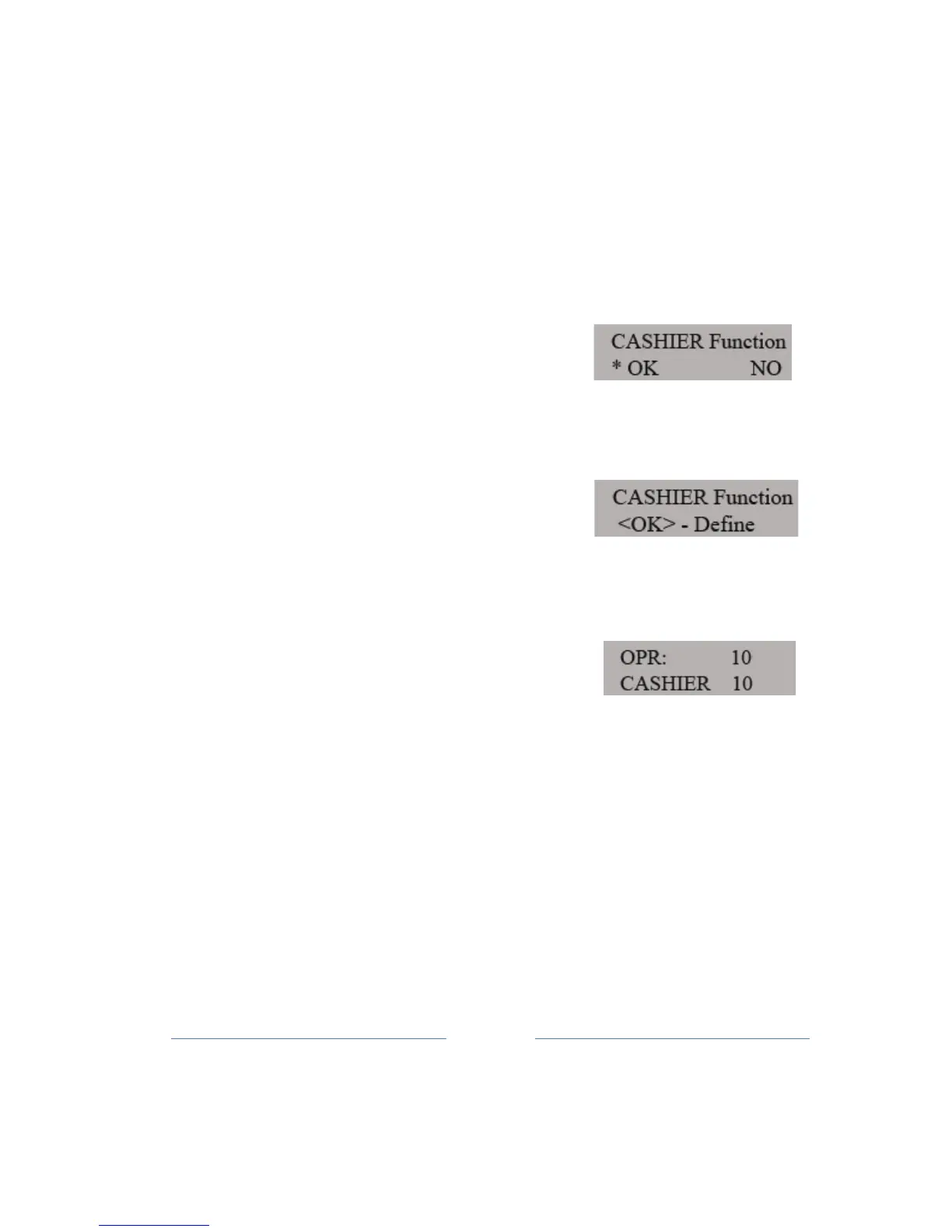
On / off cashier’s function is a sub-menu
for adjusting the Cashiers settings.
Pressing
TOTAL key to entering the sub-menu to adjust the use of cashier
functions.
The first sub-menu is used to select the options of use
.
Button to move the paper chooses one of two options labeled YES
and NO, i.e. if
you
use
a given option (YES)
or off
it.
In case of choosing selecting the option YES,
you move to the next sub-menu for setting the
time
and
check-out cashier. This sub-menu is selected Time Out cashier, i.e.
Time to check-out
cashier.
CHECK OUT cashier:
The device provides a several ways logged out cash
i
e
r.
• AUTO mode - after the completion of each fiscal receipt or return
to the main menu will
be
reported to the cashier checked
out.



 To Next Page