3E2364WeighScaleW810v2UserManual
Page54
optionisnotswitchedONwhenyouscananEID,thepreviousnote,either
traitoruserenterednotedata,willnotbedisplayed.
6. Ifyouwanttoviewthemostrecenttraitrecord,recordedforthisanimalin
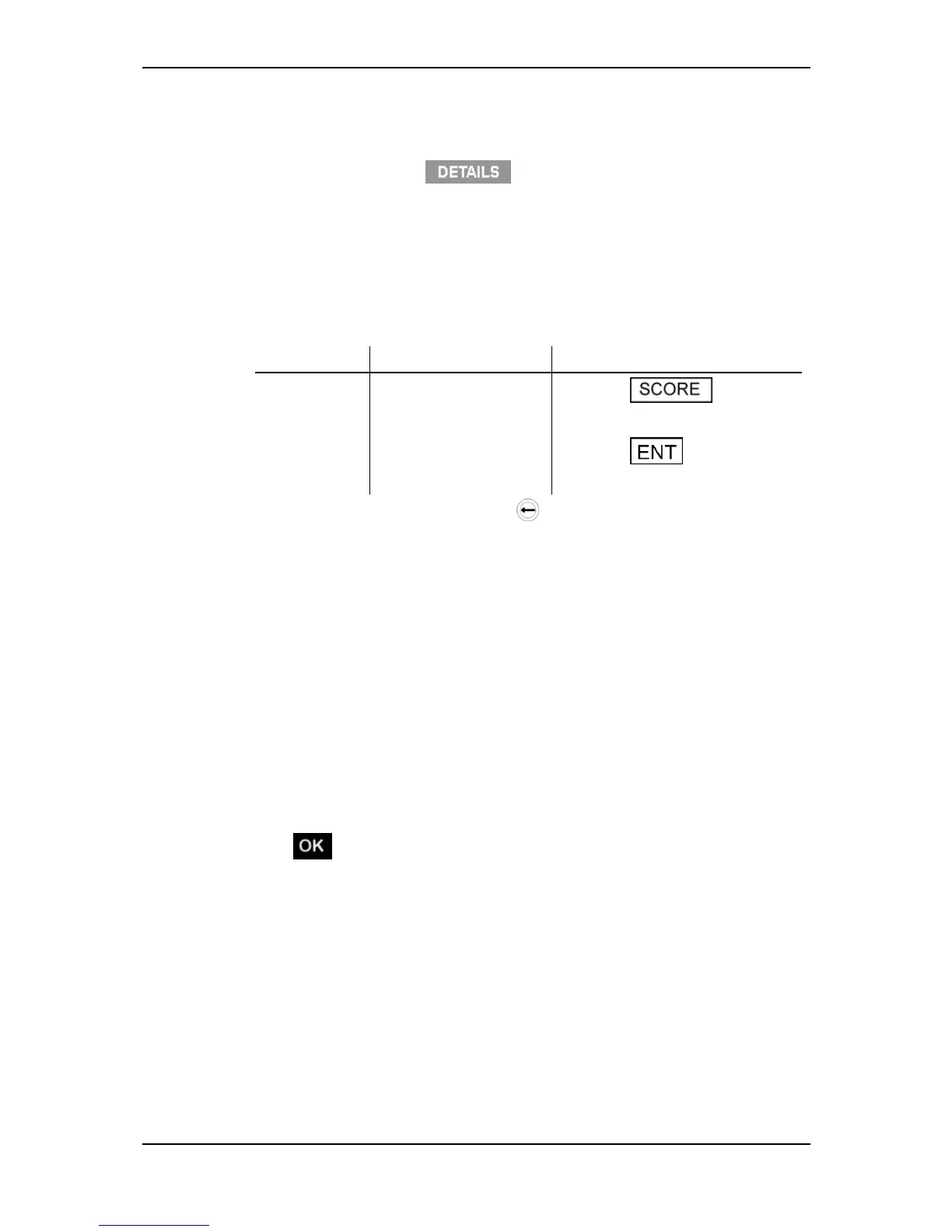
moredetail,pressthe key.Whenthiskeyisreleased,the
displaywillreverttothepreviousscreen.
7. Ifrequired,youcanstoreinformationabouttheanimalbeingweighedusing
the"ConditionScore"and"Notes"fields.
Refertothefollowingtableforinstructionsonenteringaconditionscoreor
note.Youcanenterthisinformationbeforetheanimalstepsontothe
platform(i.e.whentheplatformisempty)orwhiletheanimalisonthe
platform.
Field Whatcanbestored Howtouse
Condition
Score
Oneortwodigits
Pressthe buttonon
thekeypadandtypethescore.
Notes Upto13characters,
alphabeticornumeric.
Pressthe buttononthe
keypadandtypethenote.
Ifanincorrectentryismade,press todeleteeachincorrectcharacter
andthenre‐enterthecorrectinformation.
8. Followtheinstructionsfortheweighingmodeyouhaveselected.
AutomaticModeWhentheWeighScalehasdeterminedanaccurate
weightfortheanimal,itlocksontotheweightandholdsitonthe
screen.Thetimetakentolockontotheweightvariesdependingonthe
movementoftheanimal.
ManualModePressthegreenweighbuttontostartweighingthe
animal.WhentheWeighScalehasdeterminedanaccurateweightfor
theanimal,itlocksontotheweightandholdsitonthescreen.The
timetakentolockontotheweightvariesdependingonthemovement
oftheanimal.
9. WhentheWeighScalehaslockedontotheweight:
the"WeightOK"lightilluminates;
displaysonthescreen;
theWeighScalebeeps;
Ifdraftingisturnedon,thegatenumberdisplaysindicatingthedrafting
category.



 To Next Page