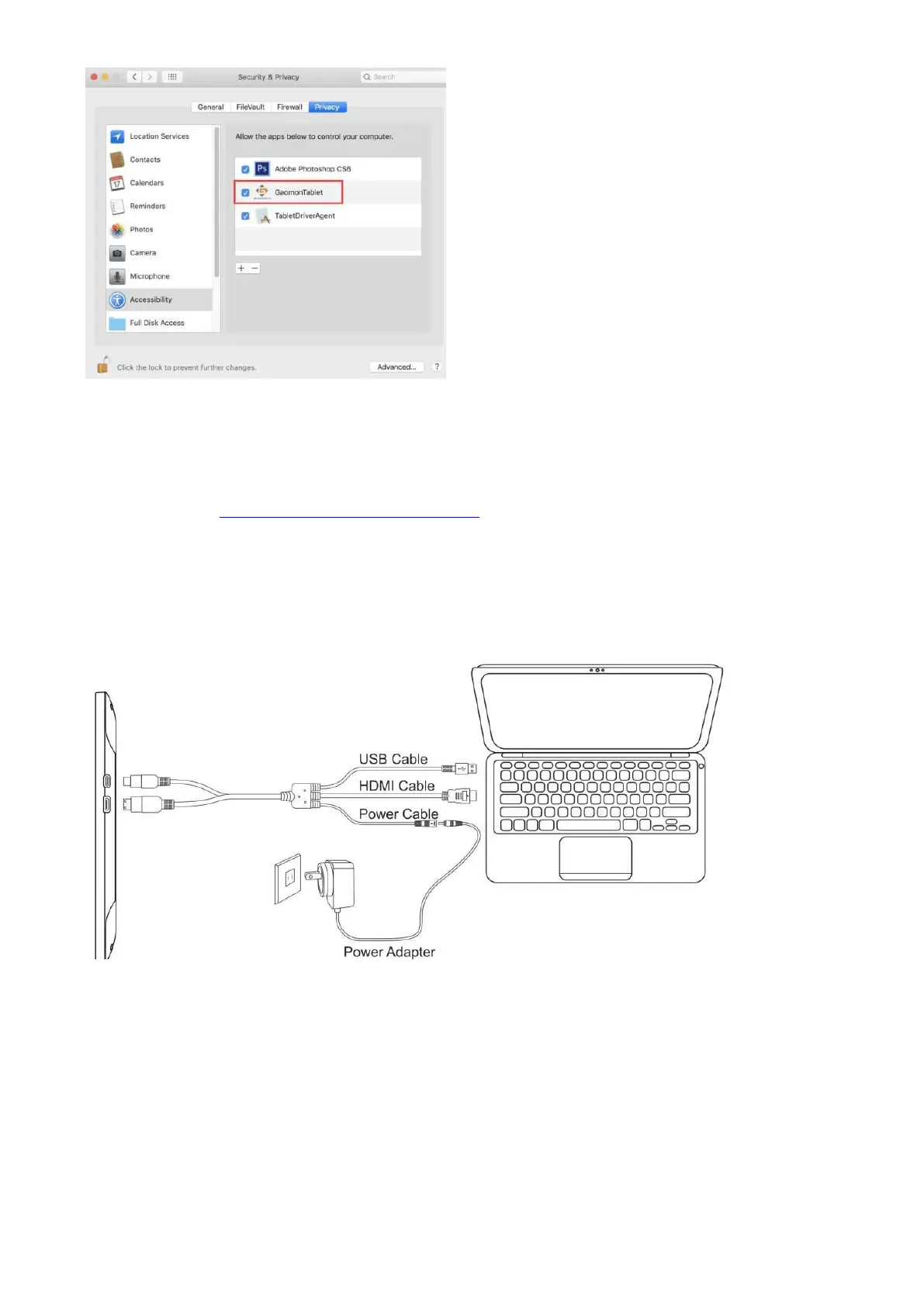
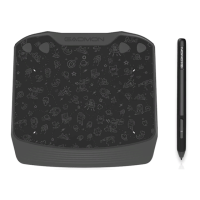
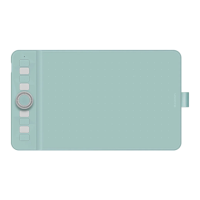
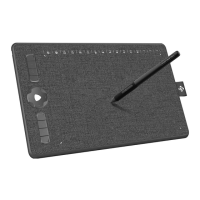
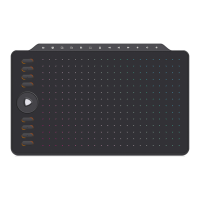
Now you get the permission to use Gaomon Tablet Driver on your Mac OS.
Any suggestions and questions, please feel free to tell us. You can find us from ► 【 GAOMON
SUPPORT TEAM HTTPs://www.gaomon.net/after-sales/】.
—————————————————————————————————————
2.3
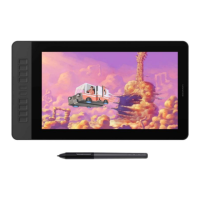
How to connect the PD1561?
1. As shown on the below, connect the pen display to your computer with attached power adapter,
HDMI cable and USB Cable.
1). Connect your PC and the display with integrated cable.
2). Plug the power adapter into the cable power connector and turn it 90 ° to ensure that the plug
does not come off and connect the power adapter to the power source.
3). Turn on computer and switch on the display, the LED indicator will show the current status:
Green means working normal, Red means no signal.
Please remember to press the power button of the display to power on the display


 To Next Page