Please note we do not recommend ordinary usb A to HDMI adapters, which are not very
compatible with image signals.
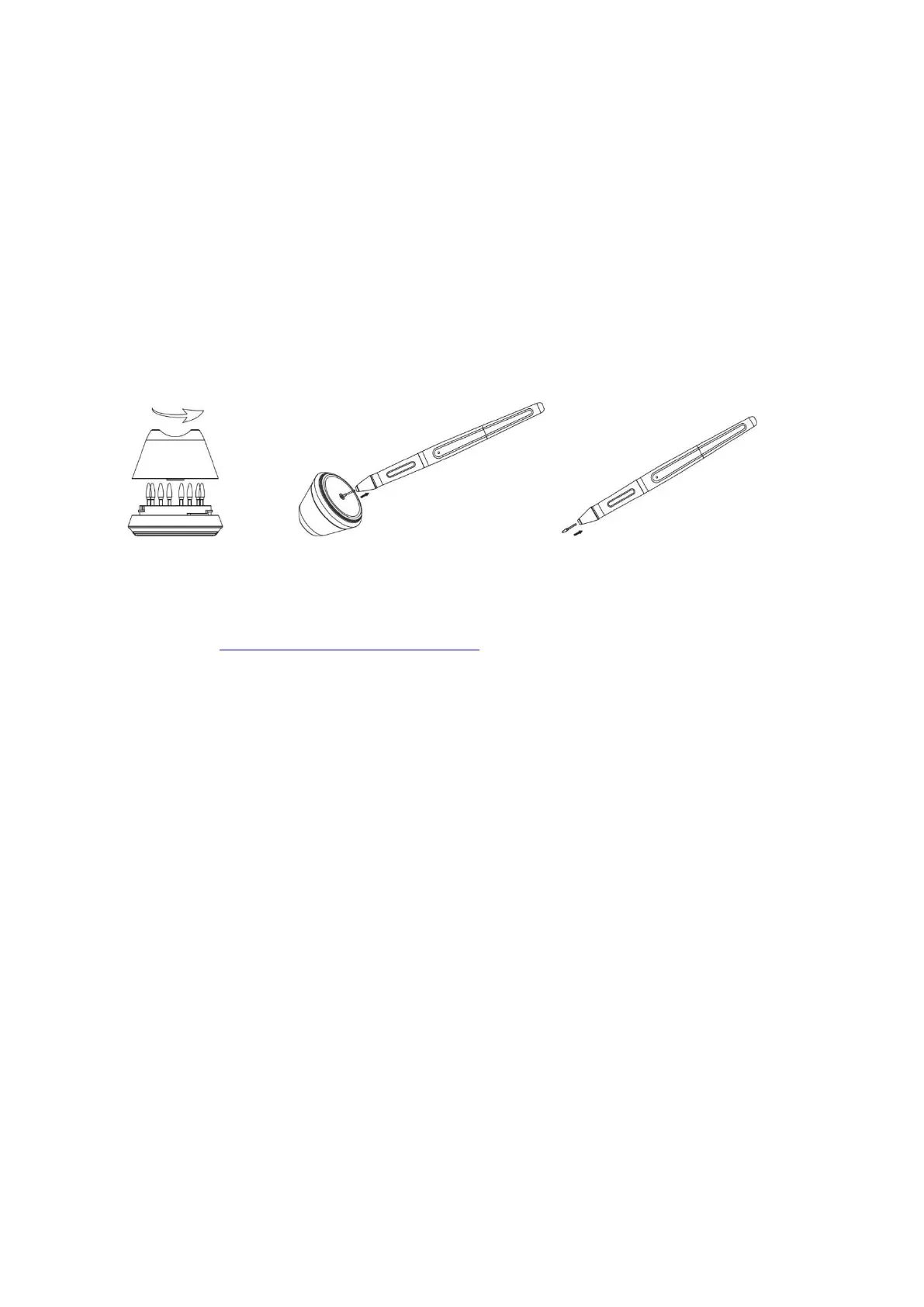
2.4 Pen Nib Replacement
1. The nib will wear off after using for a long time, then you need to replace a new nib.
2. Unscrew the pen holder and take out a new nib.
3. Insert the old pen nib into the hole at the bottom of the pen holder and tilt the pen to pull out
the nib.
4. Insert a new pen nib into the stylus and push the nib until it stops.
Any suggestions and questions, please feel free to tell us. You can find us from ► 【 GAOMON
SUPPORT TEAM HTTPs://www.gaomon.net/after-sales/】.
—————————————————————————————————————————
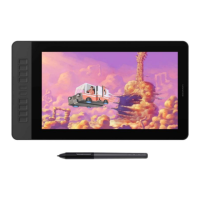
2.5 OSD Setting
AUTO: Before entering menu, it's function is auto adjustment. After entering menu,it's function is
back to previous menu.
➖ : After entering menu, it's function is to down/left/decrease.
➕ : After entering menu, it's function is to up/right/increase.
MENU: Press to call up the menu, after entering menu, it's function is confirm.
POWER : Power on/off the display.
Remark: Through the OSD menu, you can adjust the screen brightness, contrast, color and other
parameters.


 To Next Page