—————————————————————————————————————
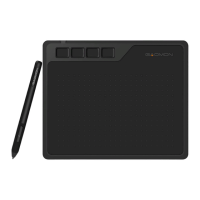
5.2.3 In OneNote.
1) After well connected PD1561 to computer, please open OneNote.
2) Now you can use GAOMON pen to draw freely now. The item 'Draw' can help us to adjust the
pen and color.
—————————————————————————————————————————
5.2.4 In PowerPoint.
1) After well connected PD1561 to computer, open PowerPoint.
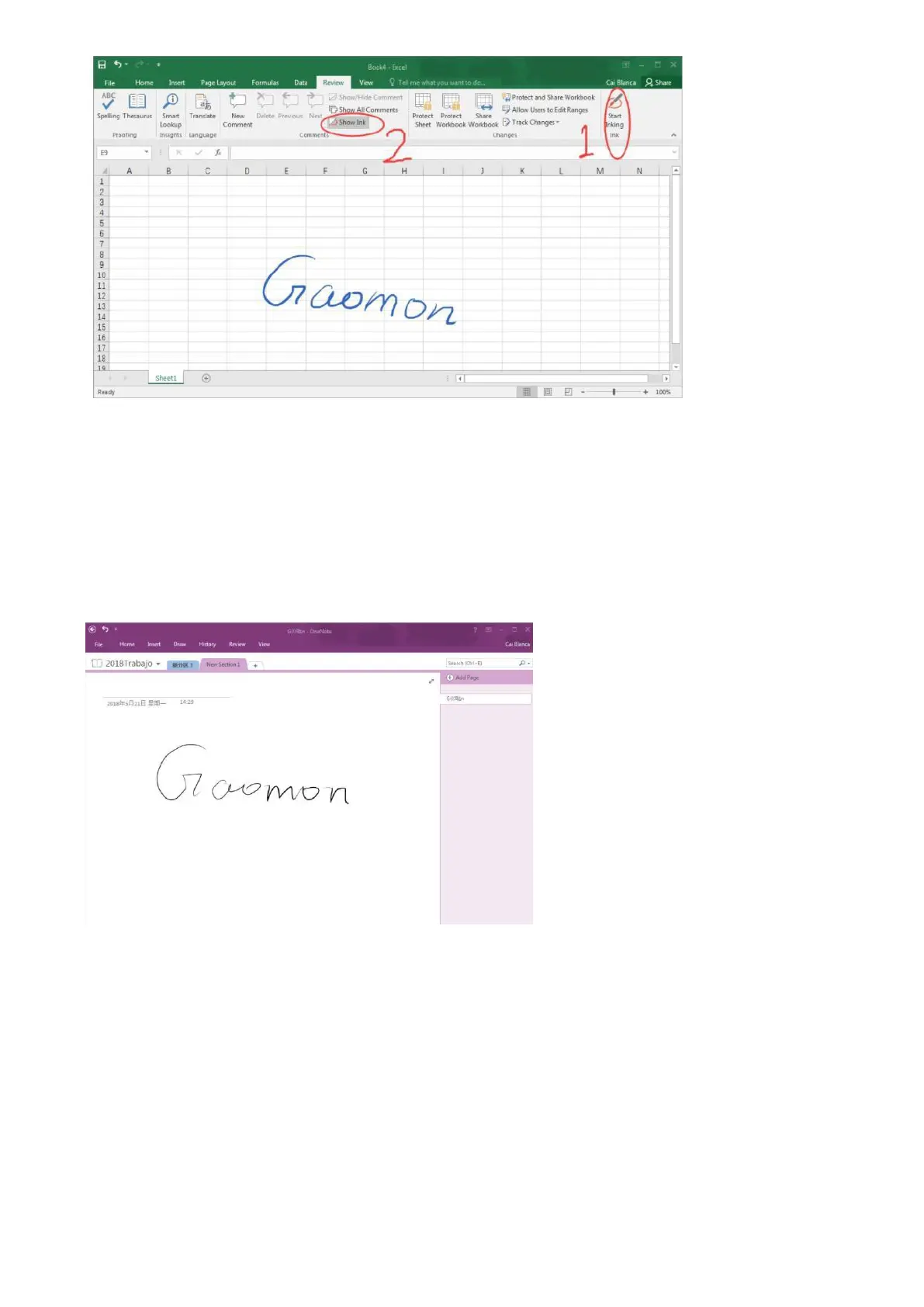
2) Click the item 'Review' and then click 'Start Inking', now we can draw on PowerPoint.



 To Next Page