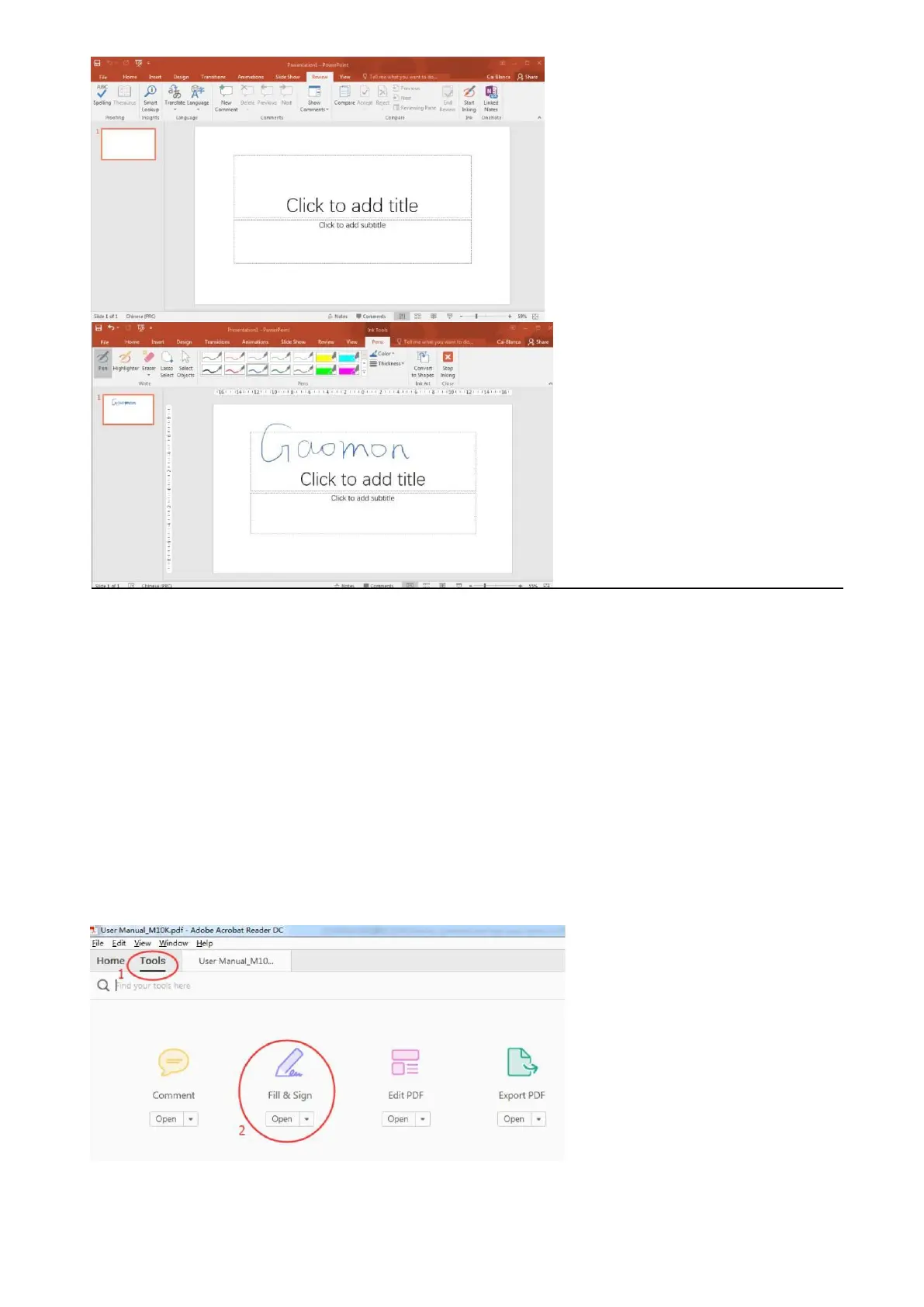
5.3 How to Comment, Highlight and Sign/Draw on PDF (Acrobat Reader
DC)?
All solutions in this article are in Acrobat Reader DC. In other PDF programs, the steps resemble.
5.3.1 How to sign/write on PDF?
1) Make sure the cable well connected.
2) Open the Acrobat Reader DC and a PDF file that you want to sign your name. Here is an
example.
3) Click 'Tools' and then find the item 'Fill & Sign' from the 'Tools' menu, open it.
4) Click the item 'Sign', then choose 'Add Signature'.


 To Next Page