3.3 How to do when the PD1561 only displays wallpaper of computer,
without any applications?
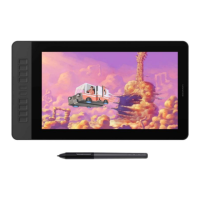
If PD1561 only shows the wallpaper of your computer, but without any programs It, is the normal
situation of the extend mode. You can set Duplicate Mode if you are not familiar with Extend
Mode. So PD1561 will display exact same with your computer monitor.
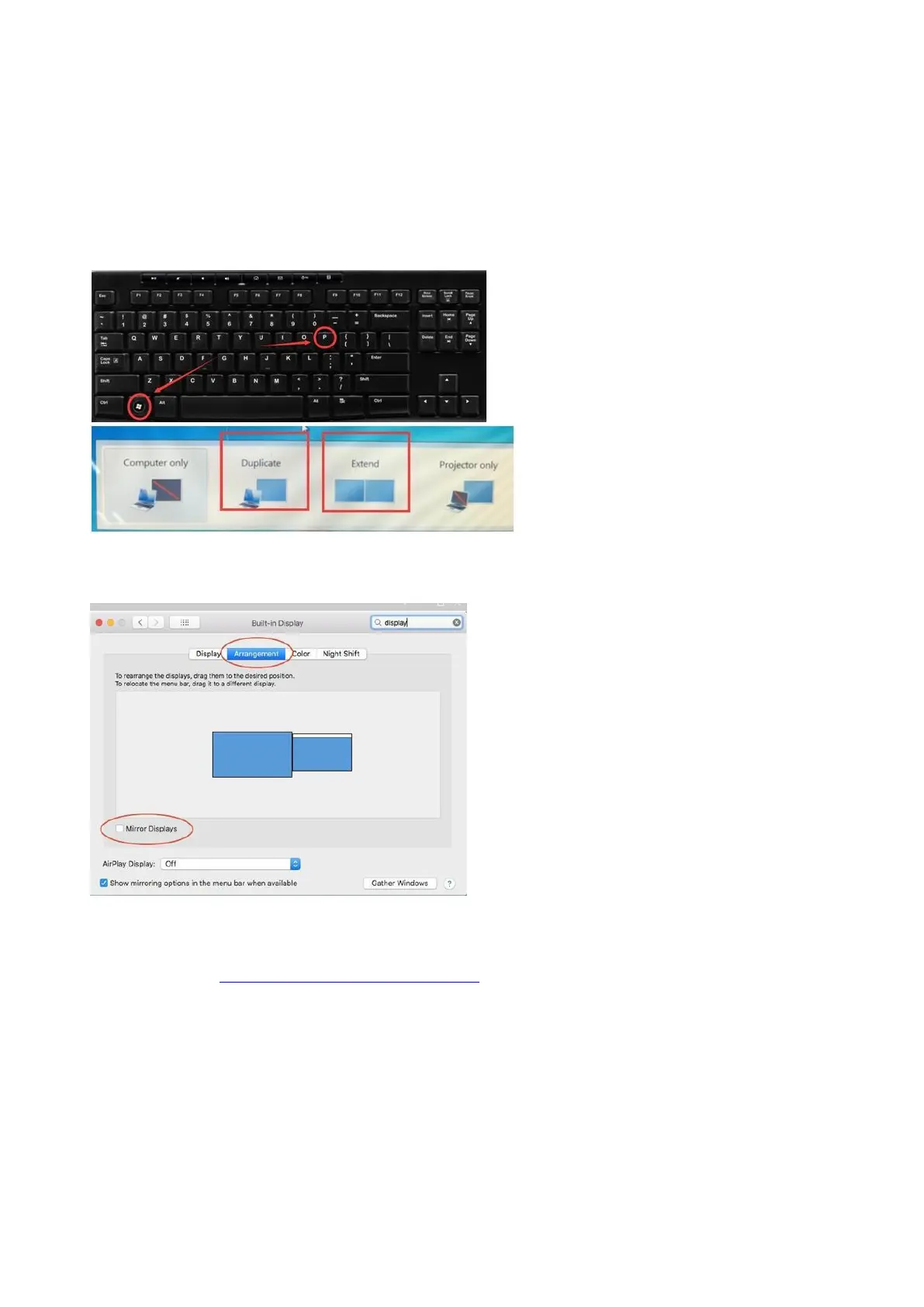
Duplicate on Windows:
Please press ‘’Windows+p’’ on keyboard, and make sure to choose Duplicate mode
Duplicate on Mac:
Set Mirror Mode: Click on the Apple icon in the top left corner,---“System preference”---
choose “Display’’--- Select the ‘’Mirror Display.’’
Any suggestions and questions, please feel free to tell us. You can find us from ► 【 GAOMON
SUPPORT TEAM HTTPs://www.gaomon.net/after-sales/】.
—————————————————————————————————————


 To Next Page