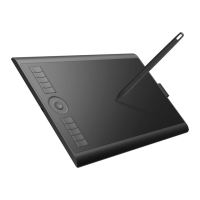
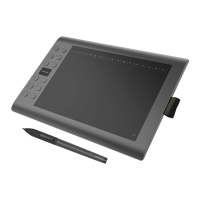
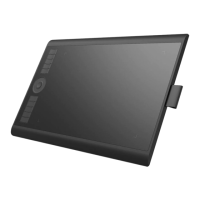
2. How to set up PD1561 on Windows/Mac?
2.1
. How to set up on Windows OS?
1). Please well connect all the cables: USB, HDMI, Power Cord.
2). Close all art programs and anti-virus program first.
Make sure there is no anti-virus program running here. (You can still run anti-virus program while
the issue gets confirmed and fixed)
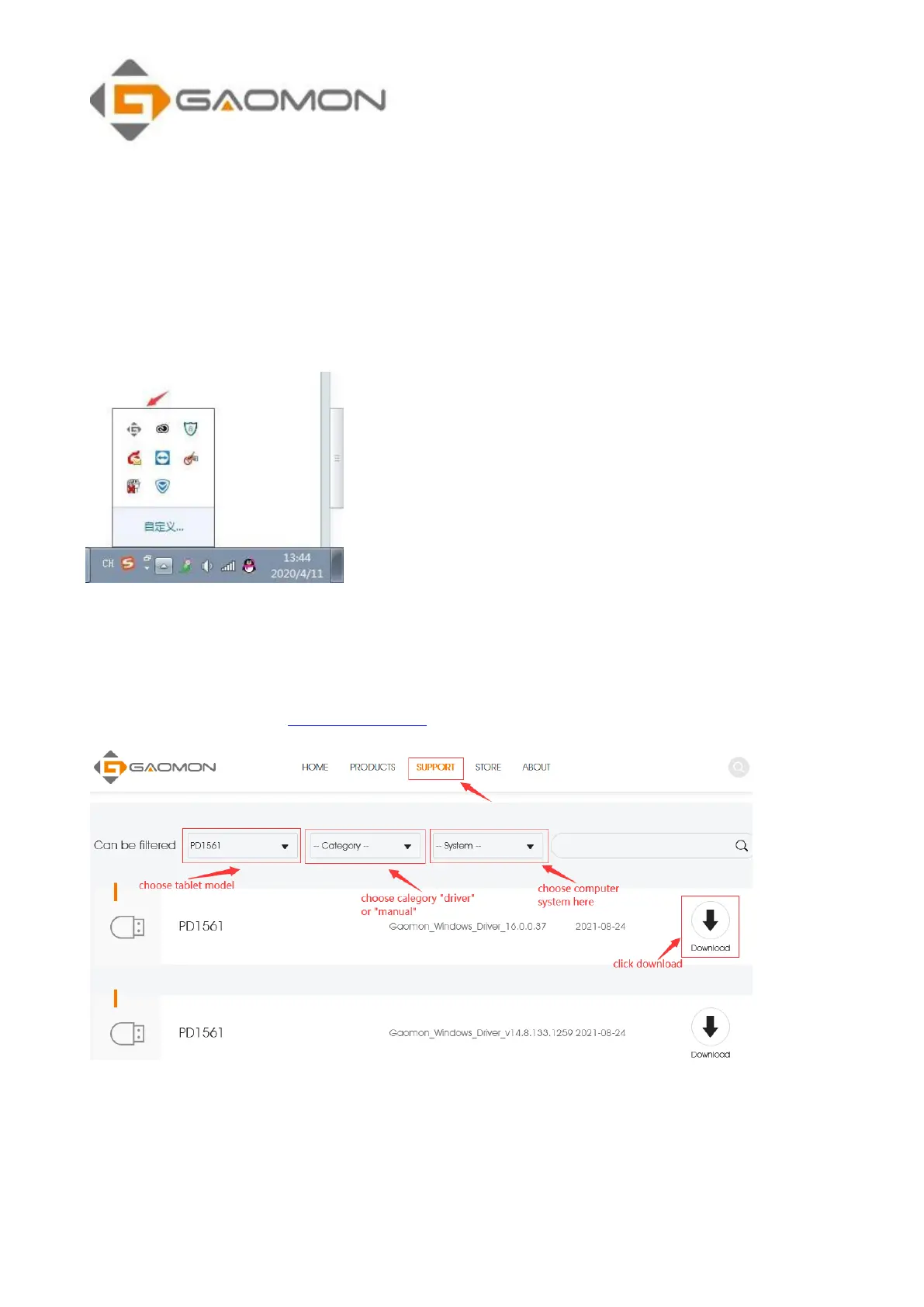
3). Please uninstall the previous GAOMON driver clearly first.
Go to Control Panel---Programs and Features---uninstall current exist GAOMON Driver--also make
sure no other brands tablet driver. (VERY IMPORTANT).
4). Download driver here: https://gaomon.net/ and install the driver.
Please right-click the driver setup icon, whose file extension is ‘.exe’, in the installation file and
select ‘Run as administrator’ from the dropdown list.
(Run as an administrator before installation, not after installation.)


 To Next Page