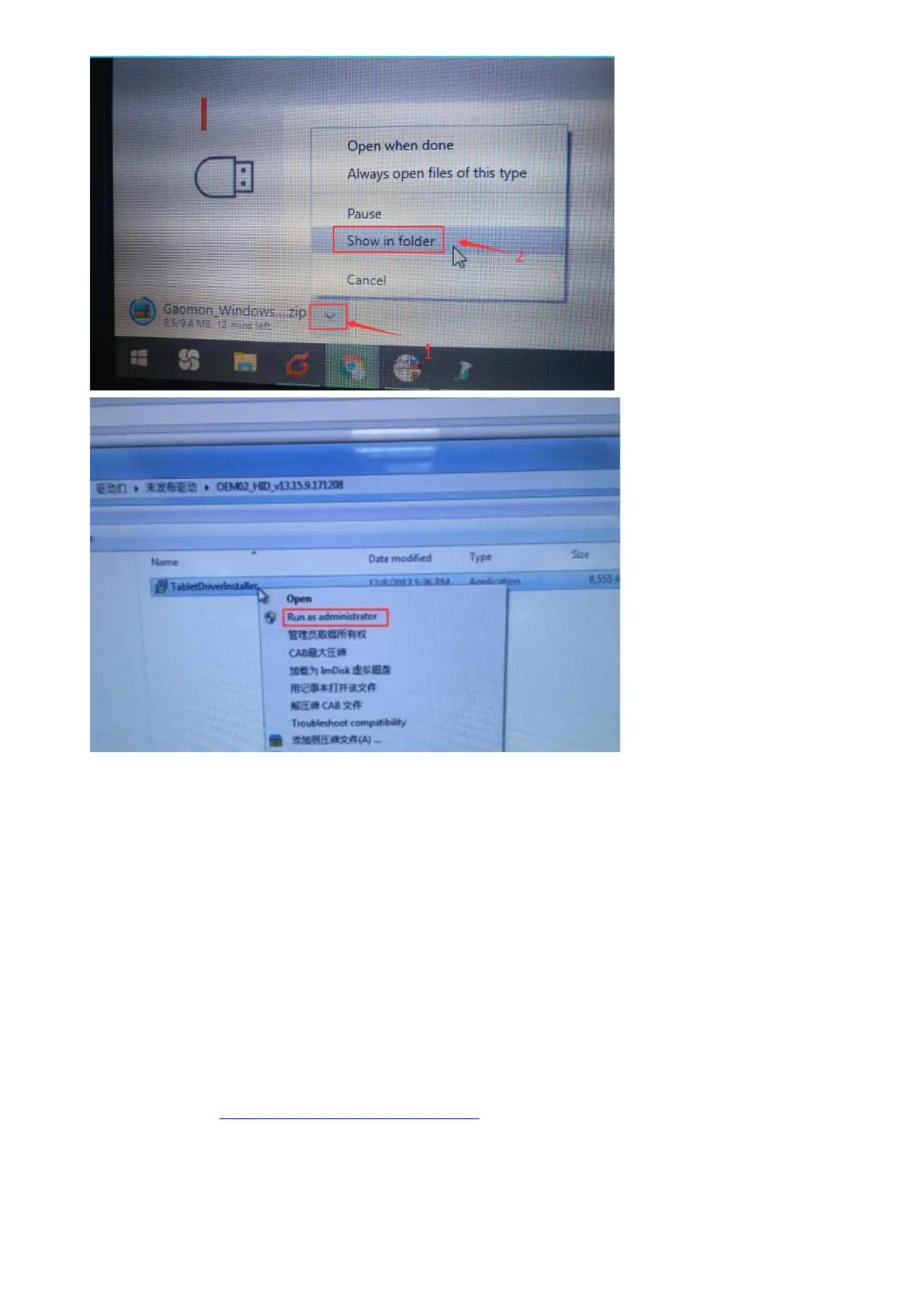
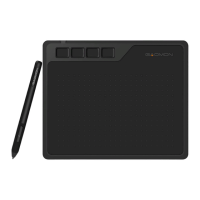
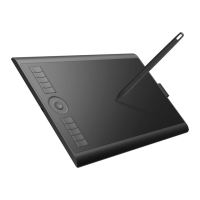
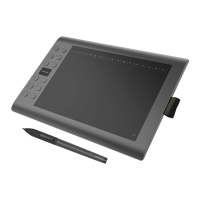
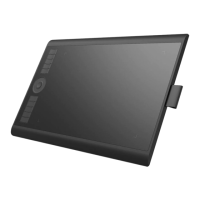
5). After installing GAOMON Driver, please test whether the pen can move cursor like a mouse
normally. If the pen can move cursor like mouse normally, you can customize express keys inside
GAOMON Driver now.
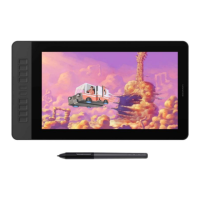
6). And please download drawing programs online to use with GAOMON PD1561.Our tablets are
compatible with most drawing software. Free software like Krita, gimp, fireplaca, Meidibang,
inscape,blender,etc. Or paid software like photoshop, adobe illustrator, clip studio paint,
sketchbook, Sai version2, etc.
Any suggestions and questions, please feel free to tell us. You can find us from ► 【 GAOMON
SUPPORT TEAM HTTPs://www.gaomon.net/after-sales/】.
—————————————————————————————————————


 To Next Page